Start with one missing track
Locate a song in your file manager and inspect its name, location and size. If the album is still a ZIP archive, extract it first. If the item is a cloud shortcut, download the actual audio. If it lives inside a streaming service's private downloads, it may not be available as an ordinary music file.
Try opening that one track. If no suitable player can play it, copy it again from the original. Renaming a broken file from .bin to .flac will not turn it into FLAC audio.
Check music and audio permission
In Android Settings, find the player under Apps and inspect its permissions. On recent Android versions, shared audio access has a music-and-audio permission; older versions use storage permissions. The wording varies by device. Grant the relevant access if you want the player to read your shared music library, then reopen the app.
Android's shared-media documentation describes the permission model. A player does not gain unrestricted access to every other app's private downloads just because you allow audio access.
A file manager and a music library see different things
A file manager lists files in accessible locations. Many music players build their library from Android's MediaStore index. A file can exist before it has a usable entry in that index, and uncommon formats may be handled differently from ordinary MP3 files.
After copying an album, allow time for the system and player to refresh. Reopen the library and check again. If your player offers an explicit folder picker or folder scan, select the actual album folder and grant access there. A Folders tab alone does not prove the app scans outside the system index.
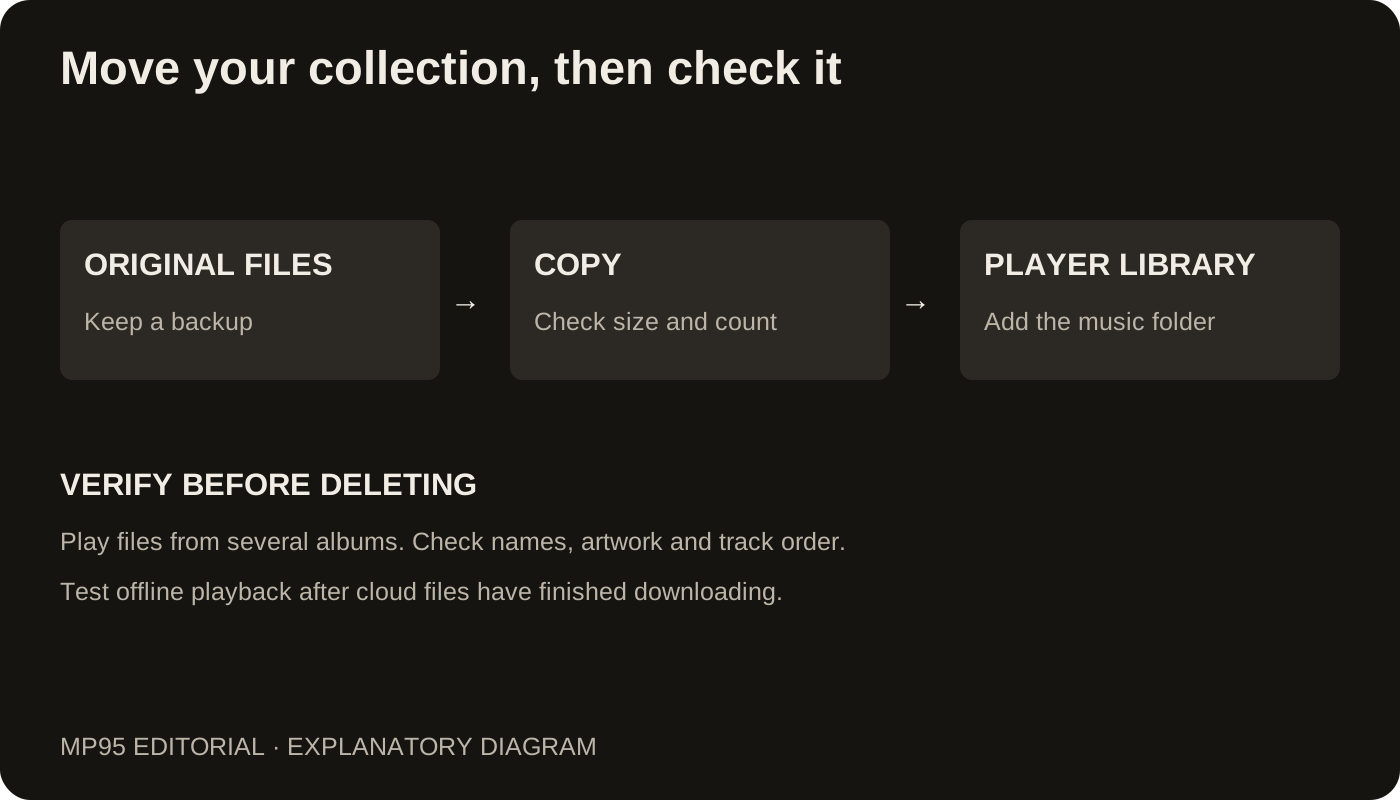
As a small diagnostic, copy one known-good MP3 into a regular Music folder in shared storage. Keep the original. If that copy appears, investigate the original location or format before moving an entire collection.
Search for the filename and the artist
The track may already be present under an unexpected album or artist. Search for the title, then check unknown-artist entries and the folder view. Compilation albums can be split when album-artist tags disagree. A folder named after an album does not guarantee the files contain that album tag.
Use our tag repair guide when files play but their names or grouping are wrong. Reinstalling a player does not repair metadata stored inside the audio.
Separate a missing listing from a playback failure
If a file appears but will not play, check the player's supported formats and test the same file on a computer. MP95's Android FLAC page describes its FLAC support; format support and permission to reach a file are separate questions.
If every file is absent, permissions or the source location deserve attention first. If one album is absent, compare its location and format with a working album. If only one track fails, compare it with the original copy.
Keep a useful record of the problem
Before clearing app data or reinstalling, note the affected file's extension, location, size, Android version and whether another player opens it. Save any playlists or other app data you need. Those details make a support report more useful than “my music disappeared” and help avoid destroying the evidence while troubleshooting.