Offline music player
Play your own music files offline, without ads or an account.
Learn moreFeature
Each machine has a widget: the cassette deck with its keys, the digital display, the click wheel with tappable zones. Progress and elapsed time are live; the rest stays parked, honestly.
Free to start · No account · No ads · Works offline
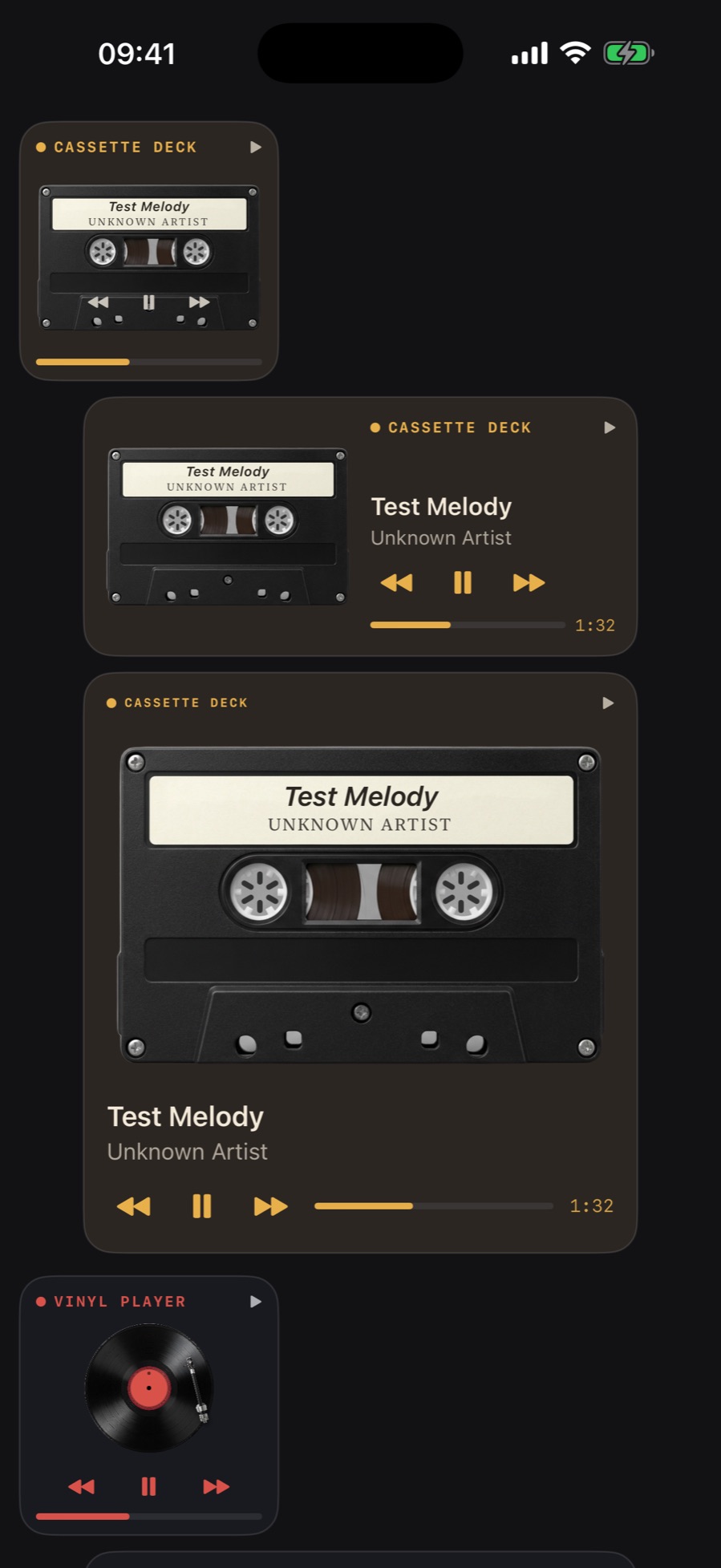
iOS widgets cannot animate, so MP95 does not pretend. The devices sit parked, and the only moving parts are the ones iOS renders live: the playhead and the elapsed time. Nothing steps every minute, nothing fakes a spectrum.
The cassette deck's keys, the glyphs on the digital display, the invisible zones on the click wheel (left for previous, right for next, bottom for play/pause): all of them control playback from the home screen on iOS 17 and later. Menu and the wheel centre open the app.
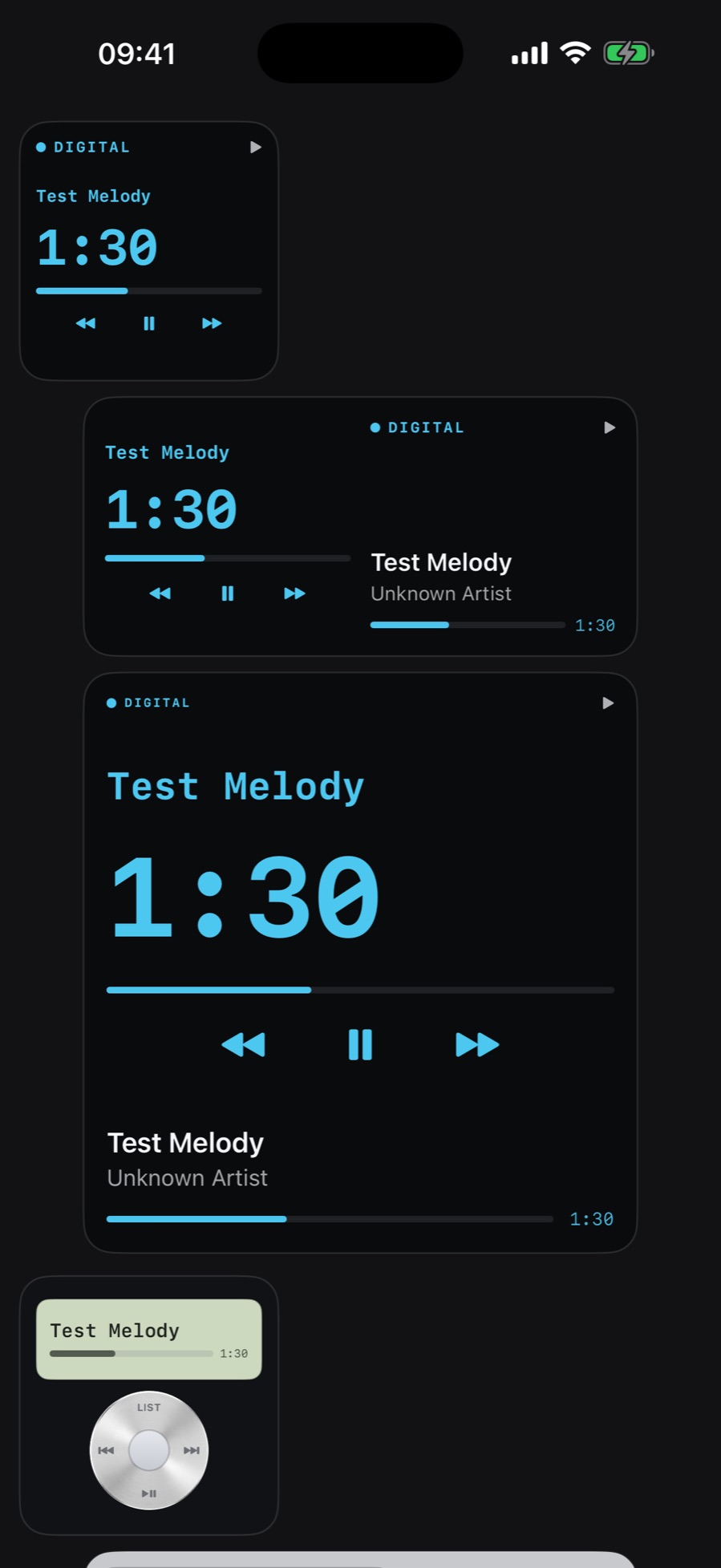
Small gives you a compact display and a large wheel. Medium puts the display beside the wheel. Large stacks them. Pick the machine you use and its widget matches.
No, by design. iOS does not allow animated widgets; MP95 shows the machines parked with a genuinely live playhead and elapsed time instead of a fake animation.
Yes, on iOS 17 and later: play/pause, previous and next are on every widget.
More features
Play your own music files offline, without ads or an account.
Learn moreTap the FX chip and the room behind the player answers the music: spectrum bars, a waveform, an aurora, a stream of light, a pulse, or full RGB.
Learn moreRoom Light drives the iPhone flashlight from the low-frequency envelope of the track.
Learn moreThe sound circles slowly around your head, about one revolution every eleven seconds, with the delay and shadowing your ears use to locate a real source.
Learn morePick the cassette deck and you hear tape.
Learn moreTen bands from 31 Hz to 16 kHz.
Learn moreMP95 is free to start. No account, no ads, no internet.