8D audio
The sound circles slowly around your head, about one revolution every eleven seconds, with the delay and shadowing your ears use to locate a real source.
Learn moreRetro hi-fi player · iPhone · Android · Mac
MP95 plays your own music files on six retro-style players. Explore FLAC and DSD support, a 32-bit processing path, optional analog effects and USB DAC settings. Offline playback, no account, no ads. Free on Android.
Free to start · No account · No ads · Works offline
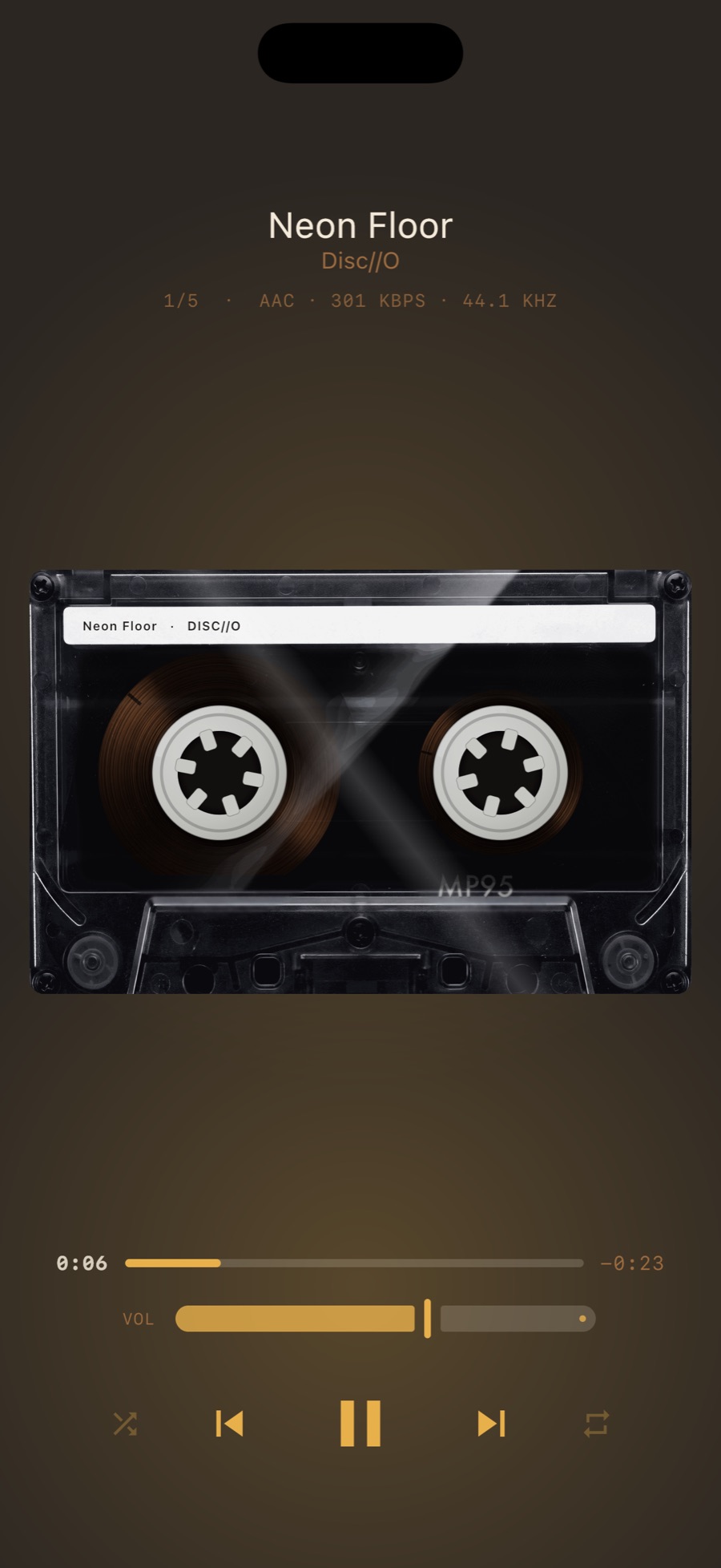
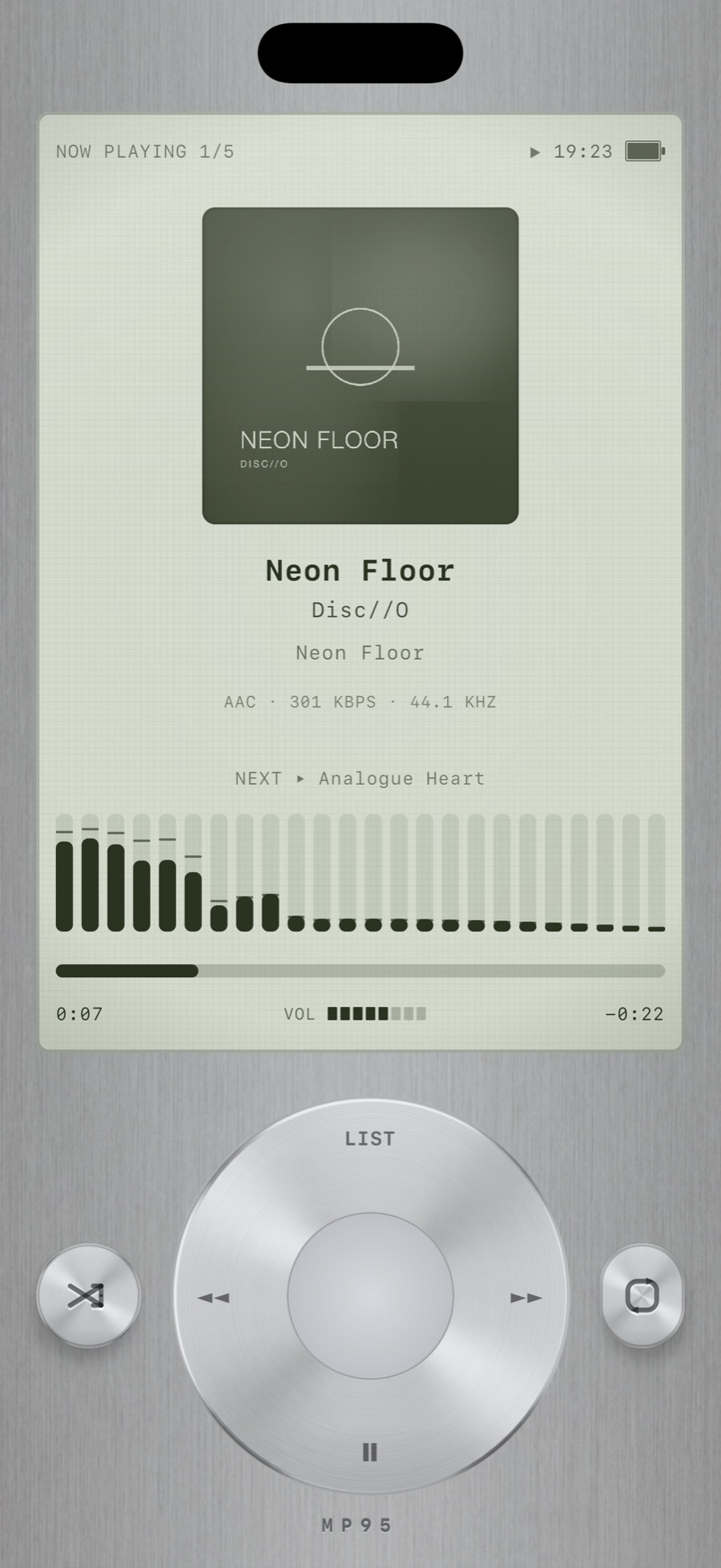
Six machines
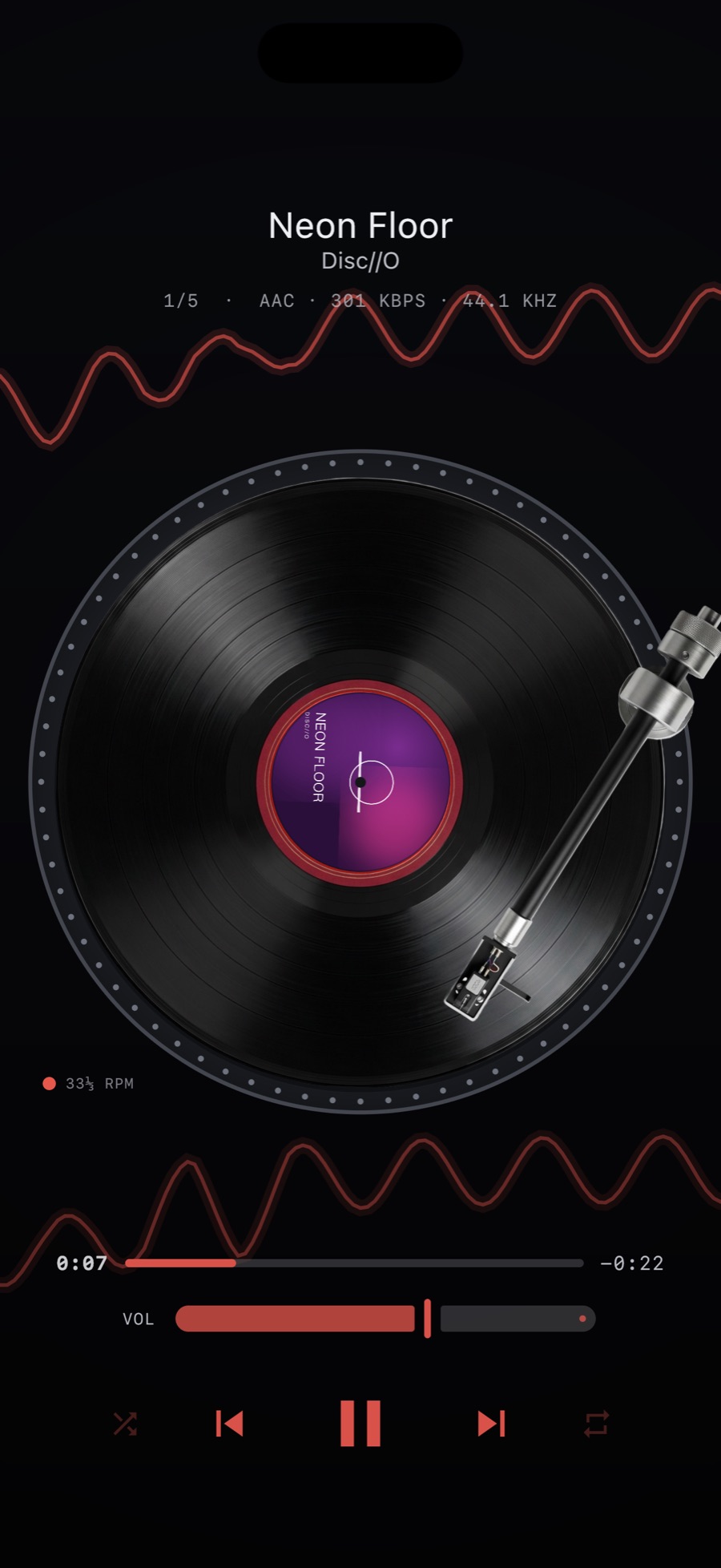
Nothing here is a photo of a real product. The app draws each machine, and a native DSP chain gives each one its sound: tape saturation and flutter on the cassette deck, crackle and rumble on the turntable, a clean wide reel machine. Swipe between them and the track never stops.
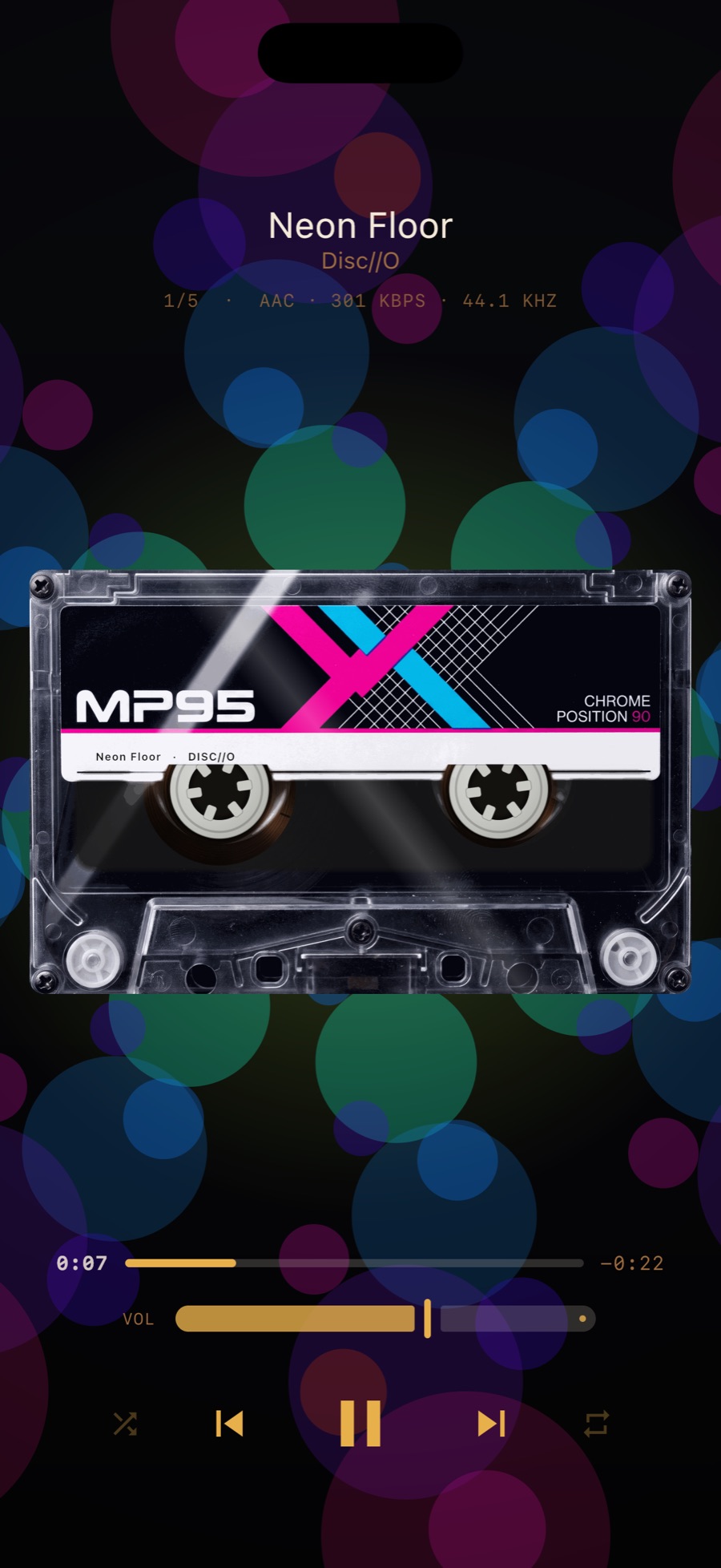
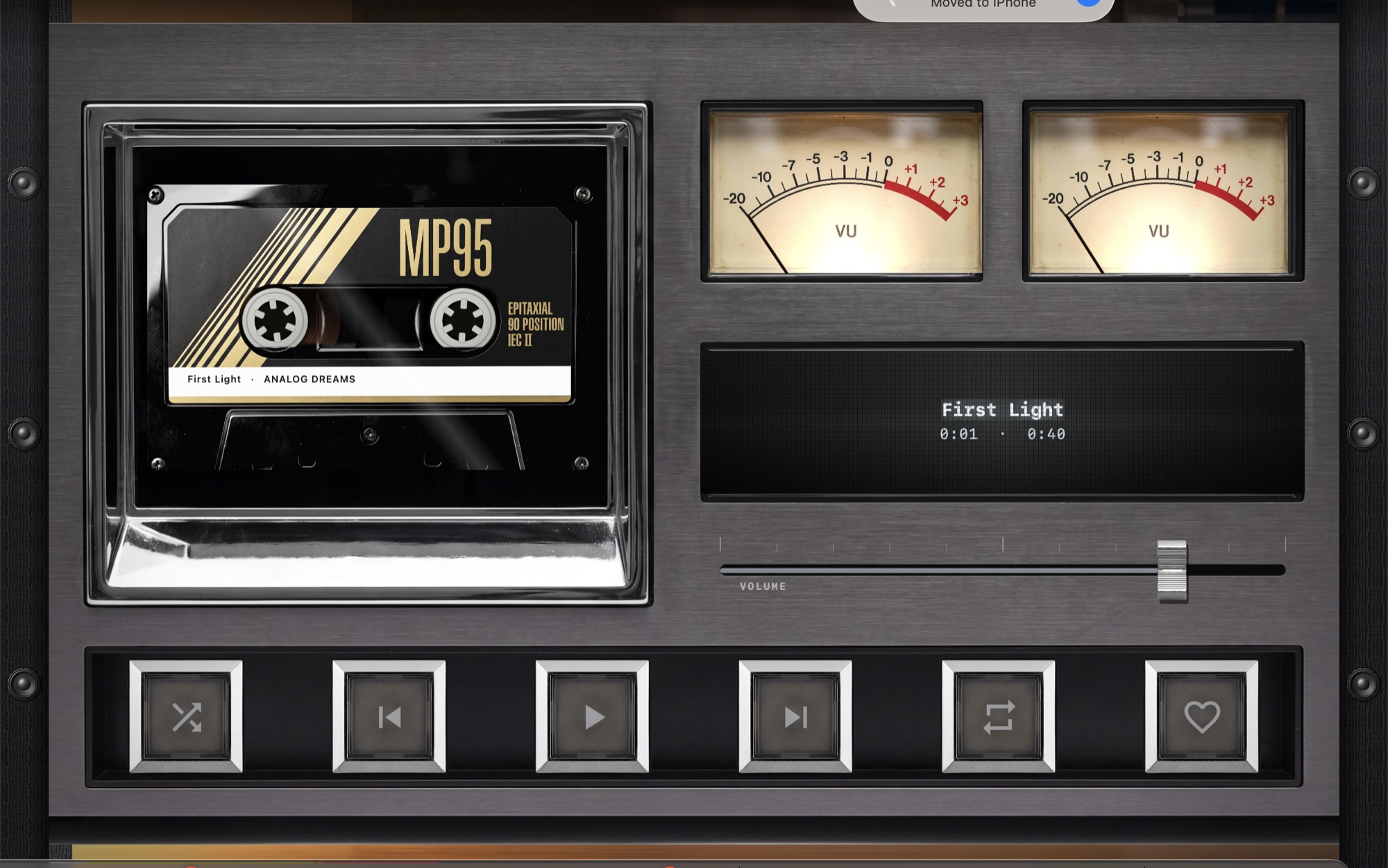
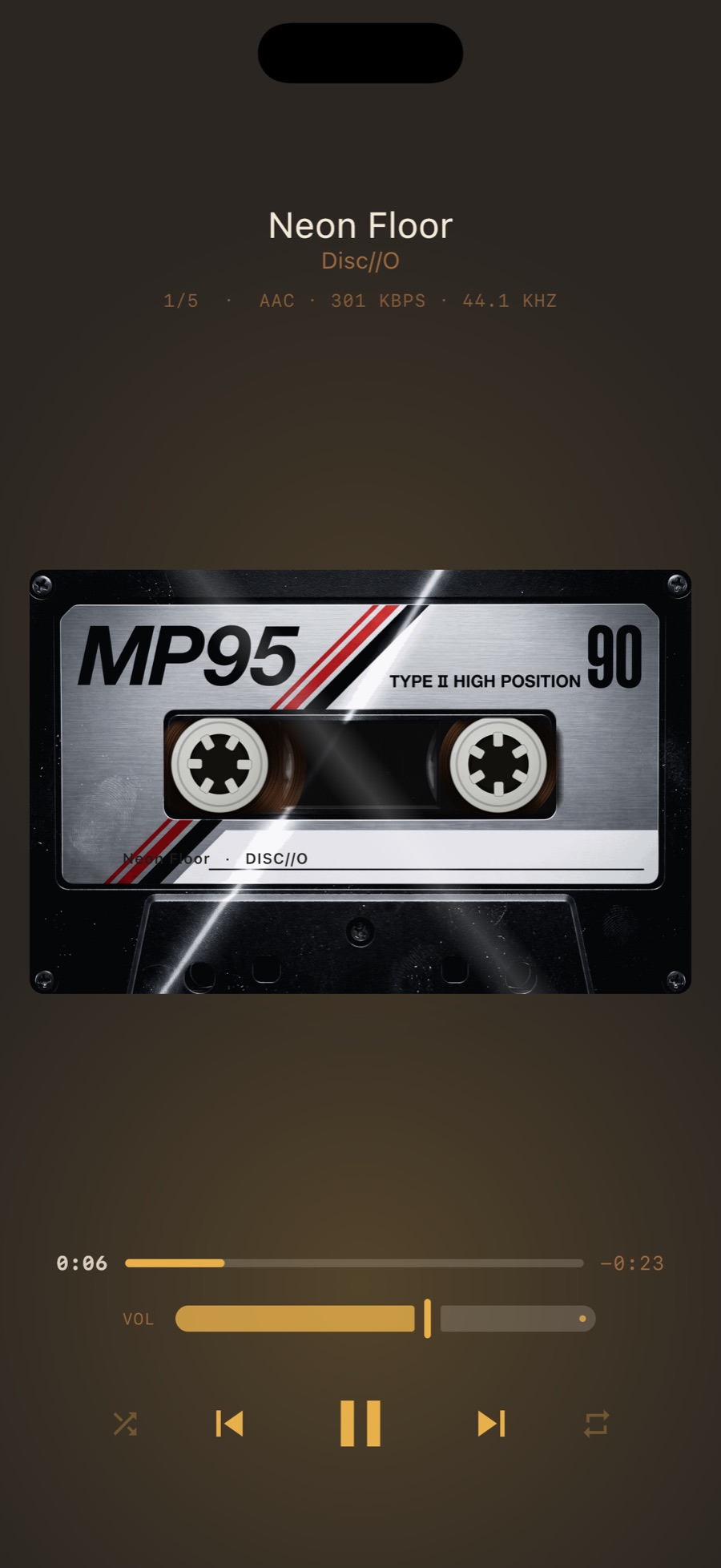
Your music on a compact cassette, label printed with the track name, reels turning behind the window.
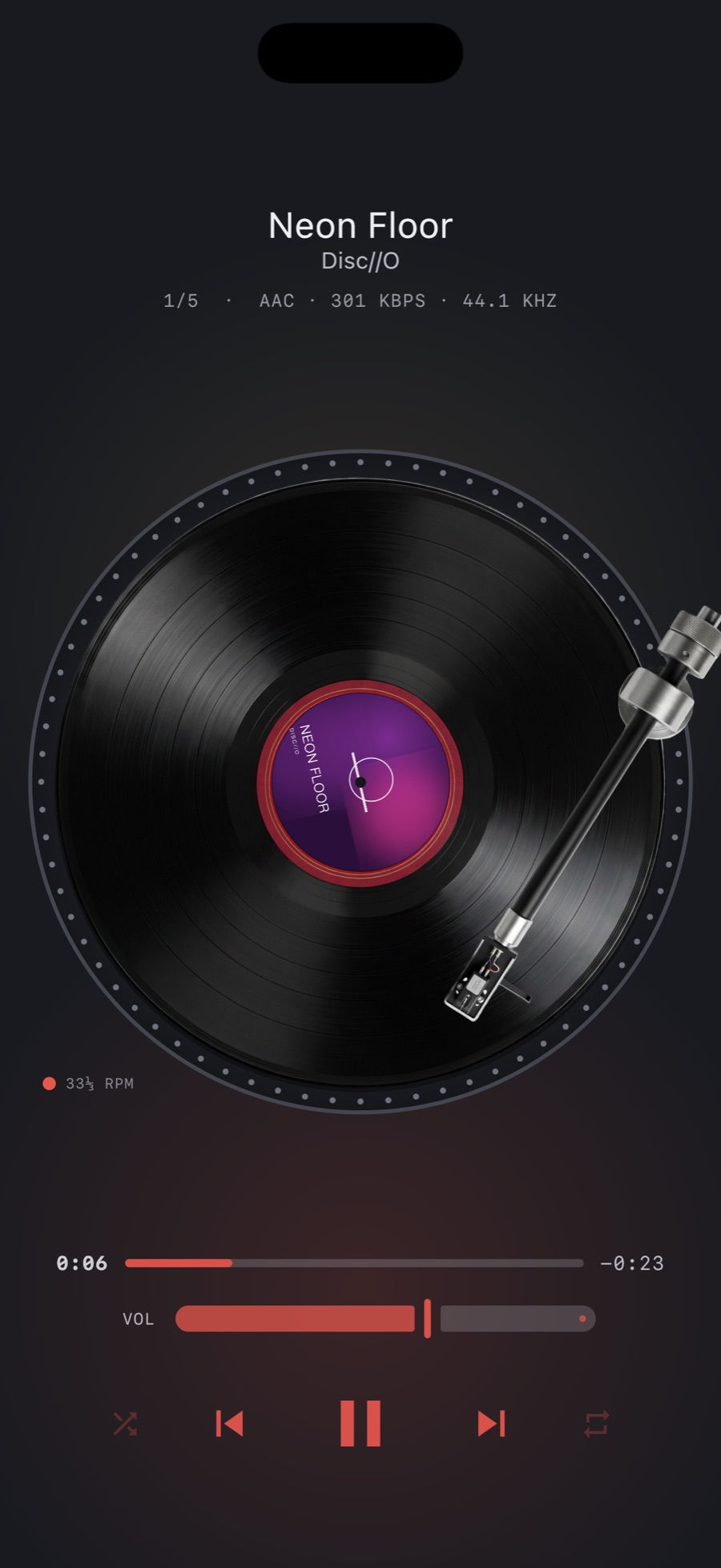
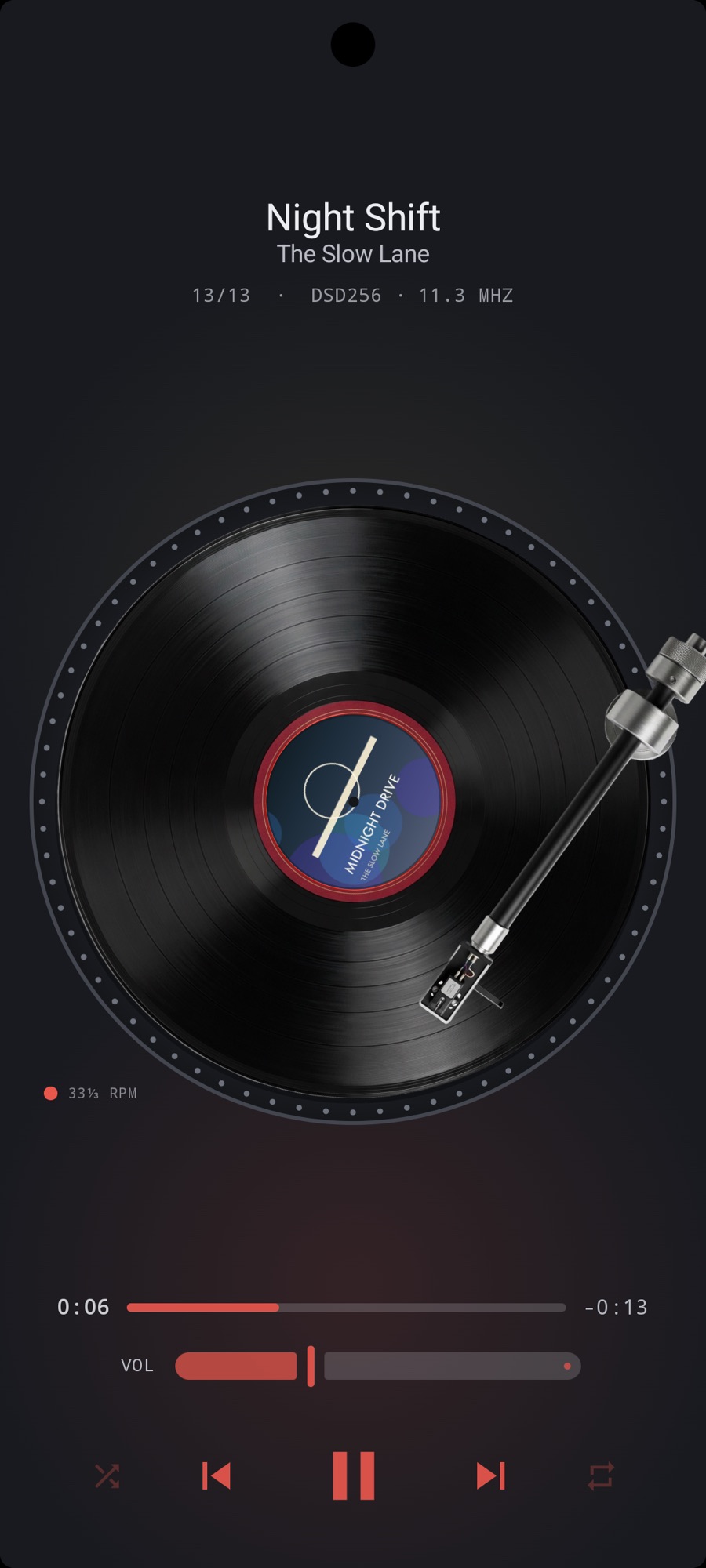
Your album art on the label, a tonearm that tracks inward as the side plays, and vinyl crackle and rumble you can dial in or switch off.
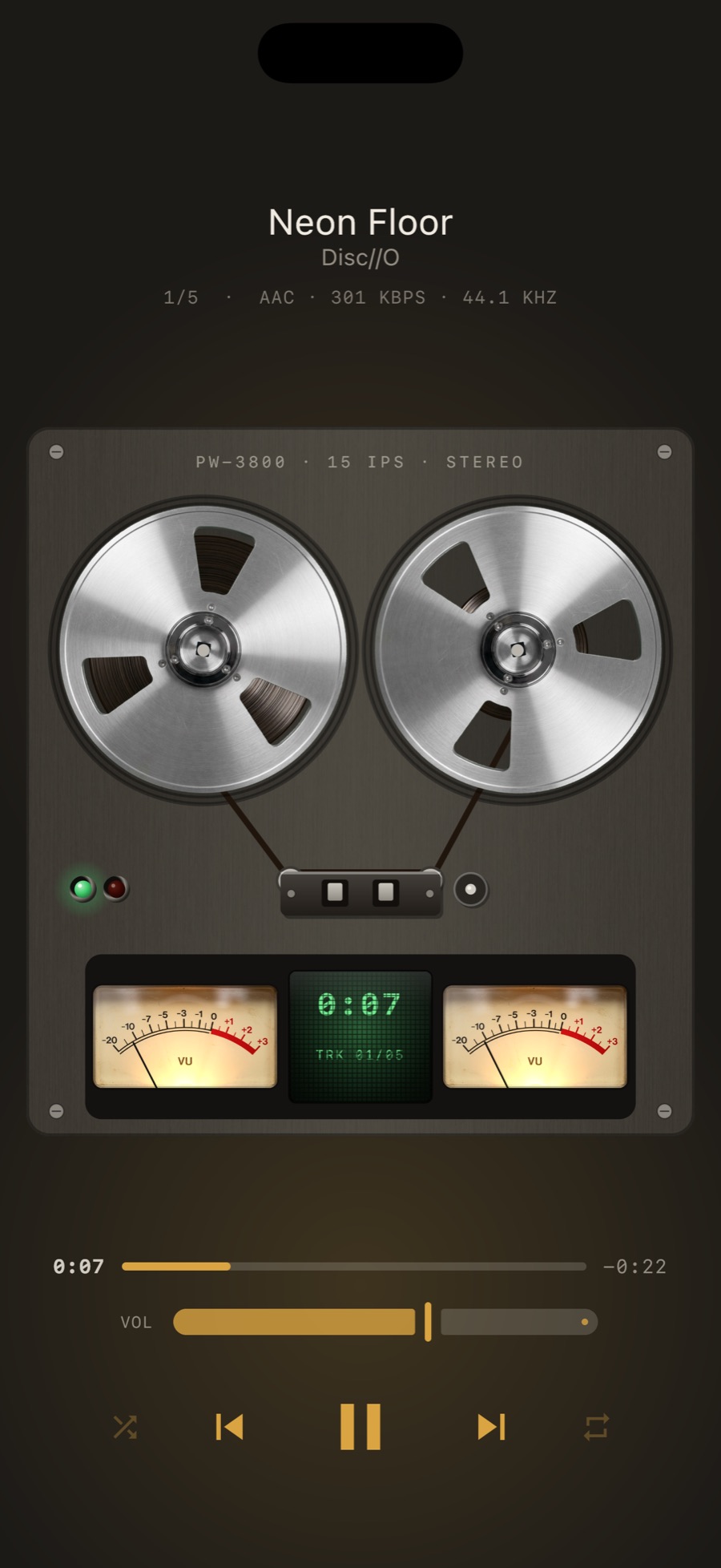
Two metal reels, tape running between them, twin VU meters with the ballistics of real meters, and a counter.
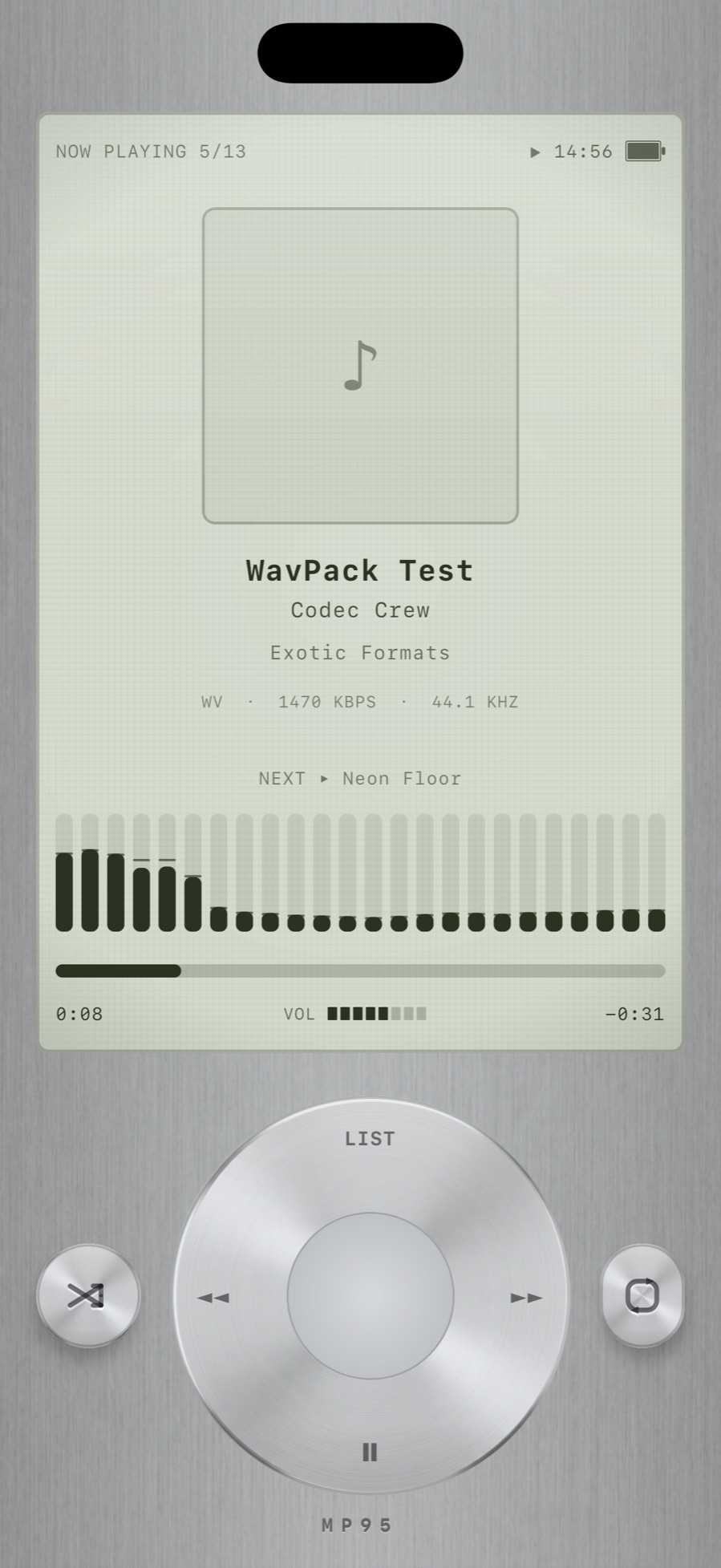
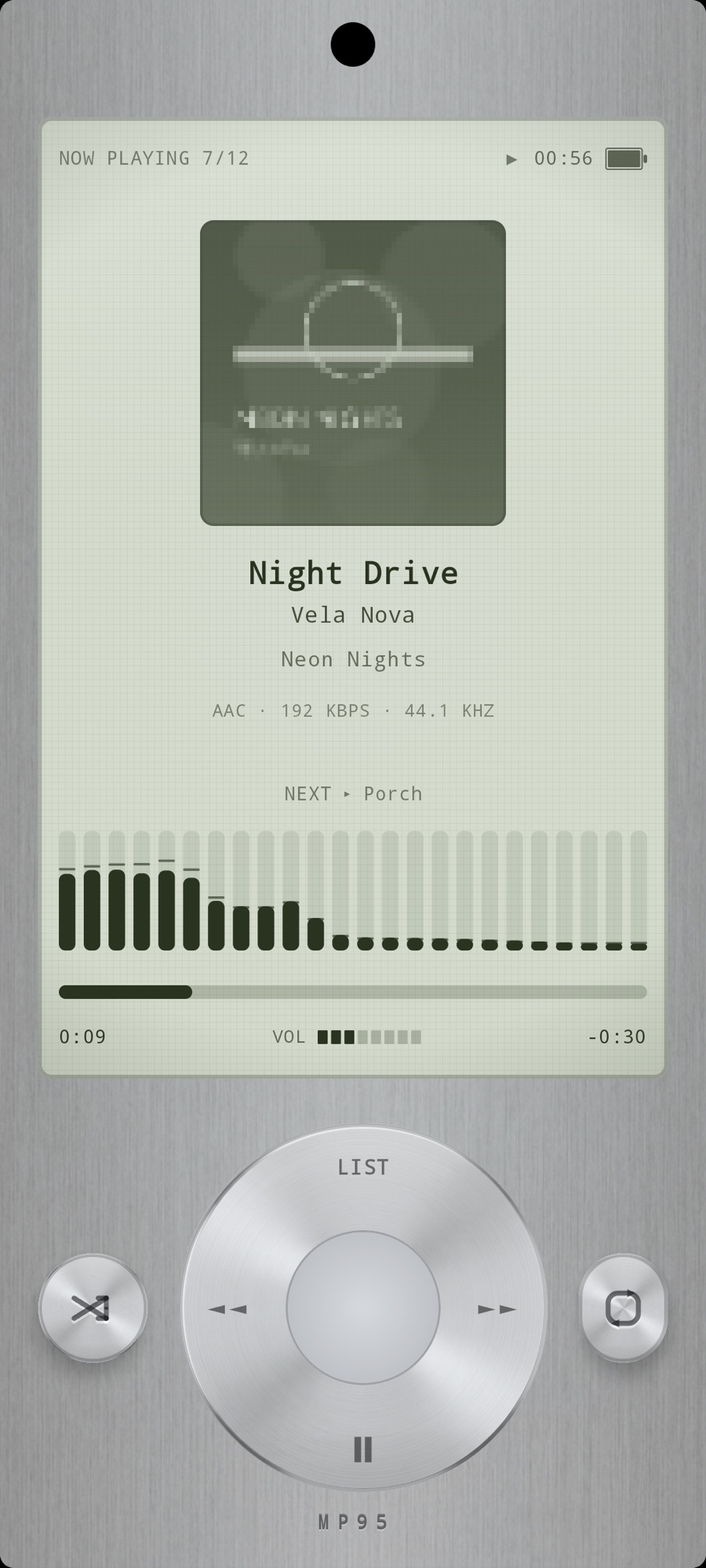
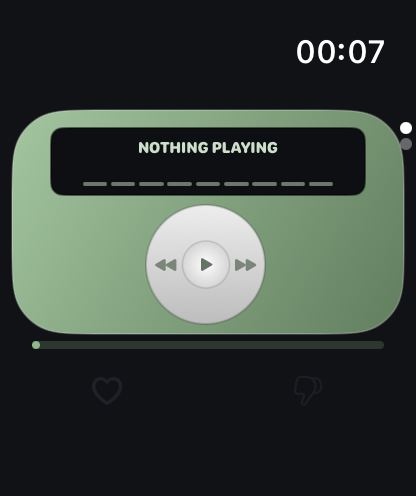
Bring the click-wheel experience to your iPhone: scroll with your thumb, browse albums and play your own music files offline.
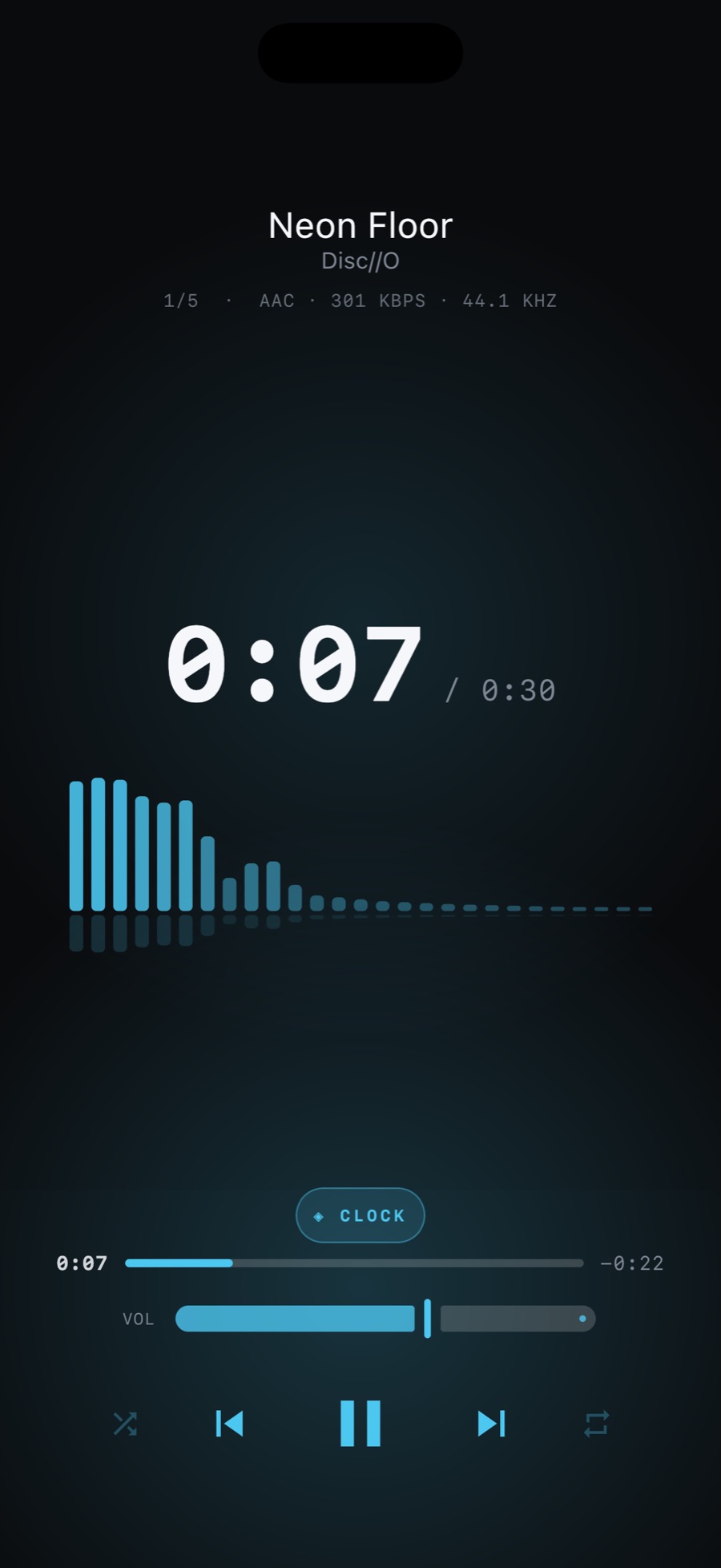
A dark display and nothing else.
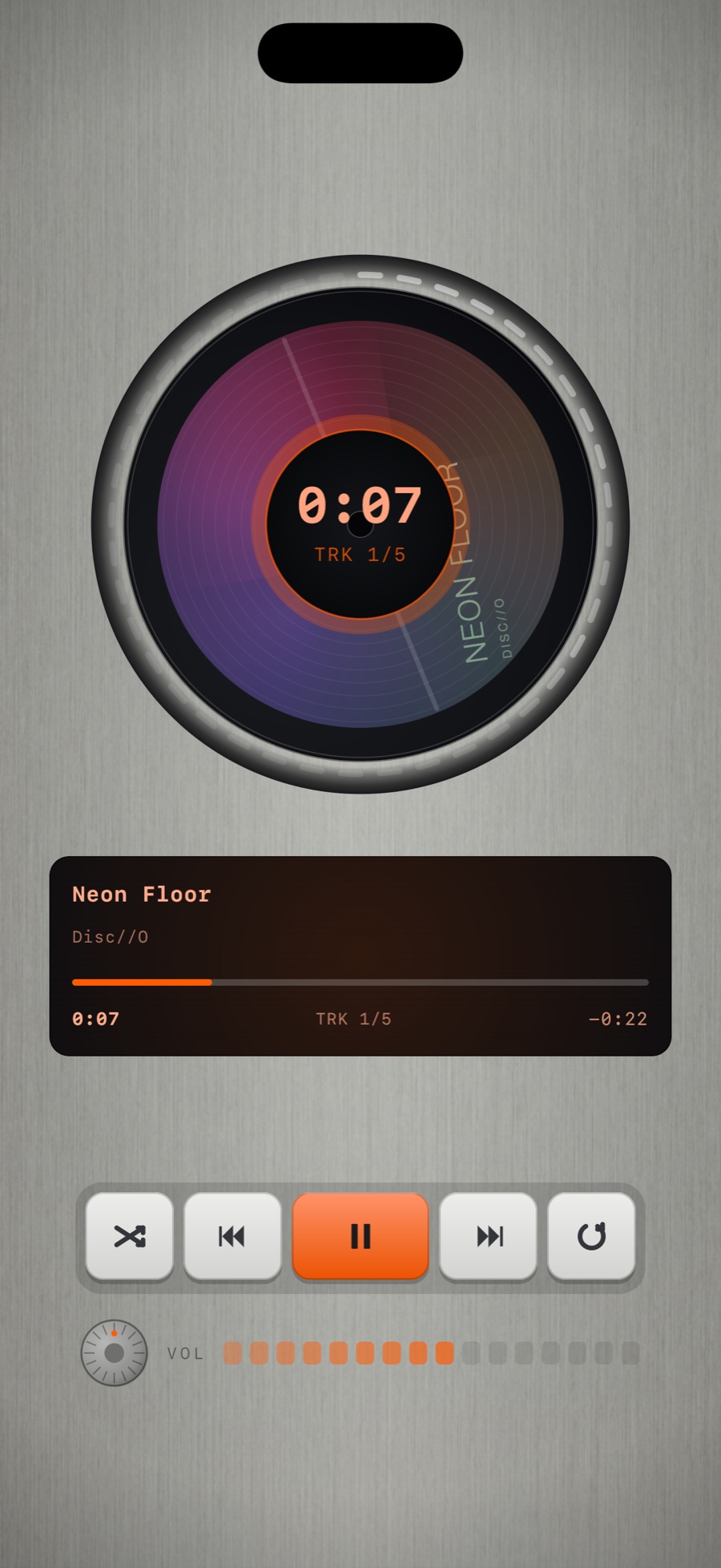
Your album on a spinning disc in a brushed-steel body.
The sound
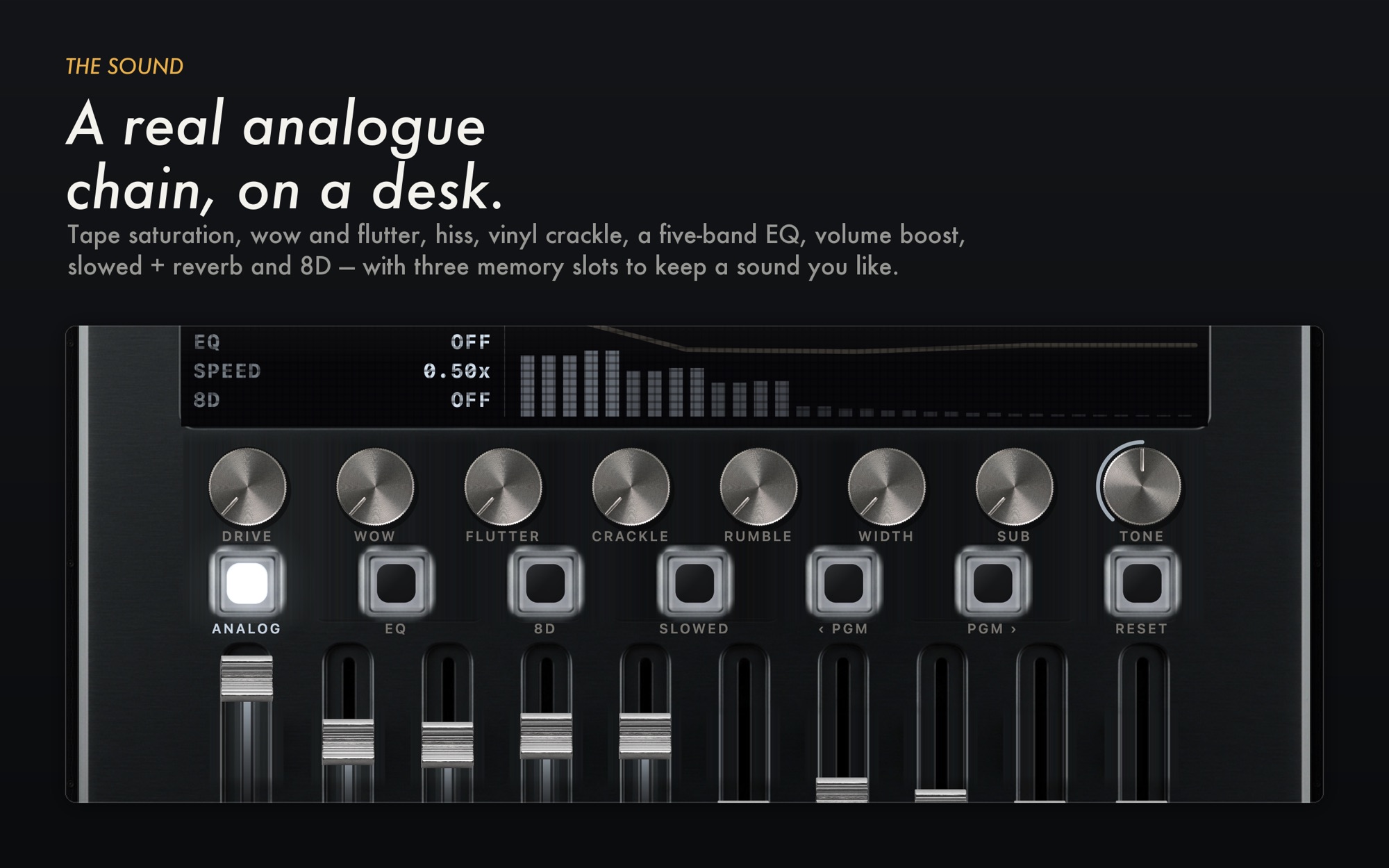
A real-time analog chain runs under every machine: tape saturation and drive, wow and flutter, hiss, vinyl crackle and rumble, a 10-band EQ, volume boost, stereo width, slowed + reverb and 8D audio. Fourteen programmes, three memory slots of your own, and one switch that bypasses all of it when you want the file untouched.
Hi-Fi
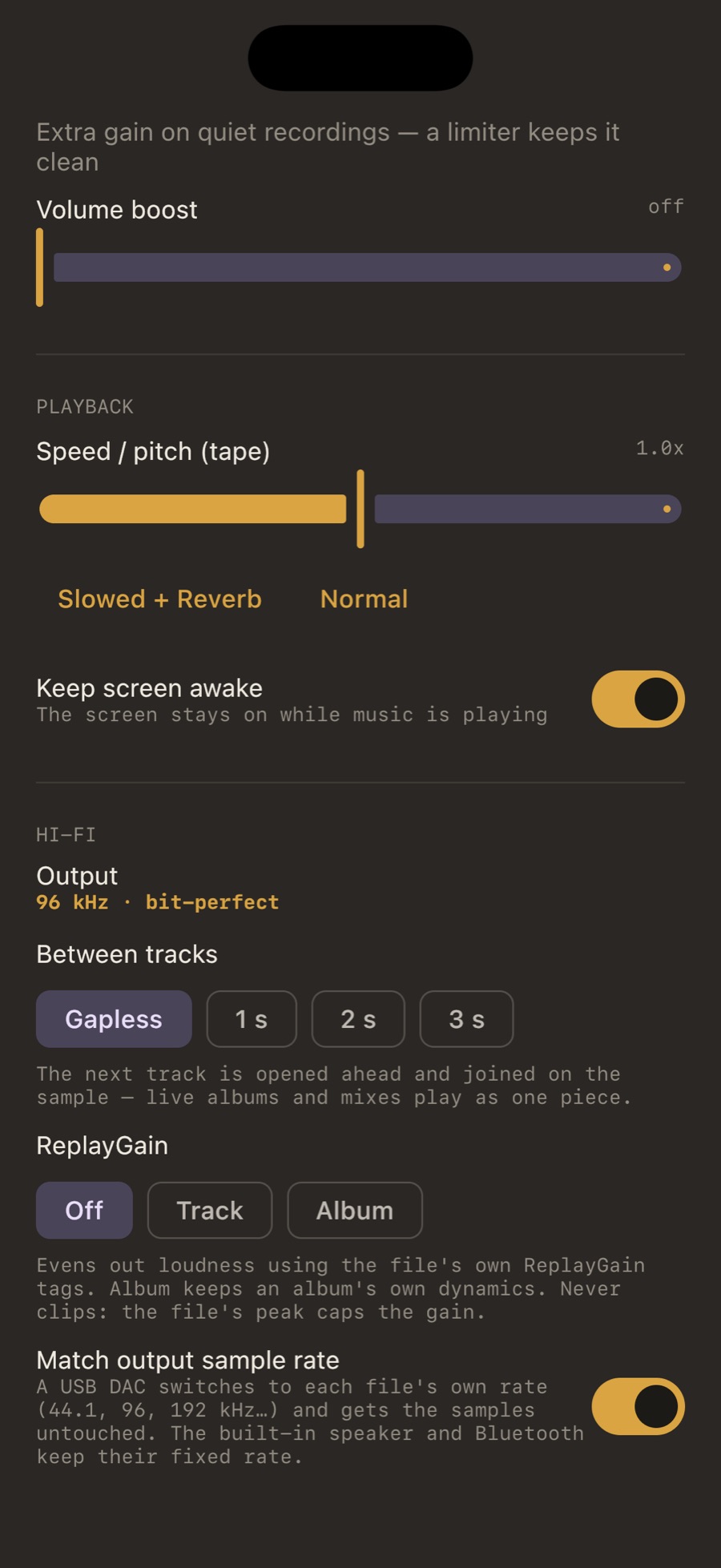
Decode and process in 32-bit float. Check source and output information, rate-matching settings and active effects. For unchanged output, the system route, device and volume controls matter too. Explore gapless, ReplayGain, a 10-band EQ, AutoEQ profiles and bs2b crossfeed.
The Hi-Fi path · USB DAC · AutoEQ · Crossfeed · Specs
35+ codecs
FLAC, ALAC, WAV, AIFF, MP3, AAC, Ogg, Opus, APE, WavPack, TTA, TAK, Musepack, WMA, DSF and DFF, AC-3, DTS, TrueHD and the files that outlived their software: 49 file types, the same list on iPhone, Android and Mac. Every machine prints what it is playing.
All formats · DSD · APE · WavPack
Your files, offline
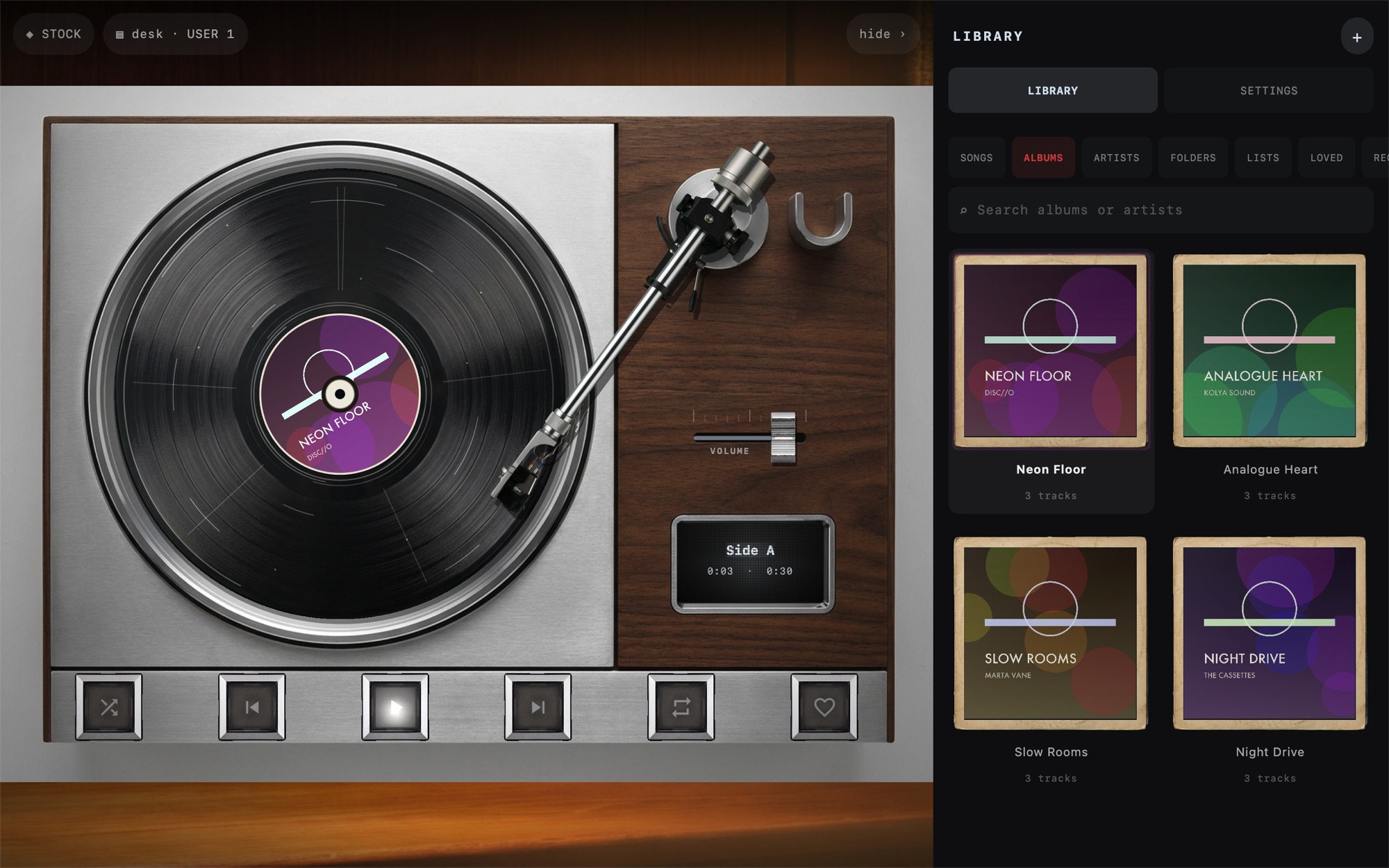
Bring your own music folders or compatible files from a computer. Adding a folder and opening an individual shared file use different import routes; some routes create copies. Download cloud files before listening offline and keep a separate backup of your originals.
Light
Tap the FX chip and the backdrop follows the track: spectrum bars, a waveform, an aurora, a stream of light, a pulse or RGB. The digital player has six displays of its own. On the Mac, thirteen rooms with lamps that breathe on the beat.
Room Light makes a supported device’s torch respond to music playing in MP95. Read the in-app warning before enabling changing light.
iPhone · iPad · Android · Mac · Apple Watch
Choose the interface and supported file formats for your device. MP95 is free on Android; on Apple, one MP95 Pro purchase covers iPhone, iPad and Mac. The Apple Watch app is a remote for the iPhone.
Features
The sound circles slowly around your head, about one revolution every eleven seconds, with the delay and shadowing your ears use to locate a real source.
Learn morePick the cassette deck and you hear tape.
Learn moreTen bands from 31 Hz to 16 kHz.
Learn moreThe slowed switch drops the speed of the machine and adds a room.
Learn moreFLAC, ALAC, WAV, AIFF, AAC, MP3 and CAF, played from where they sit.
Learn moreEach machine has a widget: the cassette deck with its keys, the digital display, the click wheel with tappable zones.
Learn moreThe stock cassette is free.
Learn moreRecords as sleeves, cassettes in cases, discs in boxes.
Learn moreFree on Android. On iPhone, iPad and Mac the cassette deck and turntable are free forever; MP95 Pro opens the rest with one purchase.
Guides
Find the audio behind an old iTunes library, preserve a backup and move playable files to MP95. What happens to artwork, playlists and ratings.
How-toSeparate background playback problems from missing files, Bluetooth changes and an empty queue. A practical checklist for local music on iPhone.
How-toKeep multi-disc albums in sequence and separate different recordings in MP95. A practical guide to disc numbers, track tags and classical library limits.
How-toFind the original library or backup before moving old iPod music to iPhone. Understand purchase transfers, missing CD rips and what MP95 can play.
A music player for iPhone, iPad, Android, Apple Watch and Mac that plays your own files on six retro machines: a cassette deck, a turntable, a reel-to-reel, a digital display, an iPod-style click wheel and a disc player. Each one changes the sound as well as the look, through a real-time analog chain.
On Android, everything is free. On iPhone, iPad and Mac the cassette deck and the turntable are free forever with your whole library, the Hi-Fi path and offline playback; MP95 Pro unlocks the other four machines, the extra cassette shells, crossfeed and 8D audio, as a subscription or a one-time lifetime purchase. See pricing.
Streaming, no. MP95 plays music files you own in 35+ codecs, and on iPhone it imports the songs you own from the Music library. It has no network access at all.
Yes, when the actual audio files are stored locally and accessible. Download cloud-only files first. MP95 does not require its own account for local playback.
Compare the particular edition, file workflow, audio features and payment terms. MP95 offers retro interfaces and optional analog effects for your local files. See the comparison.
Yes, and it is free: every machine, the Hi-Fi path, DSD and the rare formats. MP95 for Android.
MP95 provides a 32-bit processing path, optional effect bypass and output information. Bit-perfect delivery depends on the full route, settings and output device, not only a file label. The Hi-Fi path.