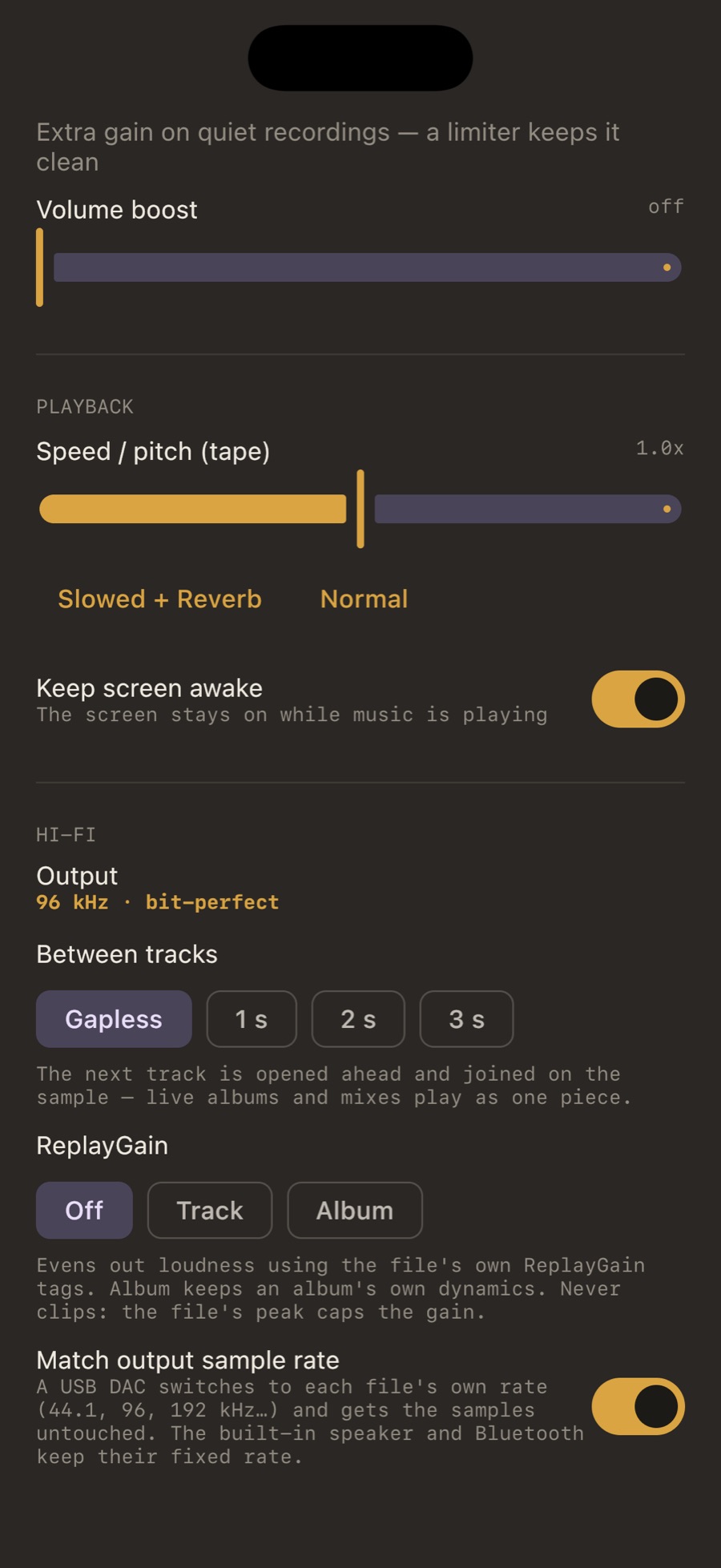
Track or album
Track brings every song to the same loudness: right for shuffle and mixed playlists. Album moves a whole album by one amount, so a quiet intro stays quieter than the loud single: right for listening to albums. If a file has only a track value, album mode uses it. Off is off: the samples are untouched and the path can stay bit-perfect.
The peak is the ceiling
ReplayGain tags carry the file’s peak as well as its gain. MP95 never raises a track further than its peak allows, so a quiet track is lifted without clipping. When the gain is positive and the peak leaves no room, the limiter steps in; when the gain is negative, no limiter is needed at all.
Where the tags come from
MP95 reads the tags; it does not scan files to create them. foobar2000, dBpoweramp, beets, Picard and most rippers write them. The tag is read from the file header, for every format MP95 plays, including the rare ones through FFmpeg.
Frequently asked questions
Does MP95 support Apple’s Sound Check?
No, it reads ReplayGain tags, which work the same way on iPhone, Android and Mac.
Does ReplayGain break bit-perfect?
Yes, any gain other than zero changes the samples. The Output line will say “processed: ReplayGain”.