Music visualizer
Tap the FX chip and the room behind the player answers the music: spectrum bars, a waveform, an aurora, a stream of light, a pulse, or full RGB.
Learn moreFeature
MP95 has no reason to go online, so it does not. No account, no ads, no telemetry, no streaming. Your files play from your device on six retro machines.
Free to start · No account · No ads · Works offline
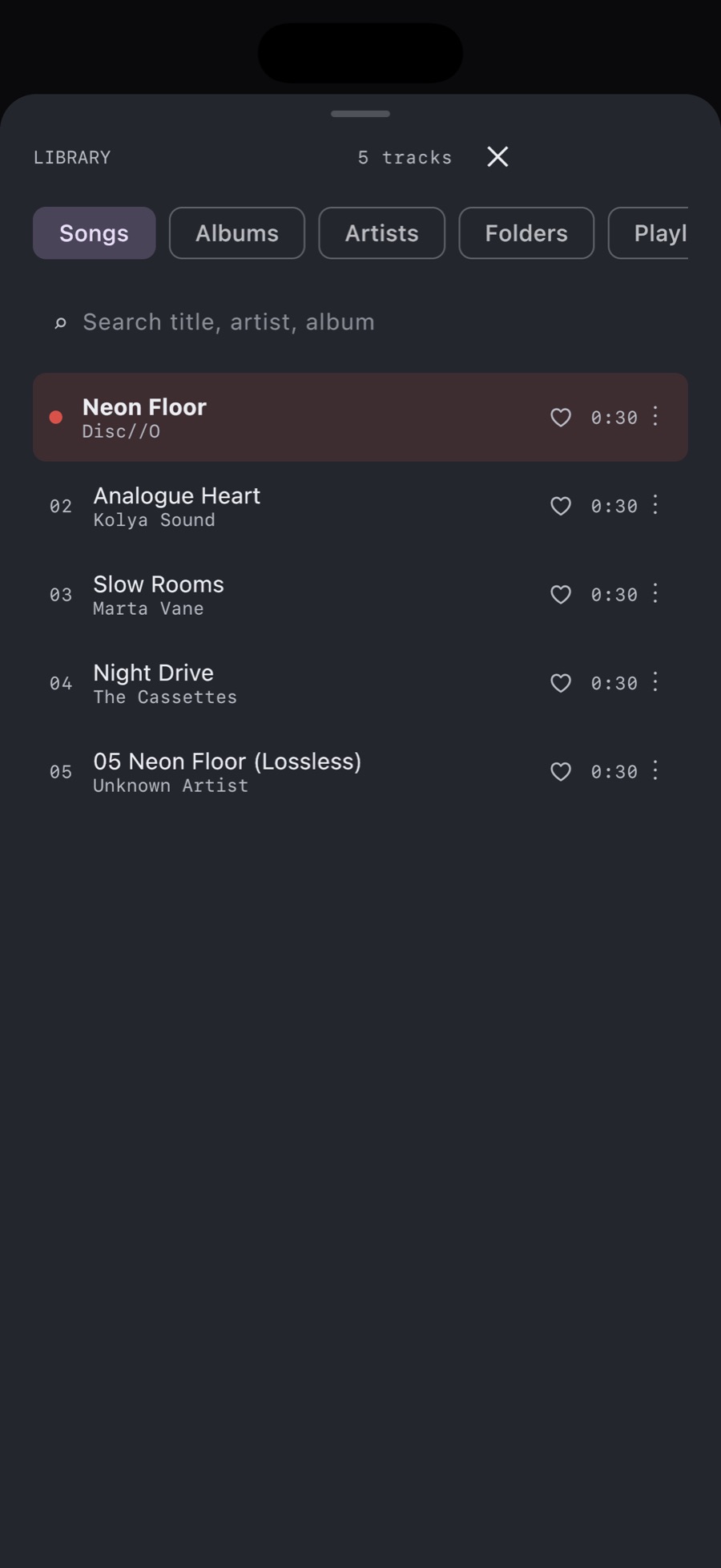
Most "offline" players still phone home for analytics, ads or licence checks. MP95 does none of that. The app has no network permission, so it cannot upload your library, cannot show ads and cannot break when you lose signal. On a plane, in the metro, in a basement: the music plays.
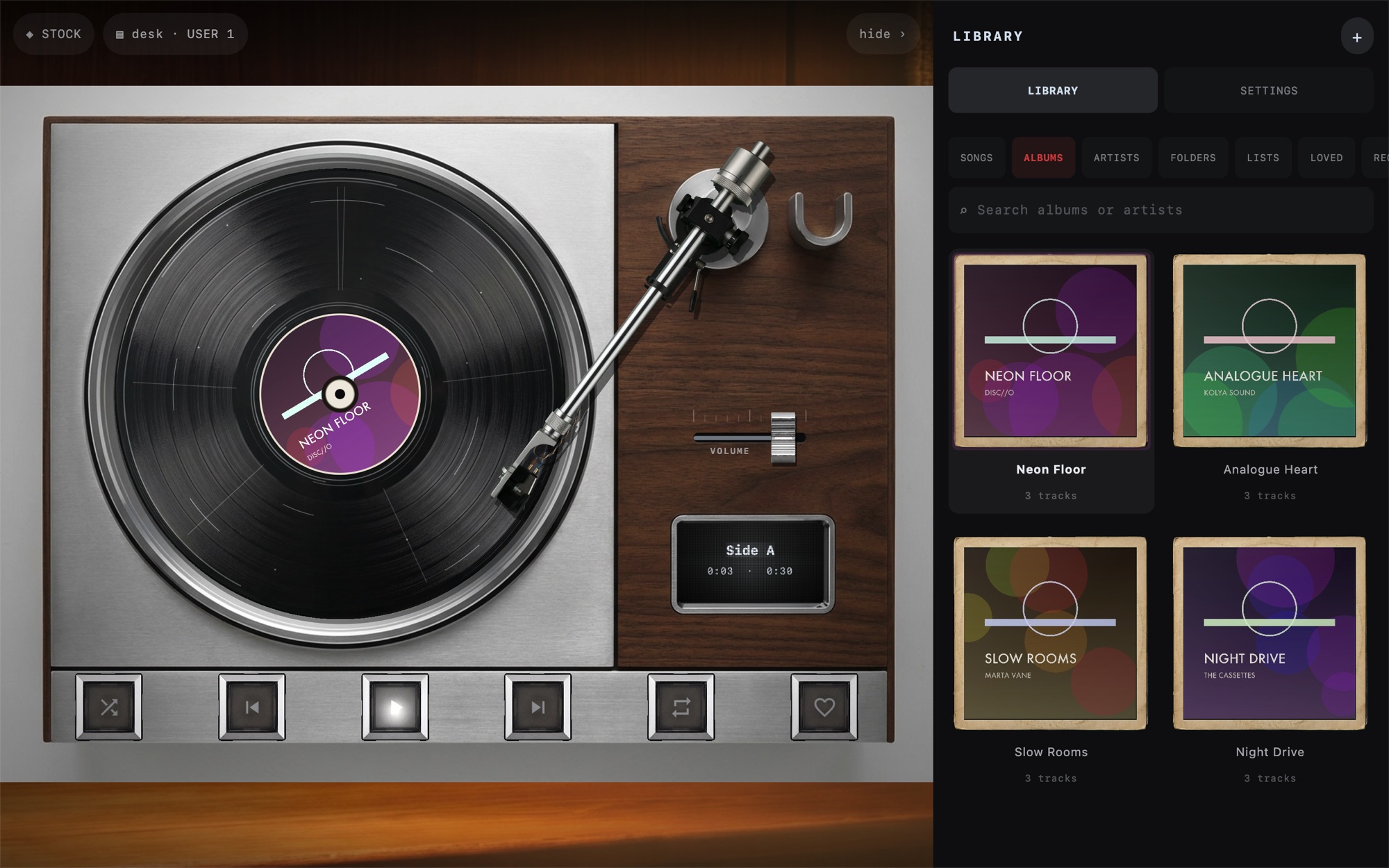
Import the songs you own from the Music app library with one tap. Add a folder from the Files app (iCloud Drive, Dropbox, Google Drive, OneDrive, an SMB share or NAS, a USB drive) and MP95 reads it in place: nothing is copied, nothing is converted. AirDrop an album from a Mac, or drop files into the MP95 folder over a cable with Finder. Remove a folder and your playlists and favourites for the other tracks are untouched.
Read the guide: how to add music files to an iPhone without iTunes.
MP3, FLAC, ALAC, AAC (M4A), WAV, AIFF and CAF. Lossless files play bit-for-bit, and the display tells you the format, bitrate and sample rate of what is playing.
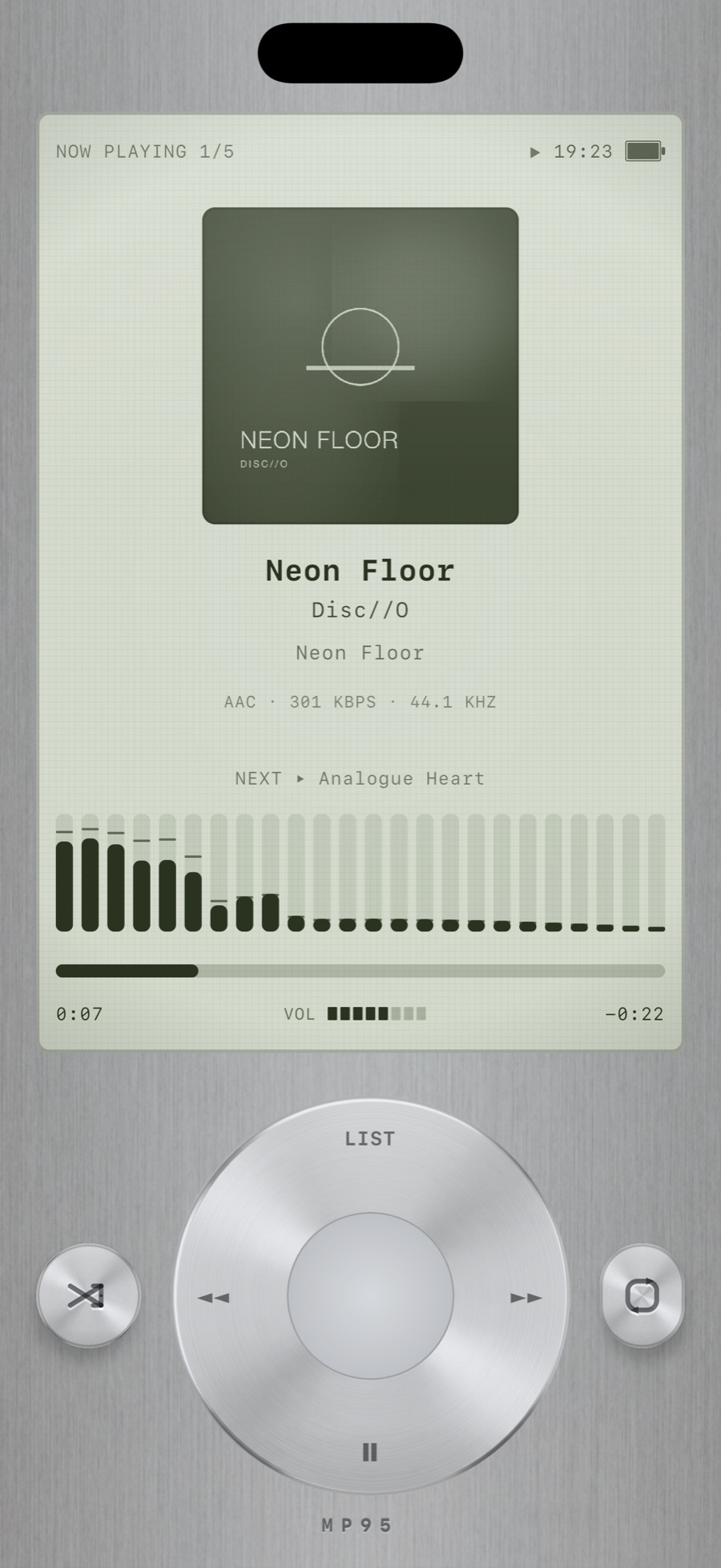
Songs, albums, artists, folders, playlists, favourites and recents, with search inside each tab. Albums are shown as sleeves, boxes and cases. The library opens where the music you are playing came from, not at the top of a list. See the library.
The cassette deck and turntable are free with your whole library and offline playback. MP95 Pro unlocks the other four machines, the full analog chain and every visualizer, and one purchase covers iPhone, iPad and Mac. See pricing.
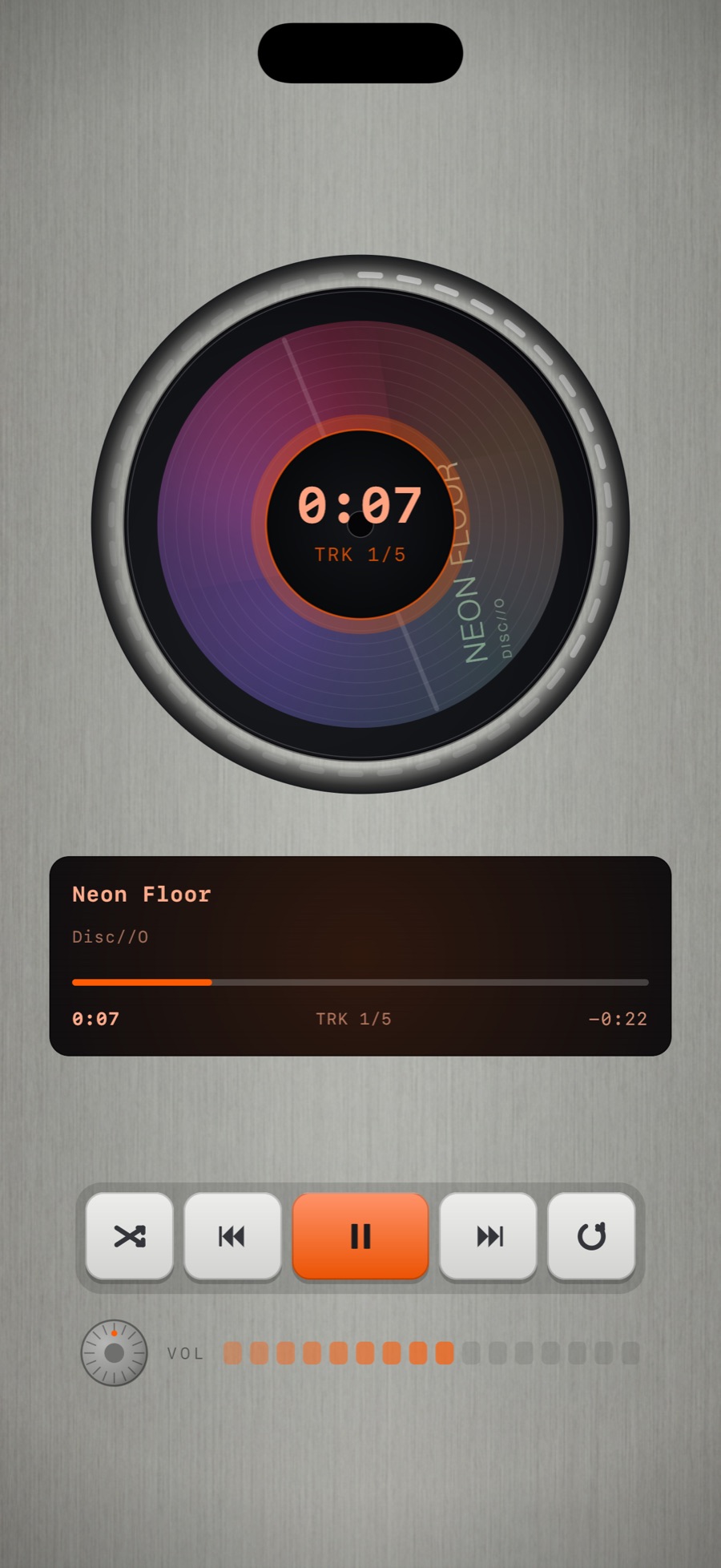
Never. The app has no network access. Purchases are handled by the App Store, not by the app.
No. Streaming services do not allow third-party players. MP95 plays files you own: purchased songs, ripped CDs, Bandcamp downloads, DJ pools, your own recordings.
Not for the free features. MP95 Pro is available yearly, monthly, weekly or as a one-time lifetime purchase.
No. There are no accounts, no analytics SDKs and no servers. Read the privacy policy.
More features
Tap the FX chip and the room behind the player answers the music: spectrum bars, a waveform, an aurora, a stream of light, a pulse, or full RGB.
Learn moreRoom Light drives the iPhone flashlight from the low-frequency envelope of the track.
Learn moreThe sound circles slowly around your head, about one revolution every eleven seconds, with the delay and shadowing your ears use to locate a real source.
Learn morePick the cassette deck and you hear tape.
Learn moreFive bands, a bass and treble tilt, volume boost, stereo width and fourteen programmes.
Learn moreThe slowed switch drops the speed of the machine and adds a room.
Learn moreMP95 is free to start. No account, no ads, no internet.