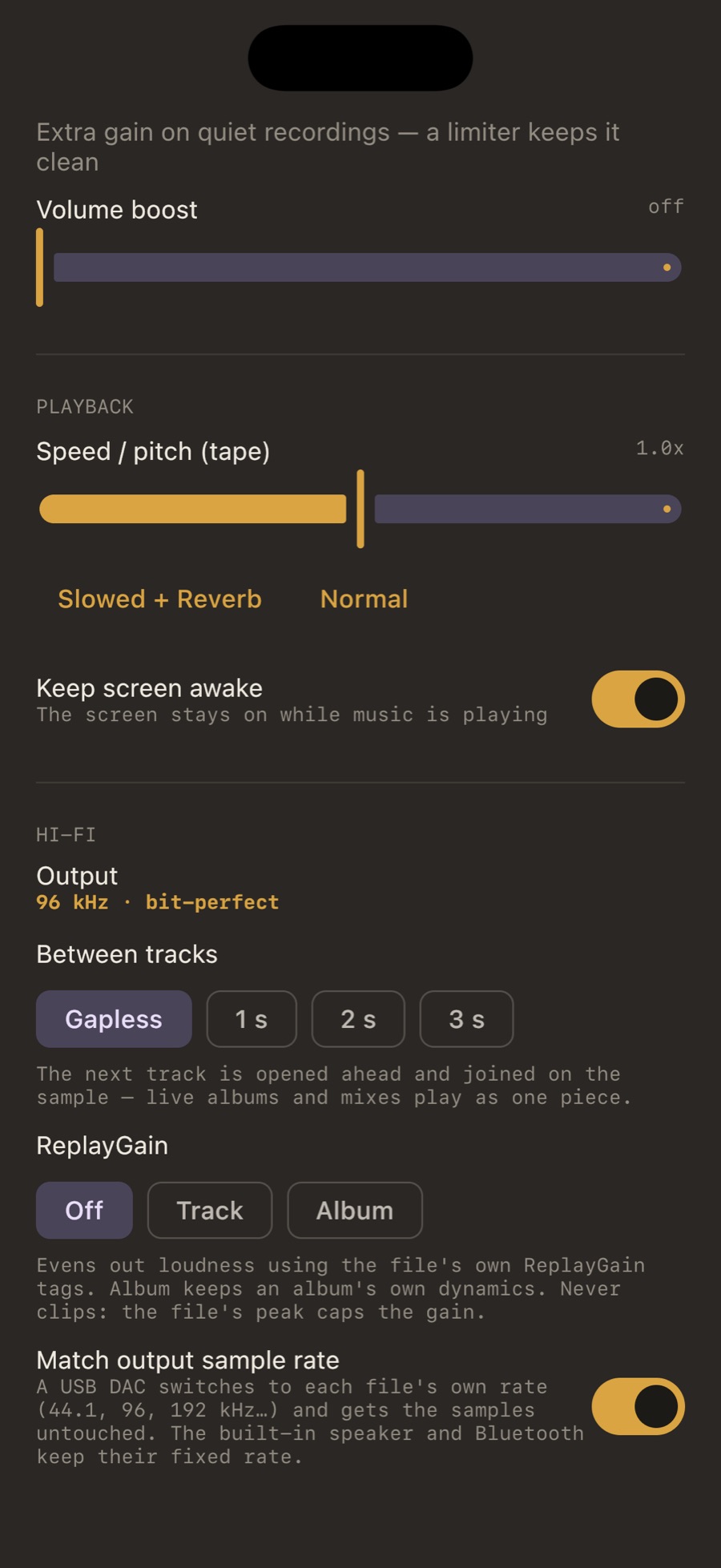
Why the rate matters
Phones and computers run their audio at one fixed rate, usually 48 kHz. A 44.1 kHz file played into a 48 kHz system is resampled before it reaches the DAC. Good resamplers are nearly inaudible, but the file is no longer what reaches your converter, and a DAC with its own filters never gets to use them on the original. Matching the rate removes that step.
iPhone and iPad
Turn on Match output sample rate in Settings → Sound → Hi-Fi. MP95 asks the audio session for each file’s rate and rebuilds the path when it changes. A DAC plugged in mid-song is picked up without stopping the engine. The built-in speaker and Bluetooth keep their fixed rate: that is the hardware, and the Output line will say “resampled”.
Android
On Android 14 and later, MP95 asks the system to run the mixer for your USB DAC at the file’s rate, using the mixer attributes the DAC reports as supported. The path to it is 32-bit float, and 24-bit sources keep all 24 bits. Below Android 14 the mixer’s rate is the system’s, and MP95 plays into it cleanly.
Mac
MP95 sets the output device to the file’s rate through Core Audio, choosing only from the rates the device lists, and puts the original rate back when you quit or switch the setting off. The Mac’s output line is 24-bit. Volume is the Mac’s own; a DAC with no hardware volume gets macOS’s digital one, and MP95 names it.
Tested with a real DAC
Rate switching was checked on a USB DAC on iPhone, Android and Mac, not only in simulators. The Output line in the app reports what the device actually accepted, so you can check your own.
Frequently asked questions
Does MP95 work with any USB DAC?
Any class-compliant USB audio device the system recognises: dongles, desktop DACs, DAC/amps. On iPhone with Lightning you need Apple’s camera adapter or a Lightning DAC; USB-C iPhones and iPads take USB-C DACs directly.
My DAC shows 48 kHz for every track.
Check that “Match output sample rate” is on and that the DAC lists the file’s rate. Some dongles top out at 48 kHz. On Android, rate switching needs Android 14 or later.
Is there an exclusive or hog mode on the Mac?
MP95 switches the device rate and uses the system volume, but it does not take exclusive ownership of the device; other apps can still play.