Offline music player
MP95 has no reason to go online, so it does not.
Learn moreFeature
FLAC, ALAC, WAV, AIFF, AAC, MP3 and CAF, played from where they sit. The display shows the format, bitrate and sample rate, and a FLAC badge when the file is lossless.
Free to start · No account · No ads · Works offline
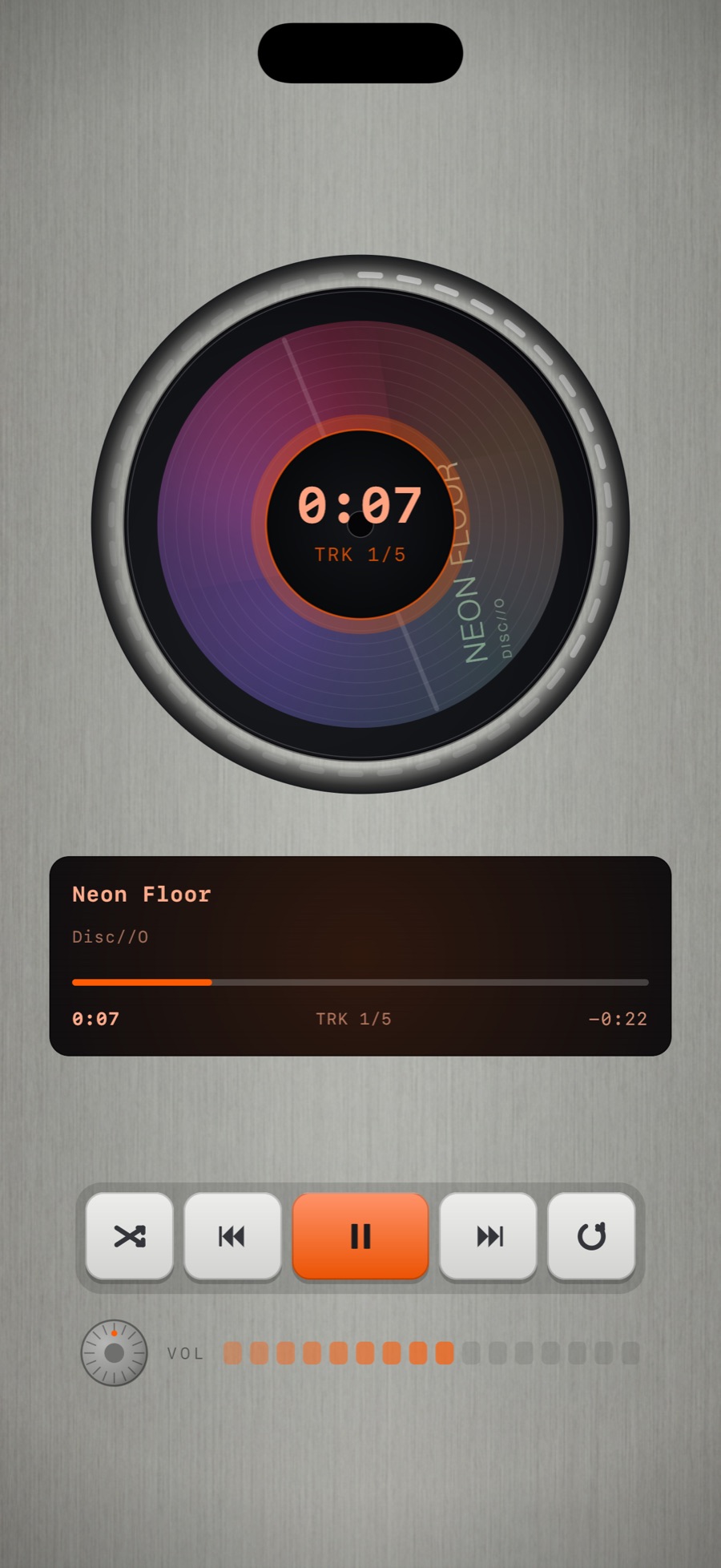
Files are decoded and played without resampling or conversion. With the analog chain off, what comes out is the file. With it on, the chain runs at the file's sample rate.
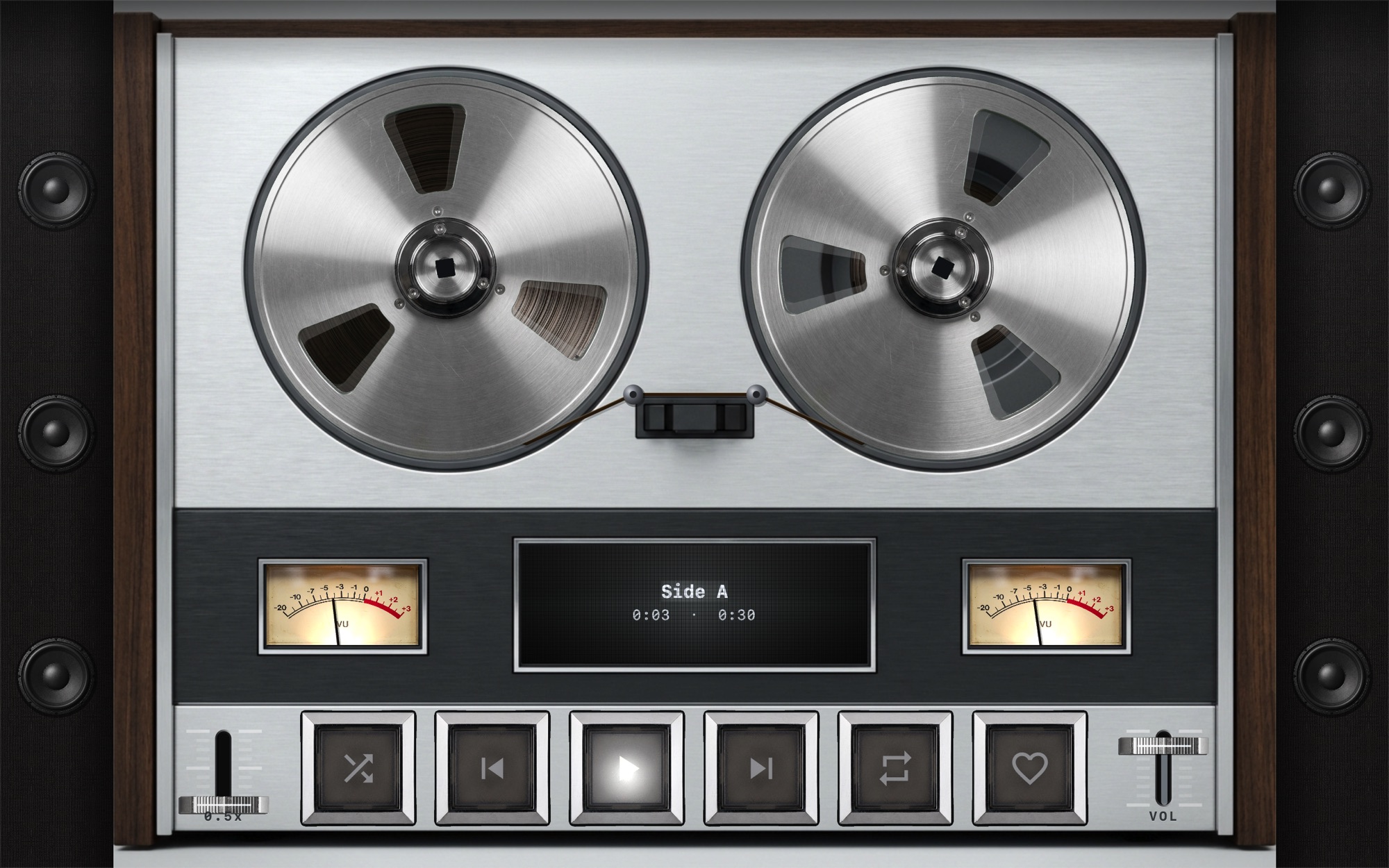
Three ways: add a folder from the Files app (iCloud Drive, a USB drive, a NAS through the Files app), drop files into the MP95 folder from Finder with a cable, or AirDrop them to the app. Read how to play FLAC on iPhone.
MP95 reads embedded artwork and tags for title, artist, album and track number. Albums come back as objects in the library, sleeves for records and cases for discs, with the art on them.
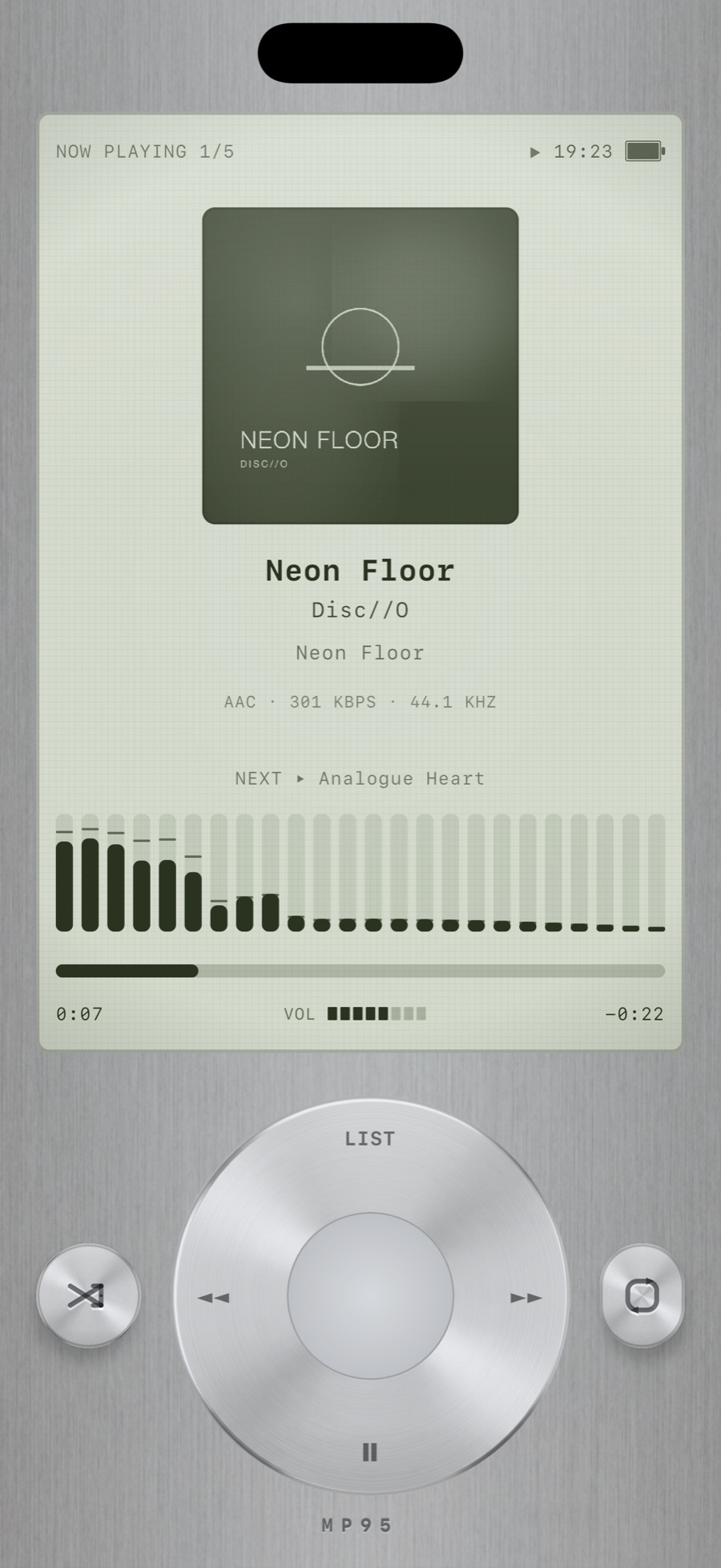
iOS can play FLAC in the Files app, but the Music app does not. MP95 plays FLAC, ALAC, WAV and AIFF in a full player with a library, playlists and offline playback.
Yes. Every format plays on the free machines.
MP95 plays files at their native sample rate. Whether you hear above 48 kHz depends on your headphones or DAC, as on any iPhone.
More features
MP95 has no reason to go online, so it does not.
Learn moreTap the FX chip and the room behind the player answers the music: spectrum bars, a waveform, an aurora, a stream of light, a pulse, or full RGB.
Learn moreRoom Light drives the iPhone flashlight from the low-frequency envelope of the track.
Learn moreThe sound circles slowly around your head, about one revolution every eleven seconds, with the delay and shadowing your ears use to locate a real source.
Learn morePick the cassette deck and you hear tape.
Learn moreFive bands, a bass and treble tilt, volume boost, stereo width and fourteen programmes.
Learn moreMP95 is free to start. No account, no ads, no internet.