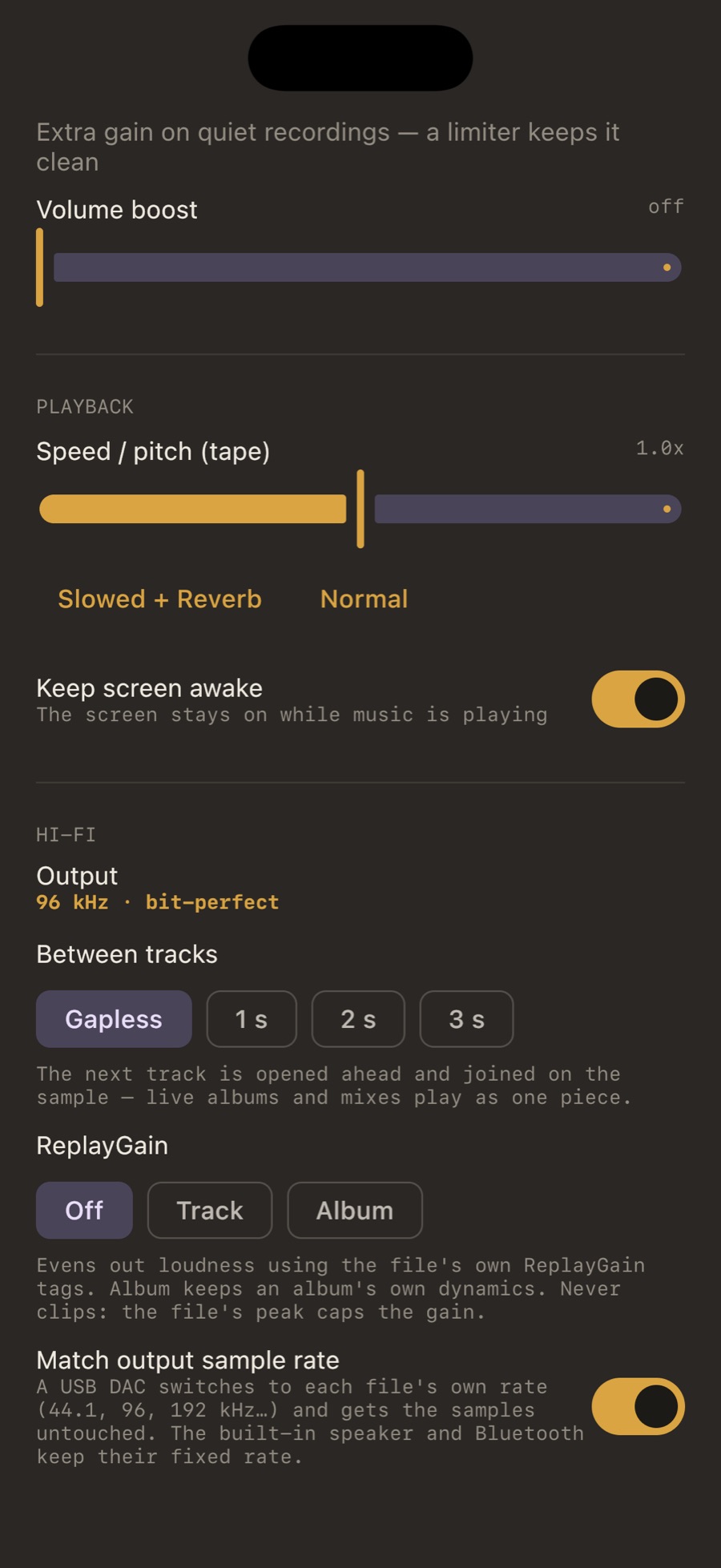
How the join works
The queue tells the engine which track comes next as soon as anything changes (a new album, shuffle, repeat, a setting). The engine opens that file ahead of time. When the current file ends, the first samples of the next go into the same audio buffer. Measured on a test pair made of one sine wave split in two: the last sample of the first file and the first sample of the second continue the curve with no step. When the two files have different sample rates the engine rebuilds the path instead, because a join across rates is not gapless by definition.
Or a pause, on purpose
Between tracks in the Hi-Fi settings offers Gapless, 1 s, 2 s or 3 s. A pause is a real pause: pressing next during it goes straight to the next track.
When the album ends
By default MP95 stops at the end of what you chose to play, the way a record does. “Keep playing” carries on through the library if you want it. Shuffle and repeat are remembered across launches, and the repeat key tells you which of its three modes you just picked.
Frequently asked questions
Does gapless work with MP3?
Yes, the join is done by the engine. MP3 files that carry encoder padding without gapless tags can still show a tiny gap that is in the file itself.
Does gapless work on all three platforms?
Yes: iPhone and iPad, Android and Mac.