Rate follows the file
The output device switches to 44.1, 96 or 192 kHz per track, and goes back when you quit.
MP95 for Mac
Four decks that take the whole window, and underneath them a clean path: every file decoded by FFmpeg, the output device switched to its rate, 24-bit to the DAC, the Mac’s own volume.
Free to start · No account · No ads · Works offline
The output device switches to 44.1, 96 or 192 kHz per track, and goes back when you quit.
Every 16- and 24-bit source lands bit for bit; dither only when processing changed the samples.
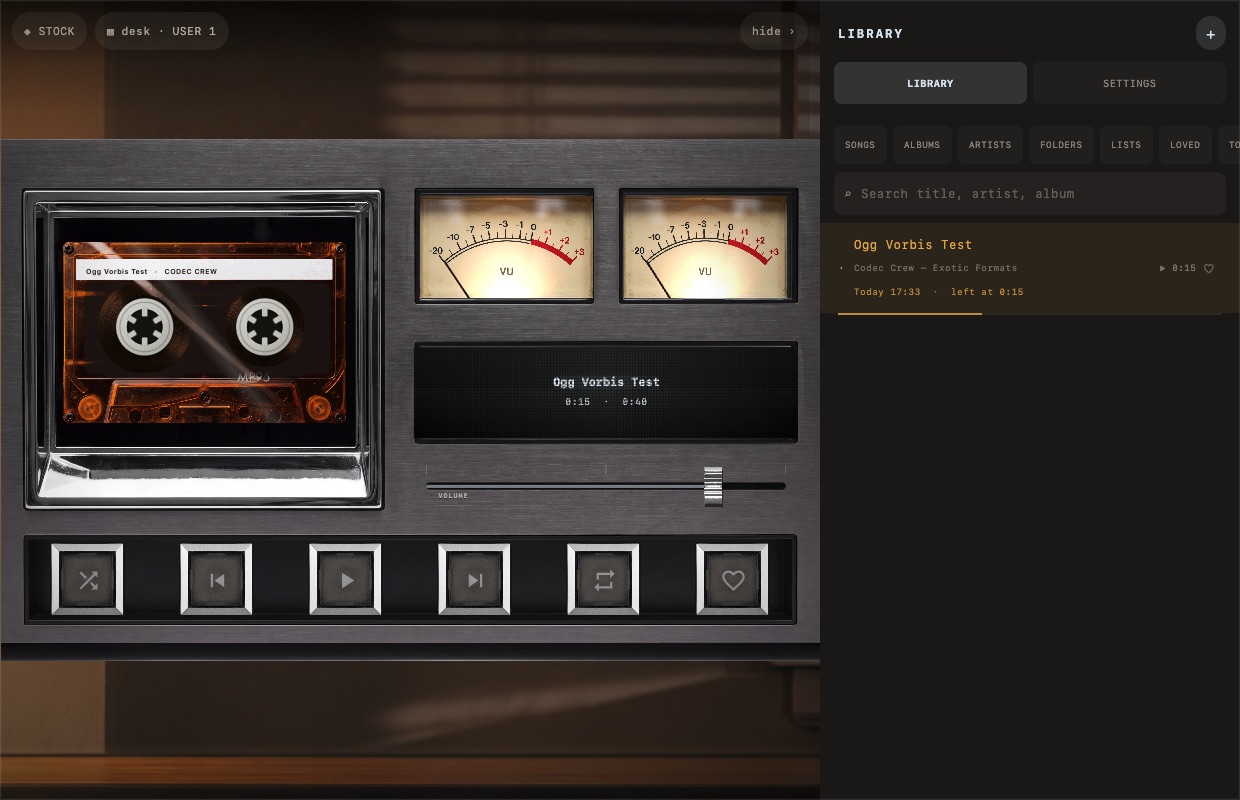
FFmpeg for FLAC, ALAC, DSD, APE, WavPack, Opus, WMA and the rest; Open With from Finder.
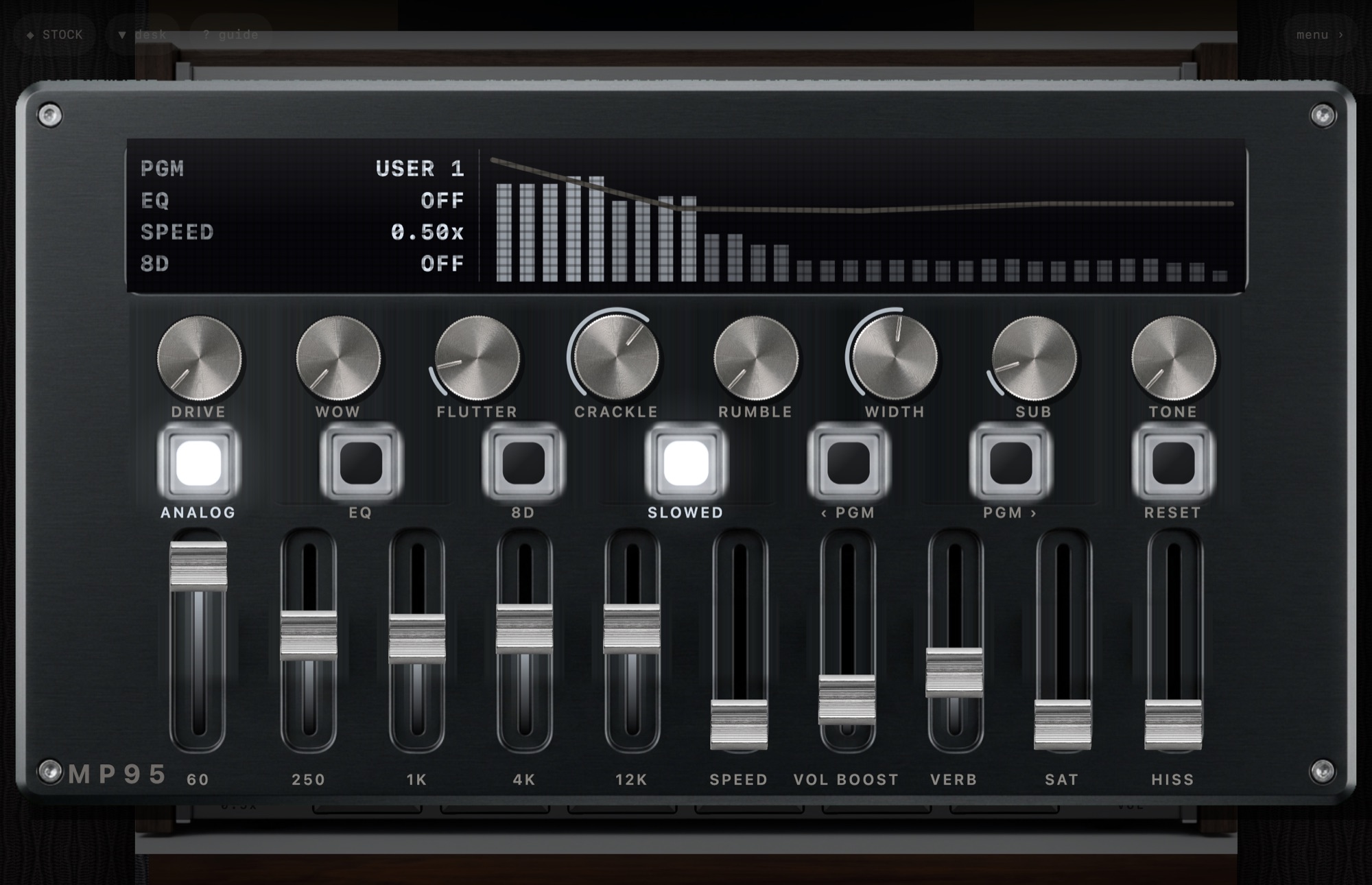
bs2b crossfeed with three presets; ReplayGain by track or album, peak-limited.
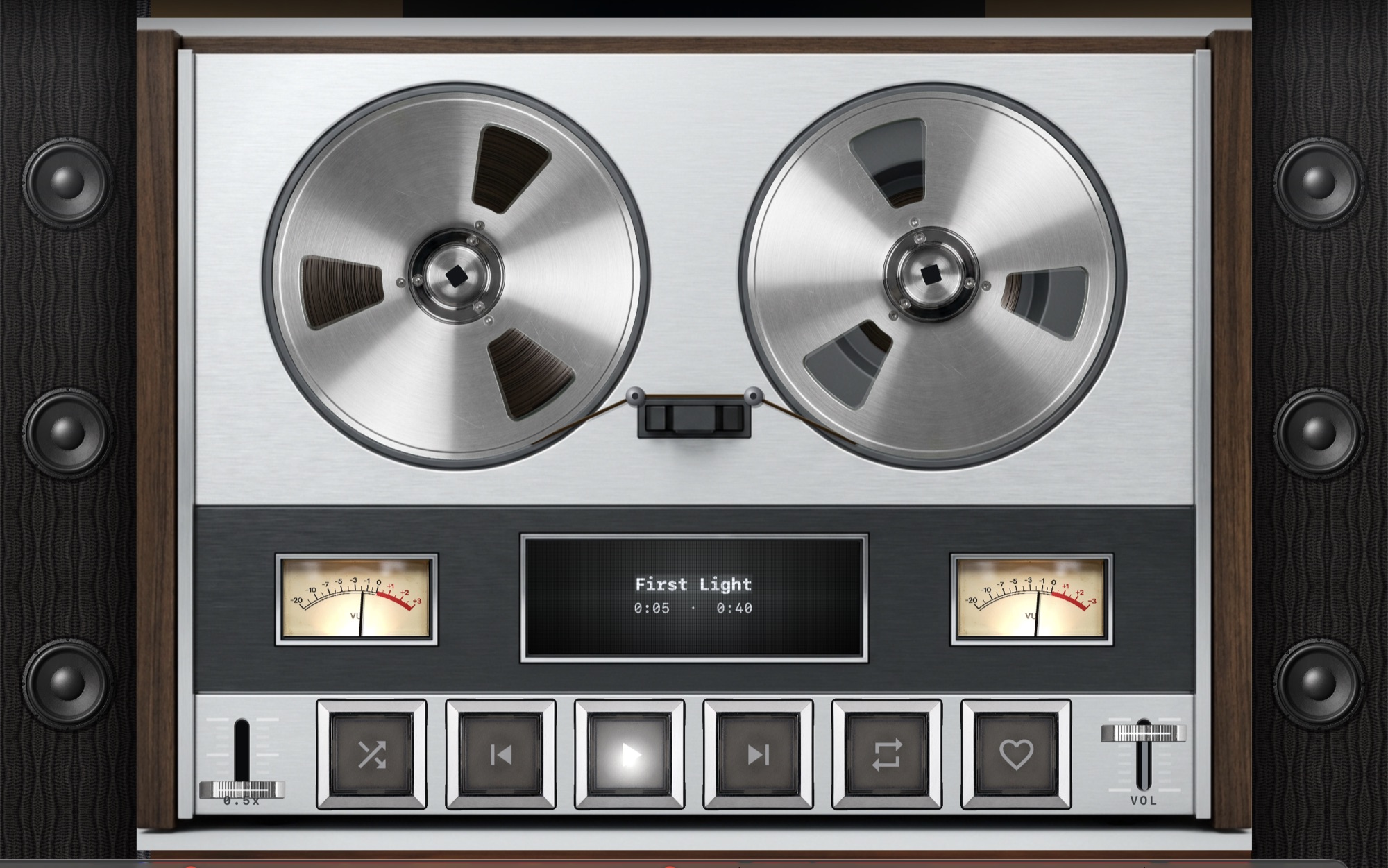
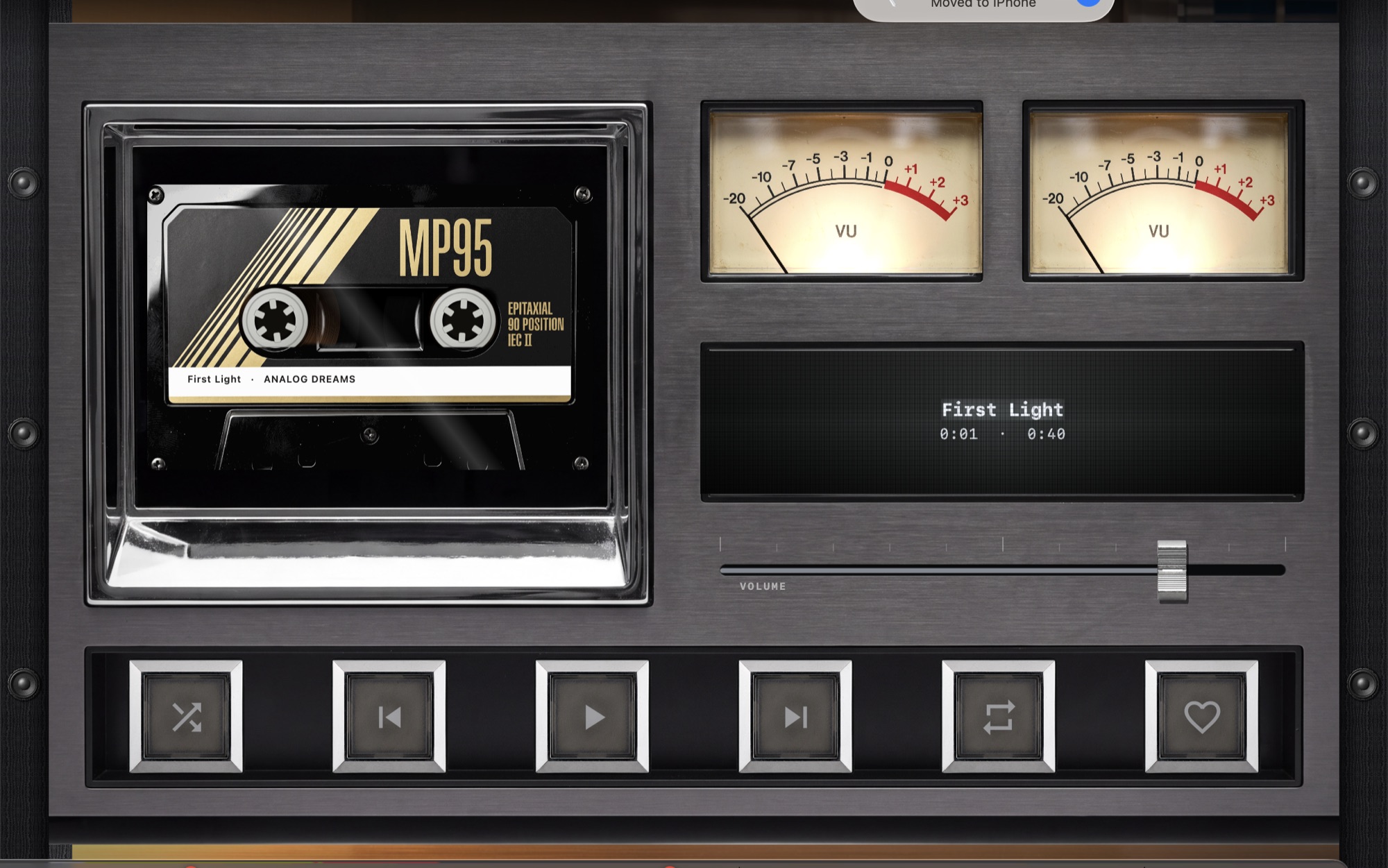
Reel-to-reel, turntable, cassette deck with six shells, disc player; thirteen rooms that answer the music.
Now Playing, media keys, Touch Bar, a menu-bar mini player and a floating deck.
macOS 12 or later (Apple silicon). One MP95 Pro purchase covers Mac, iPhone and iPad.
MP95 on Mac, for
Music.app plays everything at whatever rate Audio MIDI Setup was left on.
Learn moreOn a Mac, crossfeed usually means an Audio Unit plugin in a host, or a system-wide audio router.
Learn moreMusic.app will not add FLAC to its library and knows nothing of DSD, APE or WavPack.
Learn morefoobar2000 on Windows is the reference for format support and ReplayGain.
Learn moreCaptured from the app
Yes. MP95 Pro is one purchase for Mac, iPhone and iPad.
No. MP95 for Mac needs Apple silicon and macOS 12 or later.
Reel-to-reel, turntable, cassette deck and disc player. The click wheel and the digital display are on iPhone, iPad and Android.
On the Mac App Store. One purchase covers Mac, iPhone and iPad.