Find the recordings, not just the library database
An iTunes Library.itl file is not an album. It is a database used by iTunes. Copying it to an iPhone does not give MP95 the recordings it refers to. Start with the actual audio: MP3, AAC, ALAC or other supported files.
In iTunes on Windows, check Edit > Preferences > Advanced for the media folder location. If music is scattered across drives, File > Library > Organize Library > Consolidate files copies library media into the iTunes folder. The originals remain in place. These are the Windows iTunes menus described in Apple’s library migration guide; current Mac Music menus differ.
Make a backup before cleaning anything up
Keep a separate copy of both the old library folder and its media. Open several recordings directly from that backup. Include a purchased album, a CD rip and something stored on an external drive: a library can contain entries whose files are elsewhere or missing.
Do not delete duplicates while migrating. Similar titles may be different masters, live versions or replacement copies. First establish that the recordings you care about are present and playable.
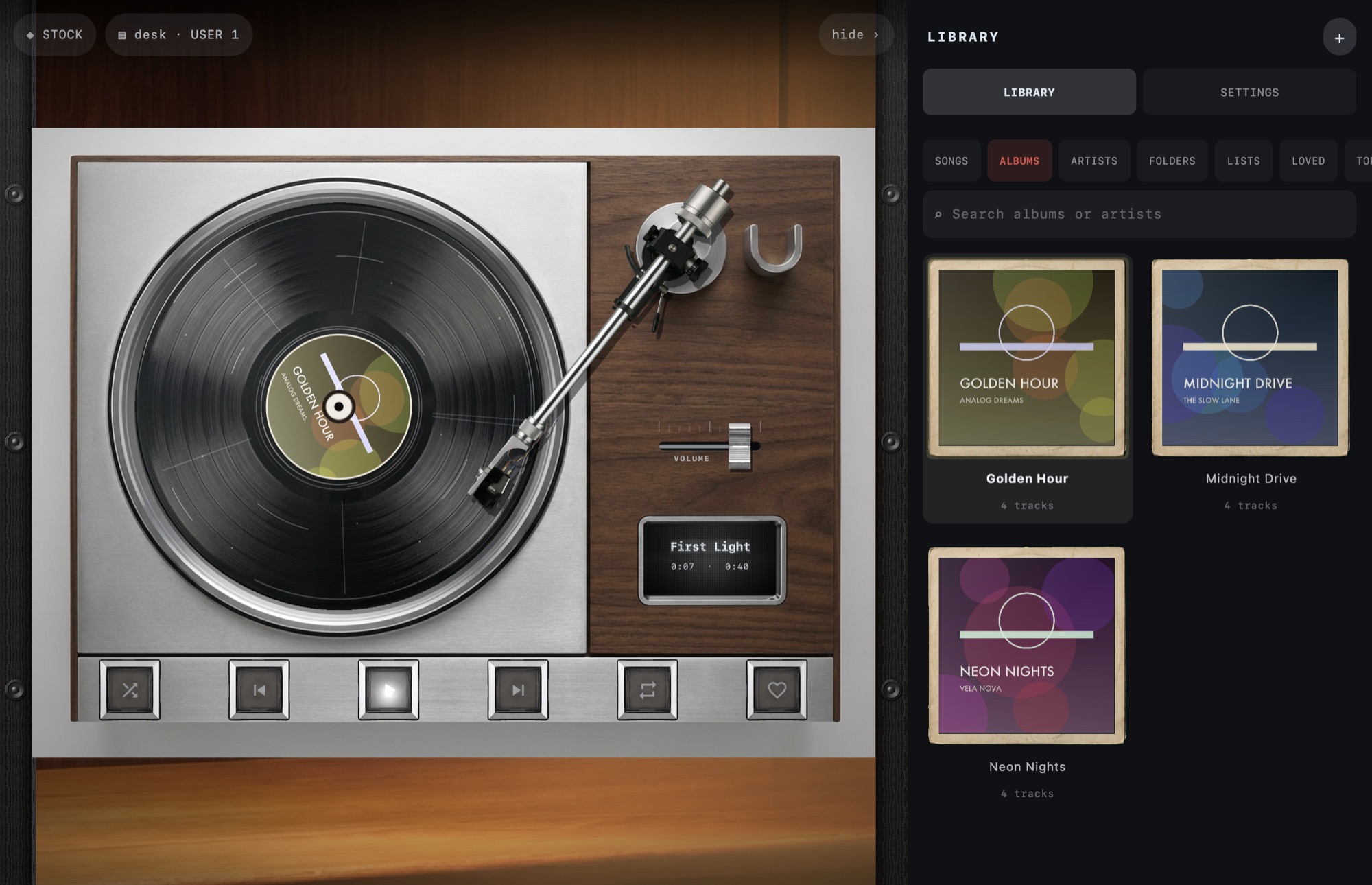
Move one representative album first
- Copy a small album folder containing ordinary, unprotected audio files.
- Transfer it to the iPhone using the music-file import guide.
- Add the folder to MP95 and play its first and last tracks.
- Check artist, album, track order and artwork before copying the rest.
Copying a file does not remove copy protection. An old protected purchase or an Apple Music subscription download is not equivalent to an unrestricted AAC file. Keep those cases separate rather than renaming extensions or converting the whole collection unnecessarily.
Decide what must travel with the songs
Embedded tags and artwork belong to the audio file. Ratings, play counts, smart-playlist rules and artwork kept only in the old library database are a different matter. Do not assume MP95 imports them from the .itl file.
Before retiring the computer, preserve a readable record of important playlists. Copying an album folder alone does not transfer playlist membership. Rebuild a small favourite list in MP95 using the offline playlist instructions, then check that each entry reaches the right recording.
Finish with an offline listening check
Transfer in batches you can inspect. A count of copied files is useful, but also sample long tracks, non-English titles and albums with more than one disc. If the album order looks wrong, fix the tags on a working copy rather than renaming everything at random.
Finally, disconnect from the network and play several albums on the iPhone. Keep the computer backup after this check. The phone is a listening copy; losing it should not mean losing the collection.