Start with one folder
Open Files, tap Browse and find the folder containing your songs. It might be in Downloads, iCloud Drive or On My iPhone. Open one MP3 to check that it is a real audio file and that the download has finished. A web link saved with an audio-looking name is not the song itself.
For a single recording, the Files preview may be enough. For albums, a queue and playlists, add the folder to a music player. You do not need to put the files into Apple's Music app first.
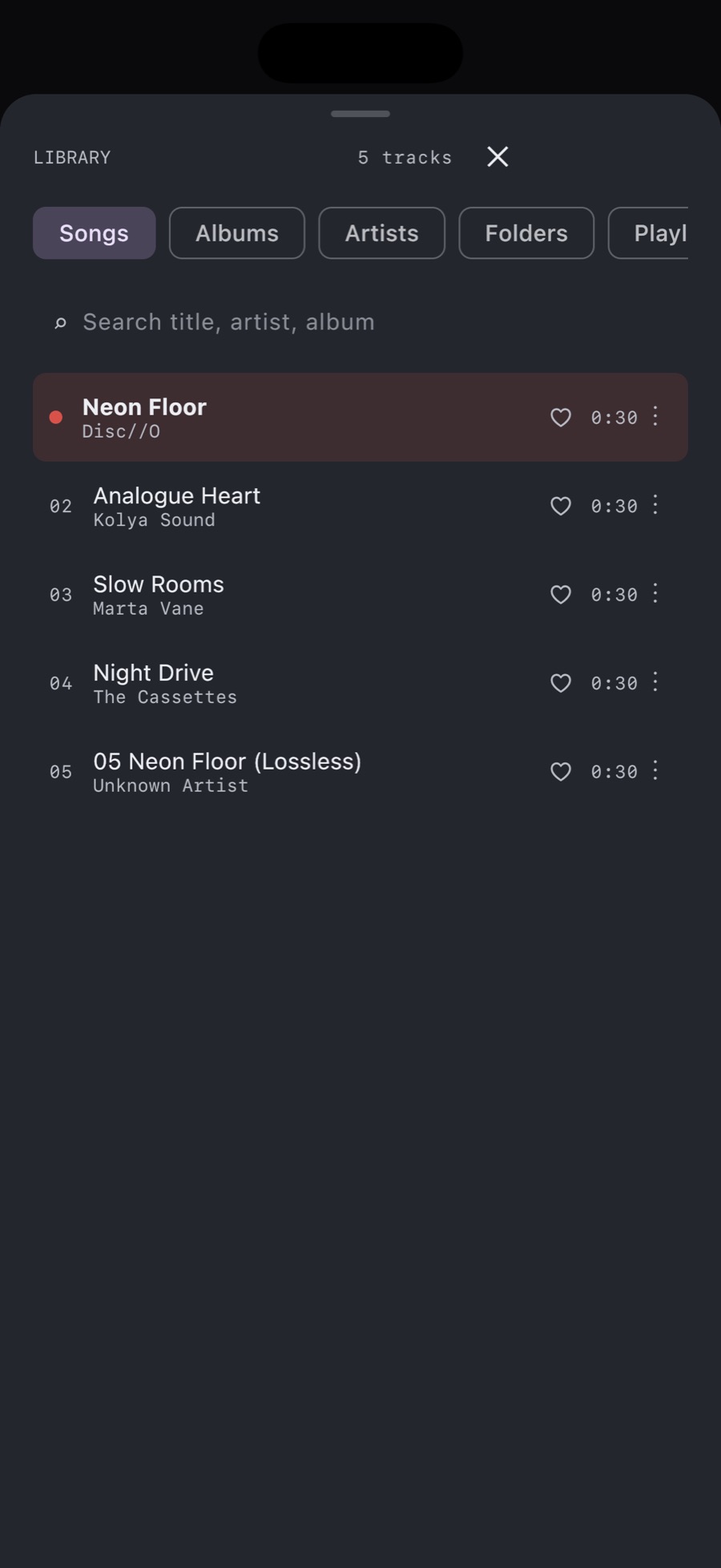
- Open MP95 and its music library.
- Choose Add folder. In the system folder picker, navigate to the folder containing your MP3 files.
- Grant access to that folder and let the library load.
- Find the album or song in the library and start playback.
Grant access to the album folder rather than selecting an unrelated parent directory. Keeping one collection in a dedicated Music folder makes it easier to see what you have added and to avoid duplicate copies.
Make sure the files are actually offline
A filename in iCloud Drive can represent a file that has not been downloaded. Open or download the tracks while connected, then check playback without a network connection. If you want a clearly local copy, copy the album into a folder under On My iPhone and add that folder instead. Keep enough free storage for the whole album.
Test a track near the end of the album as well as the first one. Hearing the opening song proves that song is available; it does not prove that every file has downloaded.
What changes when you add the folder?
MP95 reads the music files into its library so you can browse songs, albums, artists and folders. Adding a folder gives the app access to that location. It should not be treated as a backup or as a promise that files will survive moving the original folder.
If a song has the wrong artist or no album cover, inspect its tags. A filename such as “01 - Track.mp3” does not necessarily contain an album name or embedded artwork. Our tag and album-art guide covers that separate job.
If the MP3 does not appear
- The folder is empty in MP95: check that you granted access to the folder which actually contains the audio.
- The file opens only while online: finish downloading it or make a local copy.
- You moved the folder: add its new location and check playback again.
- Only one file fails: try the same file on your computer. Copy it again if the transfer was incomplete. Changing a filename extension does not repair or convert audio.
Build a library, then a playlist
Once the songs play from the library, you can put them into an offline playlist. If the files are still on your computer, start with the transfer guide; this page starts after they are visible in Files.