Choose music you can actually store
Use audio files you own or are permitted to copy: downloaded purchases, your CD rips or other compatible recordings. Offline downloads inside a streaming subscription are managed by that service; MP95 does not turn them into transferable files.
Choose a few complete albums rather than filling every remaining gigabyte. Include something familiar so a missing track or a wrong version is easy to notice during the check.
Finish cloud downloads before departure
A filename in Files does not guarantee that all its contents are on the iPad. Apple’s iPad file-management guide describes Keep Downloaded for supported locations: touch and hold the file and select that option. Its availability depends on the system version and provider.
Alternatively, keep a local listening copy in an appropriate on-device folder. After the transfer finishes, add the music folder to MP95 and open tracks from several albums. Do not assume that selecting a folder has completed every cloud download.
Budget space using your own files
At a constant 320 kbit/s, MP3 audio takes approximately 144 MB per hour in decimal units, before small container overheads. Ten hours is roughly 1.44 GB. Variable-bit-rate files differ, and FLAC size depends on the recording and encoding; it is not a fixed number of megabytes per album.
For a reliable estimate, check the size of the actual folders you intend to copy. Leave room for the rest of the trip: photos, documents and system storage compete with the music. Do not keep several accidental copies simply because the transfer was repeated.
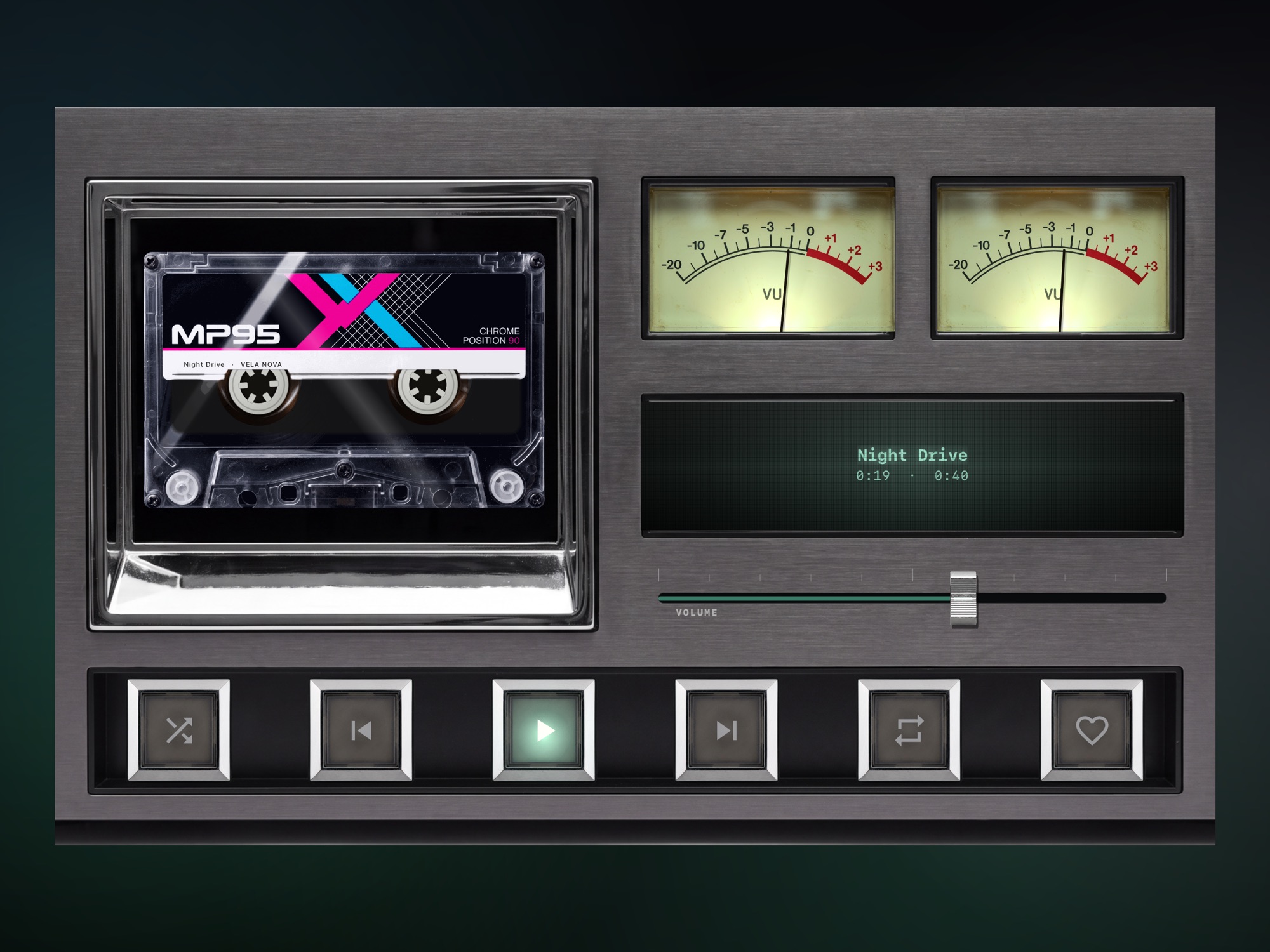
Rehearse the flight setup
- Disconnect Wi-Fi and cellular data, or enable Airplane Mode.
- If using Bluetooth headphones, enable Bluetooth again and connect them.
- Play tracks from the beginning, middle and end of your intended library.
- Lock the iPad and check that playback continues.
- Let one song finish so you also test the next track in the queue.
Check with the accessories you will pack. An external drive that works at a desk may make the travel setup awkward, especially if the same port is needed for charging or a wired output. For a simple flight kit, a verified local copy avoids relying on a removable drive throughout playback.
Make the travel list after the files are ready
A playlist does not contain separate copies of its songs. Build it after the library is available, then test it offline. The MP95 playlist guide explains the same library workflow on iPhone; check the controls in your iPad layout.
Use the iPad music widget if you want quick access from the Home Screen. Add it for convenience after playback works, rather than treating a visible widget as proof that the songs have downloaded.
Keep the original collection backed up elsewhere. If the iPad is lost during the trip, replacing the device should be the problem—not rebuilding years of music purchases and CD rips.