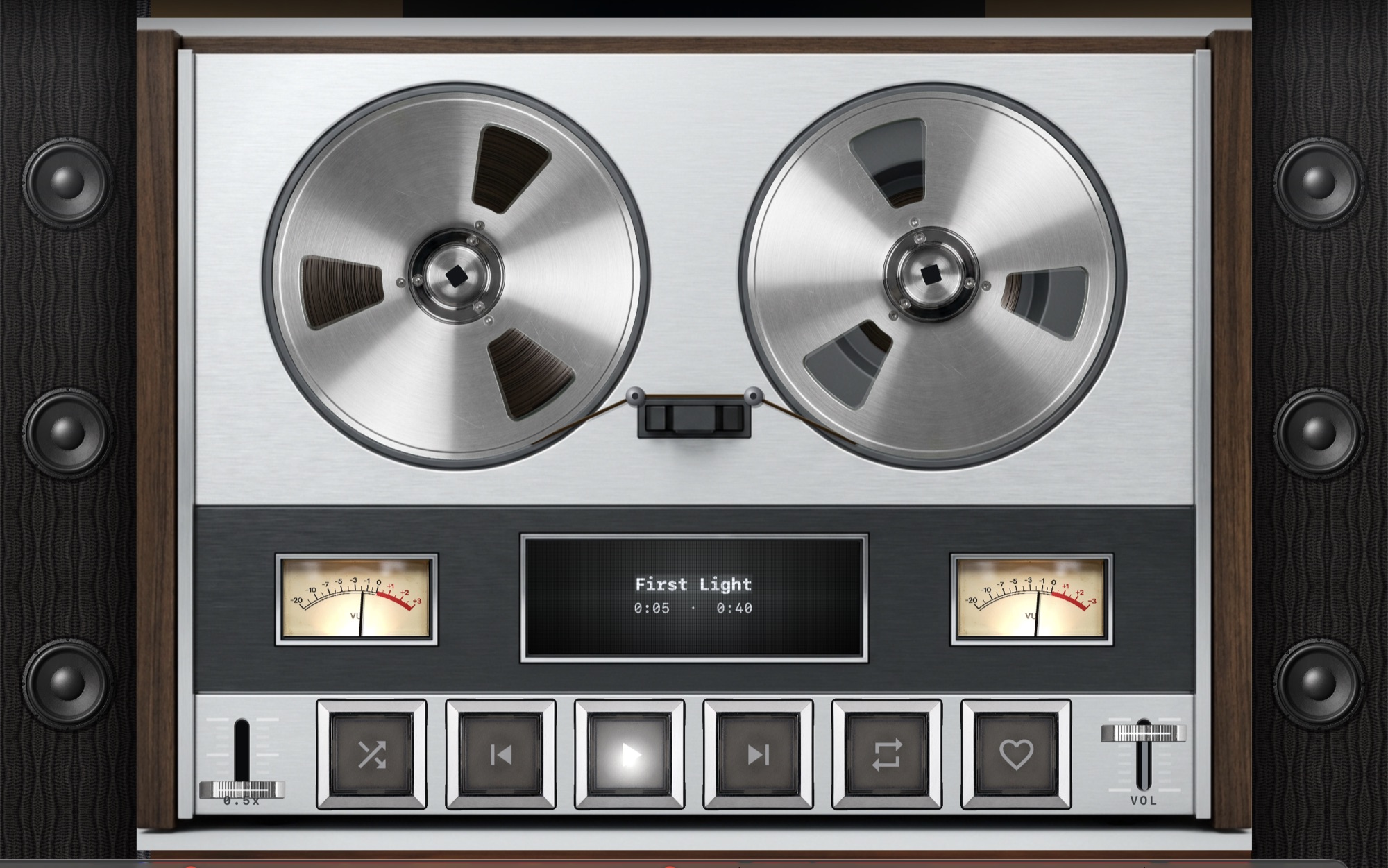
The rate follows the file
For every track MP95 picks the file’s rate from the list your output device supports and switches it through Core Audio. A CD rip plays at 44.1 kHz, a hi-res album at 96 or 192. When you quit, or turn the setting off, the device returns to its original rate. How to check it in Audio MIDI Setup.
24-bit line, no dither unless needed
Decoding and processing are 32-bit float. The output line is 24-bit integer, the deepest Java Sound opens on macOS, so every 16- and 24-bit source lands on it exactly. TPDF dither is applied only when processing has changed the samples.
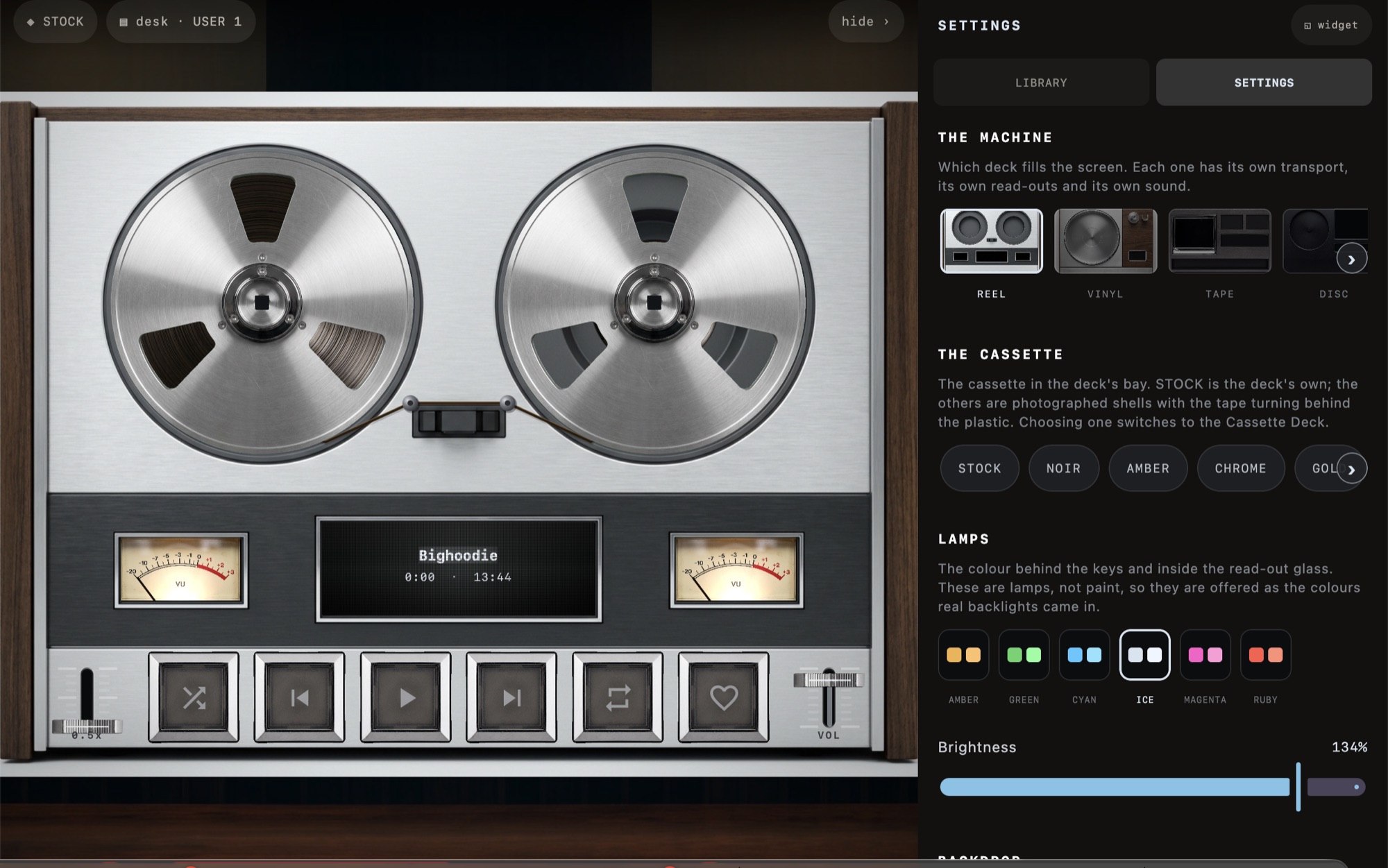
Volume that does not touch the samples
The fader is the Mac’s own volume. A DAC with a hardware volume gets it; one without gets macOS’s digital volume, which MP95 shows as a stage in the Output line instead of hiding.
Clean by default when you ask
Bypass the machine’s analog colour, leave the EQ flat and ReplayGain off, and nothing in MP95 changes the samples. The limiter only exists when something adds level.
Frequently asked questions
Does MP95 have hog or exclusive mode?
No. It switches the device rate and uses the system volume but does not lock the device from other apps.
Does it upsample?
No. The point is to play the file at its own rate.