Why a Mac resamples
Core Audio mixes every app into one stream per output device, at the device’s current sample rate. Whatever rate that is, 44.1, 48 or 96 kHz, every file that does not match is converted on the way. Apple’s converter is excellent, so this is not a disaster, but it means the DAC is no longer receiving the samples in your file.
Check the device rate
- Open Audio MIDI Setup (Applications → Utilities, or Spotlight).
- Select your output device in the left column: the built-in speakers, headphones or your USB DAC.
- Read Format on the right, for example “2 ch 24-bit Integer 48.0 kHz”.
- Now play a file and compare. A CD rip is 44.1 kHz; hi-res downloads are usually 96 or 192. If the Format still says 48 kHz, the Mac is resampling.
Many USB DACs also show the incoming rate on a display or a coloured light. That is the most direct check there is.
The manual fix
You can set the Format by hand to the file’s rate before you play it. It works, but only for one rate at a time: an album at 44.1 followed by one at 96 means changing it again, and forgetting means resampling.
The automatic fix
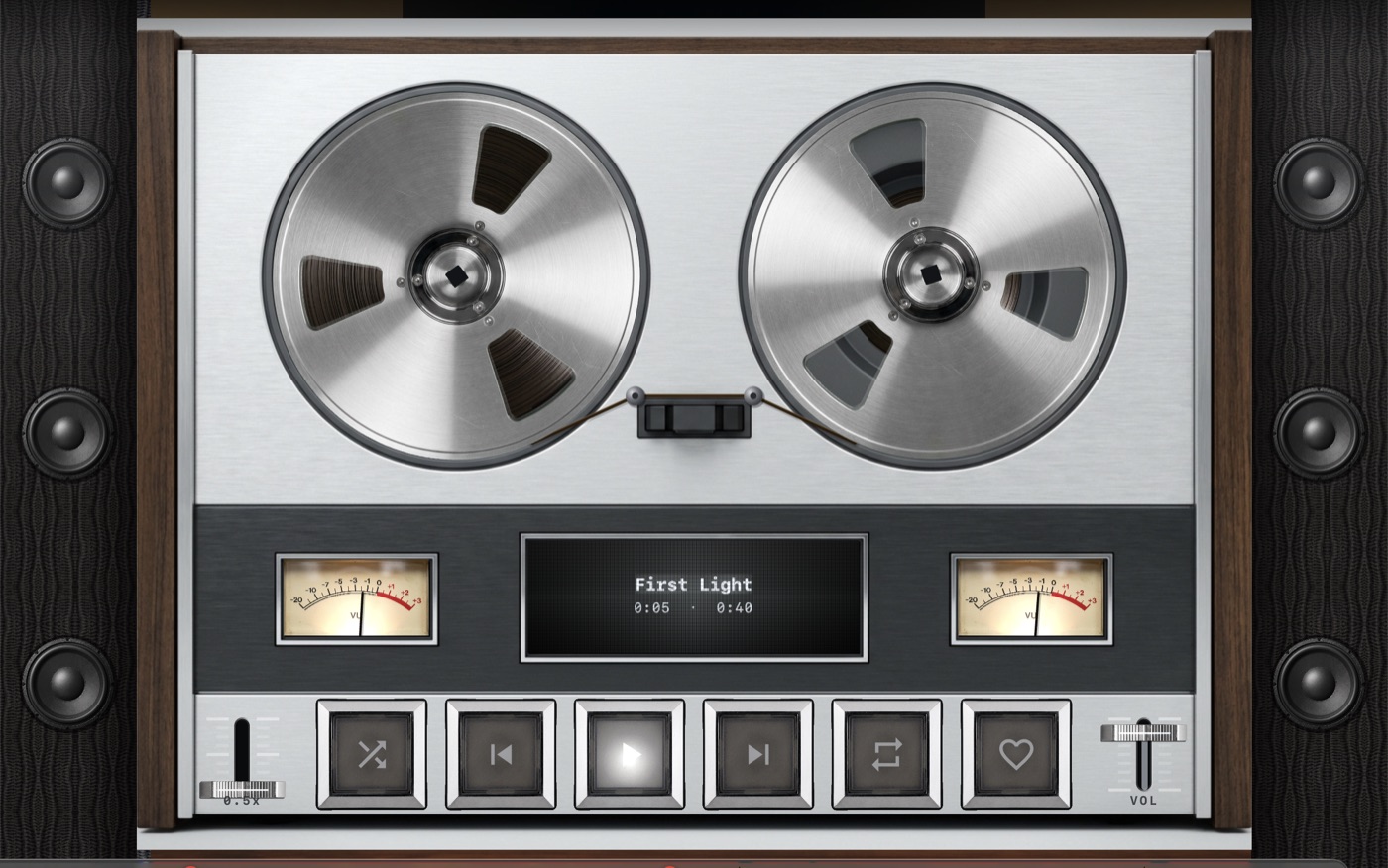
A player can set the device rate itself. MP95 for Mac does it for every track: it reads the file’s rate, picks it from the list the device supports and switches the device through Core Audio. Watch Audio MIDI Setup while it plays and you will see the Format change between albums. When you quit, MP95 puts the original rate back.
Bit depth and volume
Matching the rate is half of it. The other half is not touching the samples: no EQ, no effects, no software volume. In MP95 the fader is the Mac’s own volume, the output line is 24-bit, which carries 16- and 24-bit files exactly, and dither is only applied when processing has changed the samples. The Hi-Fi panel prints the result: 96 kHz · bit-perfect, or what is processing and why.
One catch: DACs without a volume
Some DACs have no hardware volume control. macOS then scales the signal digitally when you move the volume slider, and that is no longer bit-perfect below full volume. MP95 names that as a stage instead of hiding it. With such a DAC, leave the Mac at full volume and use an amplifier’s knob.
Frequently asked questions
Does the Music app switch sample rates automatically?
Behaviour has changed across macOS versions. Check Audio MIDI Setup while it plays to see what yours does.
Is 24-bit output enough for bit-perfect?
Yes for every 16- and 24-bit source, which is all commercially released music.