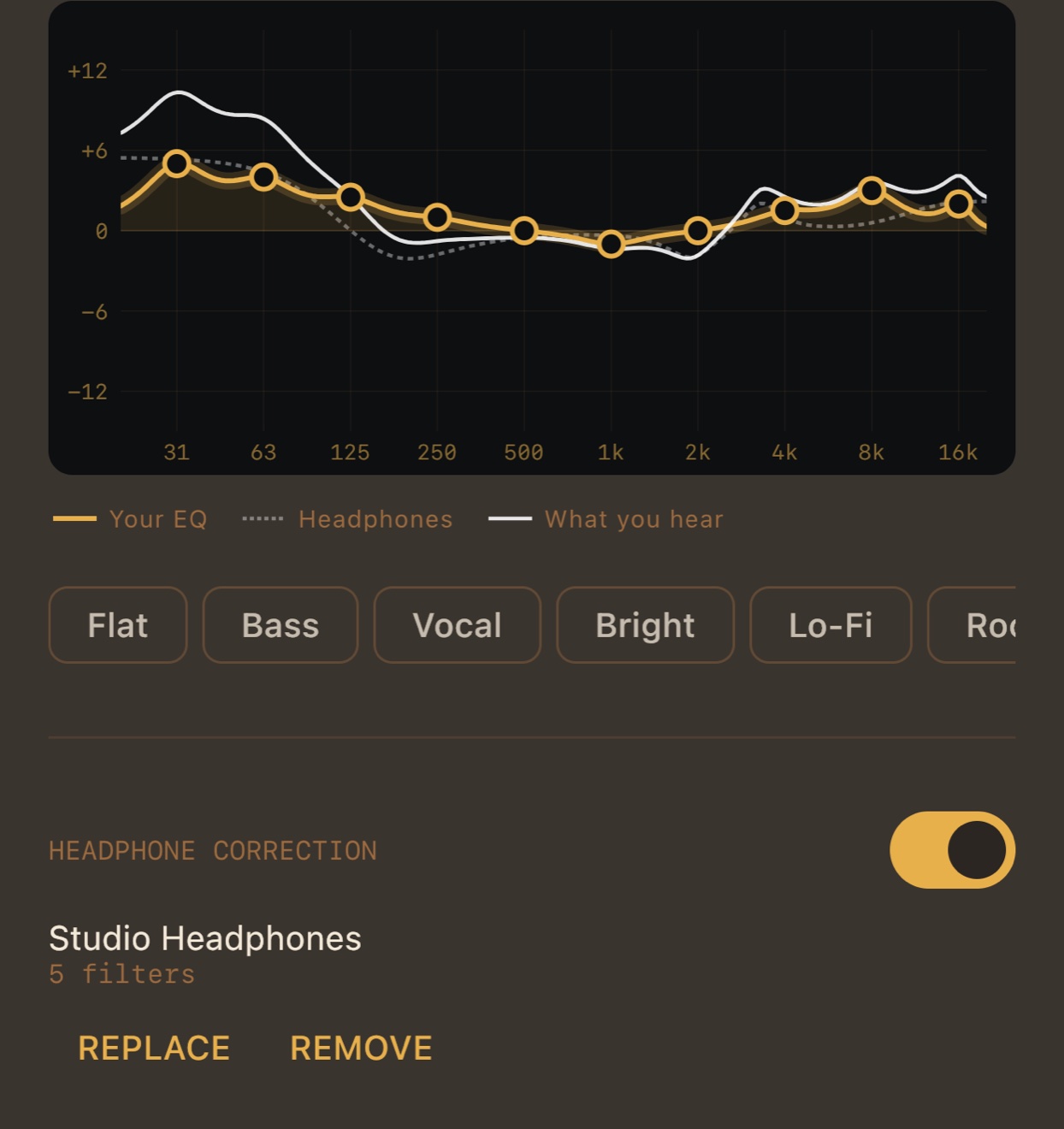
The same file you would give Equalizer APO
On autoeq.app pick your headphones, choose Equalizer APO, download ParametricEQ.txt, and import it in MP95’s settings. The peaking and shelf filters and the preamp are read as they are. How it works.
Inside the player, not the whole system
No virtual audio device, no routing, no driver: the correction runs in MP95’s own chain at the file’s sample rate, before the Mac’s 24-bit output. Switch it off and the path is bit-perfect again, and the Output line says so.
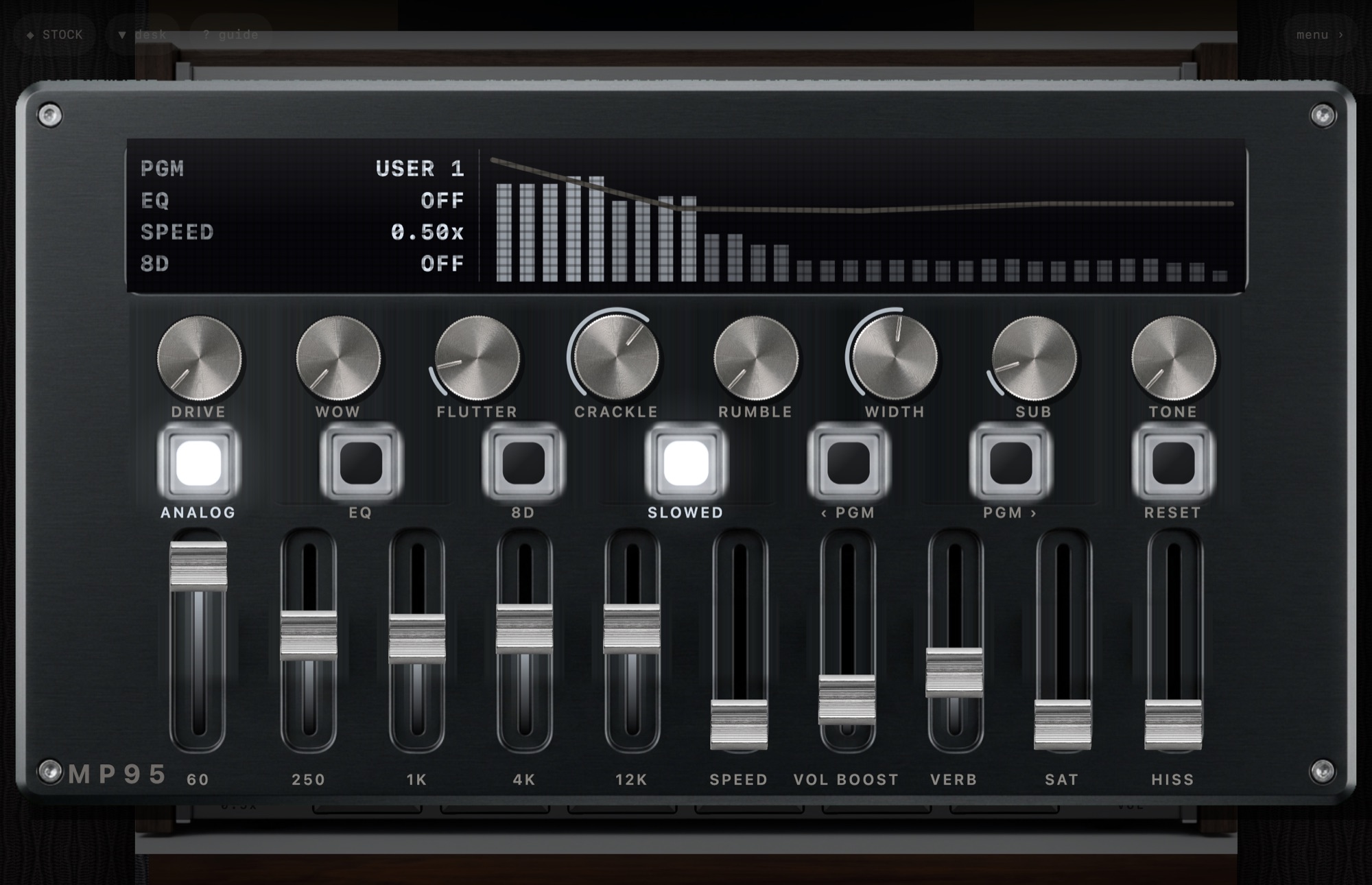
With your own EQ on top
The 10-band equalizer and the correction add up, and the graph draws both and the sum, so you can tune by taste and still see what reaches your ears. On the Mac desk the five faders bend the same curve.
Frequently asked questions
Does MP95 work with any headphones on Mac?
Any headphones autoeq.app has a profile for, through the Mac’s jack, a USB DAC or Bluetooth.
Is it system-wide?
No, it applies to music played in MP95. That is what keeps the rest of the path clean.