At a glance
| MP95 | Apple Music app | |
|---|---|---|
| Platforms | iPhone, iPad, Android, Mac, Watch | iPhone, iPad, Mac, Watch |
| Price model | Free on Android; free to start on Apple, Pro yearly or lifetime | Free app; Apple Music subscription for streaming |
| Plays your own files | Yes | Partly |
| Formats | 35+ codecs, 49 file types | Apple formats, no FLAC |
| FLAC / ALAC / WAV / AIFF | Yes | No |
| DSD (DSF, DFF) | Yes, to PCM | — |
| Imports from the Apple Music library | iPhone, iPad | Yes |
| Wi-Fi, cable, AirDrop, USB drive, NAS | Yes | Partly |
| Cloud drives and servers | Any Files-app provider, SAF folders | iCloud Music Library (subscription) |
| Works offline with no account | Yes | Partly |
| No ads on any tier | Yes | Yes |
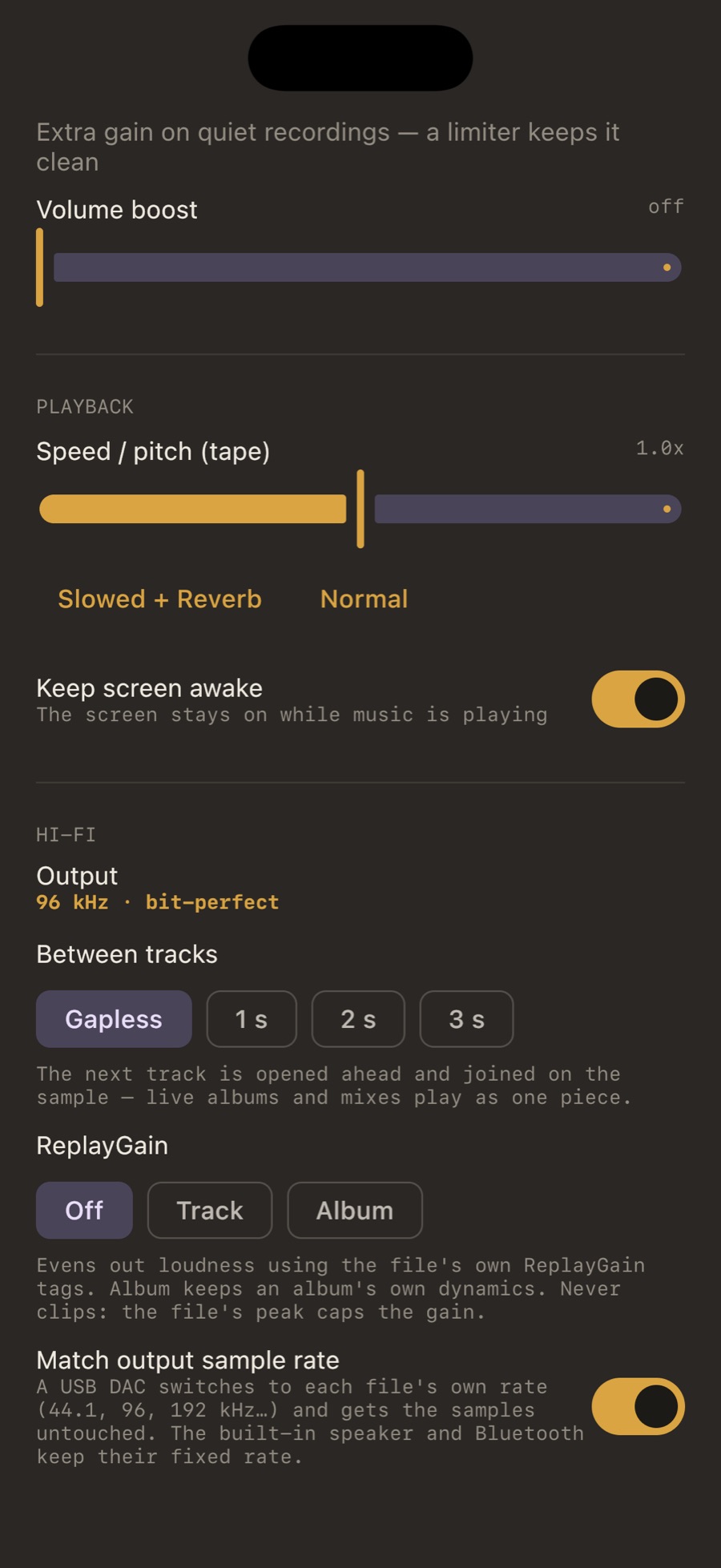
| Bit-perfect path | Yes | — |
| Output rate follows the file (USB DAC) | Yes | — |
| Gapless | Yes | Yes |
| ReplayGain | Track / album | Sound Check |
| Headphone crossfeed | bs2b, 3 presets, free | — |
| Equalizer | 5-band + 14 presets | Partly |
| Tag editor | Yes | — |
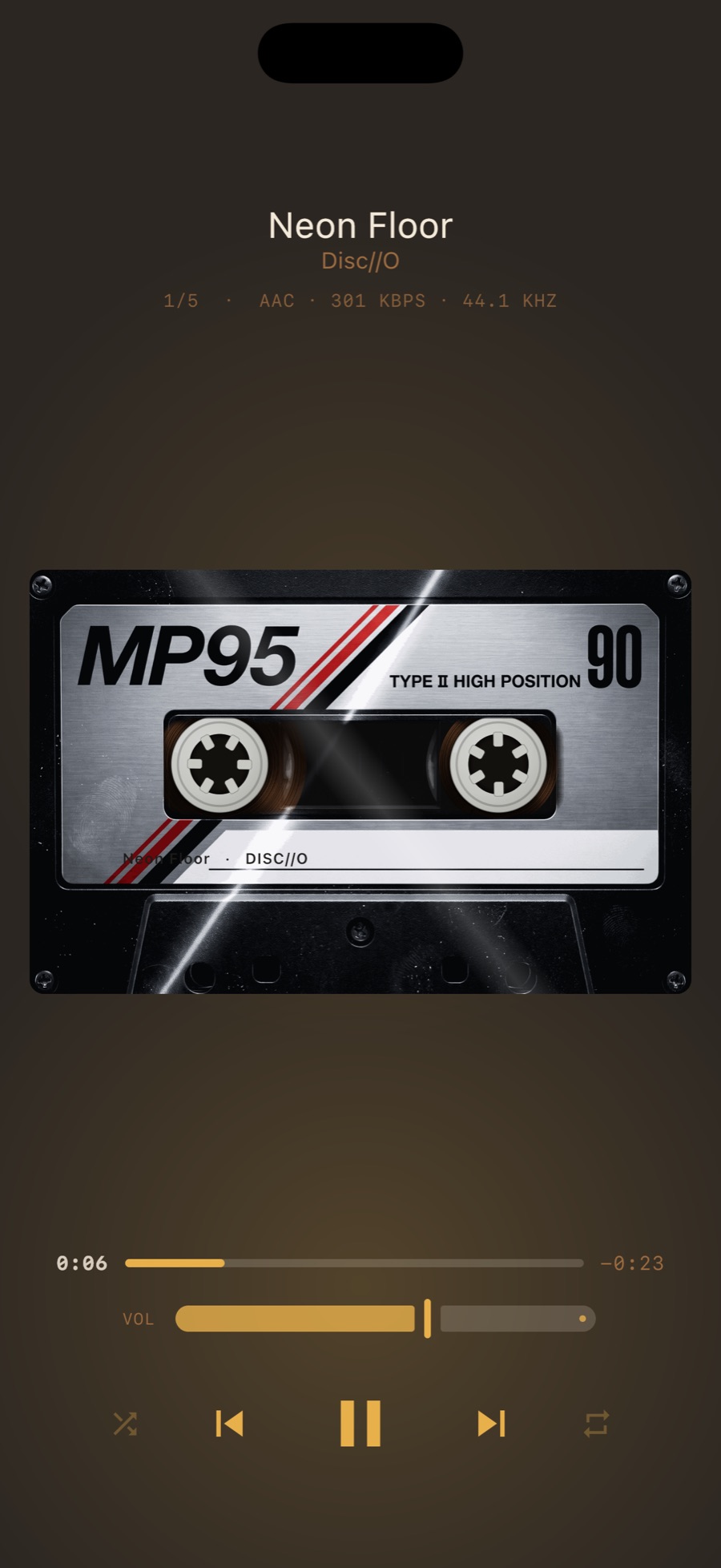
| Retro machines (cassette, vinyl, reel, wheel…) | Yes | No |
| Real analog tape / vinyl sound | Yes | No |
| 8D audio, slowed + reverb | Yes | — |
| Music visualizer | Yes | No |
| Flashlight follows the bass | Yes | — |
| Home screen widgets with transport | Yes | Yes |
| Apple Watch | Remote | Yes |
| Mac app | Yes | Yes |
“Partly” = exists with limits (a paid tier, an account, a narrower scope). “—” = not a listed feature, or one we could not confirm; it does not mean “no”. Other apps’ details are as of September 2026 and can change; check their store listings.
What Apple Music app has that MP95 does not
The Music app's niche is the Apple Music subscription itself and standalone playback on Apple Watch. If you stream from Apple's catalogue, it is the only app that can.
What MP95 has that it does not
For files you own, MP95 does everything the Music app does and the things it cannot: it imports the songs you already have in the Music library, plays FLAC (the Music app does not), takes files straight from Files, AirDrop, a cable, a USB drive or a NAS with no Finder sync, needs no account, has a per-track EQ with presets, and puts the music on a machine with its own sound. Widgets, an Apple Watch remote and a Mac app are all there.
Which to pick
Stay with the Music app only for the Apple Music subscription. Pick MP95 for your own files: it imports them from the Music library anyway, plays FLAC, and needs no sync and no account.
Frequently asked questions
Do MP95 and Apple Music app both play FLAC?
Yes. MP95 also plays DSD, APE, WavPack, Opus, WMA and 30 more codecs, and shows format, bitrate and sample rate on the machine.
Does MP95 need an account or internet?
No. MP95 has no network access, no account and no ads on any platform.
What is free in MP95?
On Android, everything. On iPhone, iPad and Mac, the cassette deck and turntable with the whole Hi-Fi path, every format and offline playback; MP95 Pro unlocks the other machines and the full sound desk.
Can I use MP95 and Apple Music app together?
Yes. They read the same files.