Offline music player
Play your own music files offline, without ads or an account.
Learn moreFeature
The stock cassette is free. Pro adds more designs, each photographed from above and cut into two layers so the tape turns behind the plastic, not on top of it.
Free to start · No account · No ads · Works offline
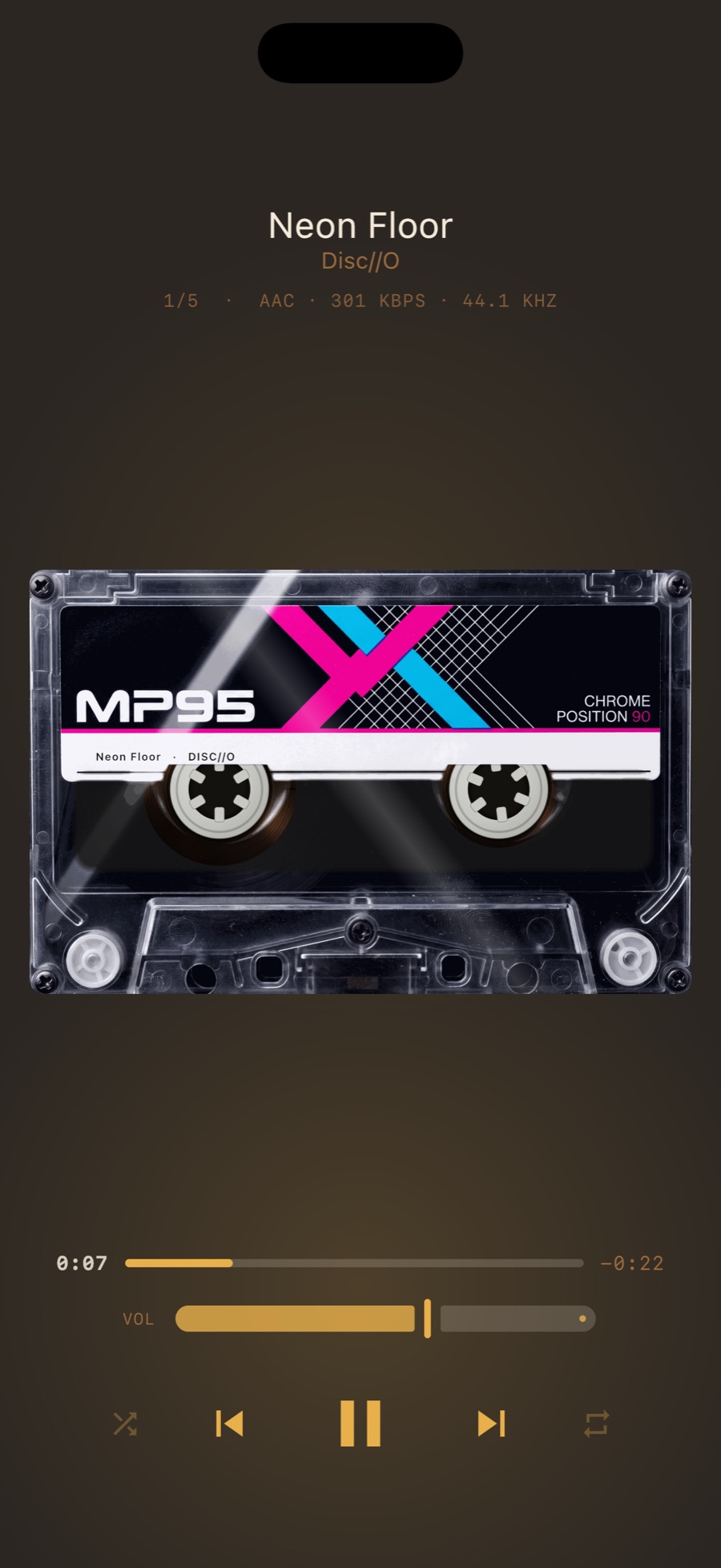
Each shell is two layers: the cavity behind the window and the plastic in front, with its dust, scratches and highlights. The tape pack and hubs are drawn between them, so they turn behind the window the way tape does. When everything was drawn on top of one photograph it looked like a sticker; this is why it does not.
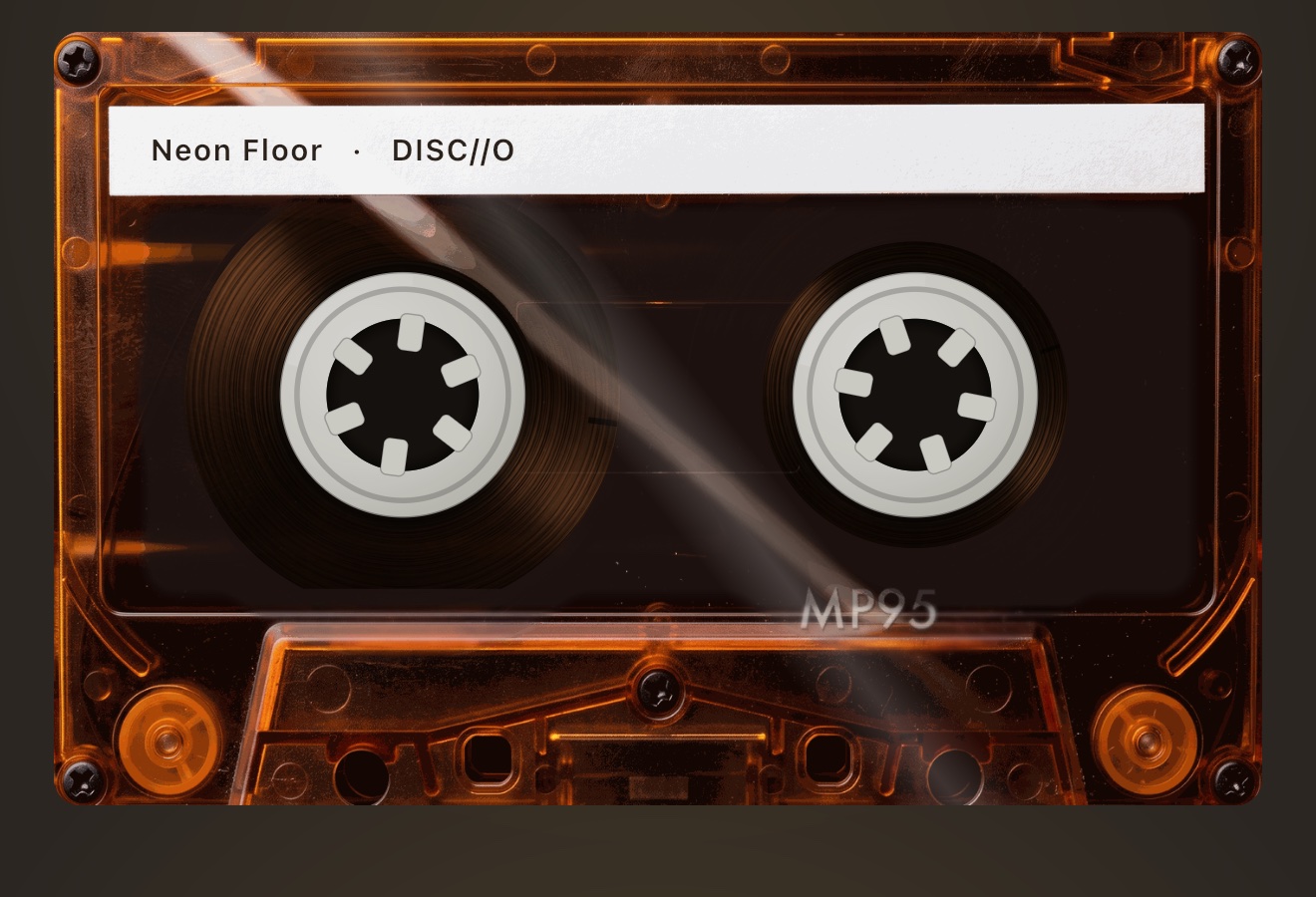
In portrait the chosen shell sits in the deck. Turn the phone and it fills the screen; the transport keys fade after a few seconds. Tilt the phone and the highlight moves across the plastic. On the Mac the same shells load into the cassette deck.
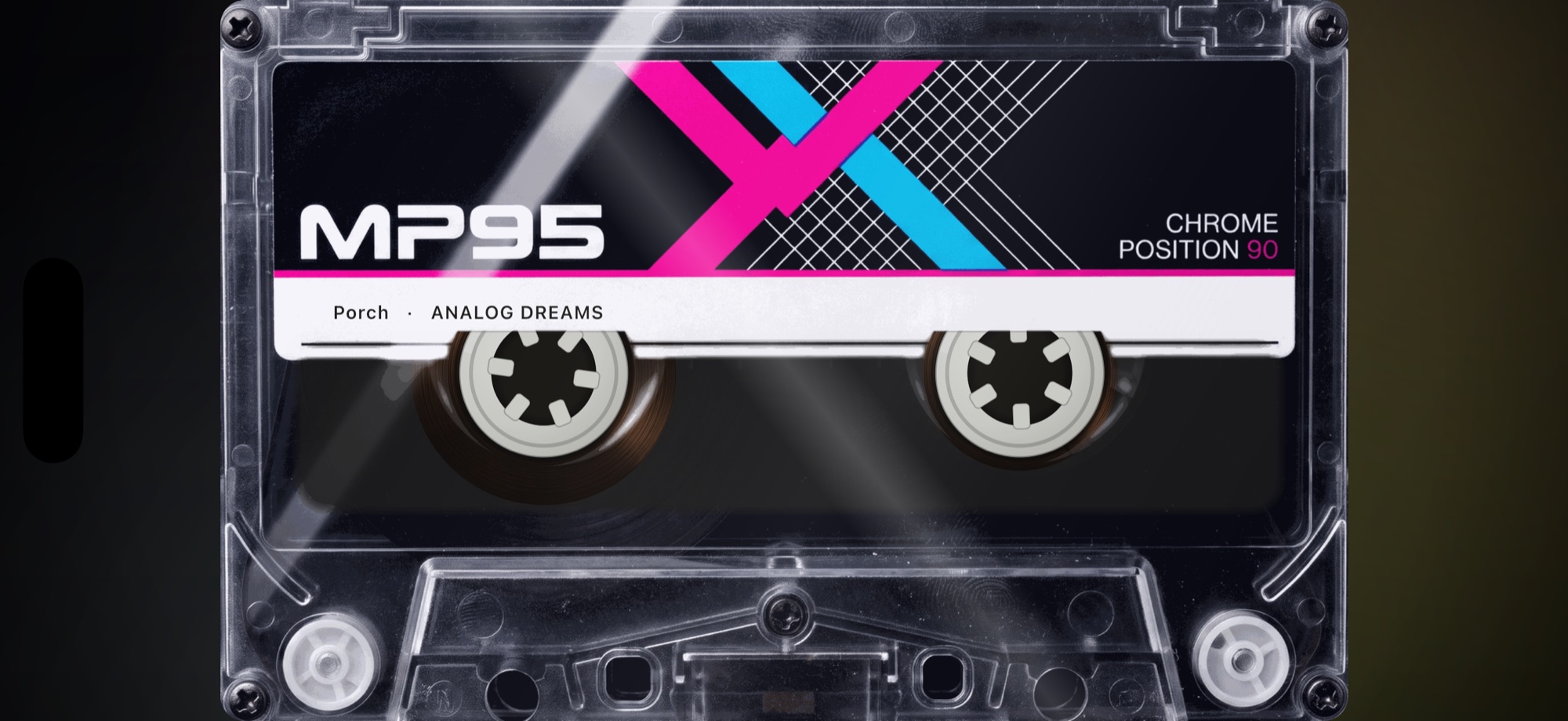
Six shells, captured from the app
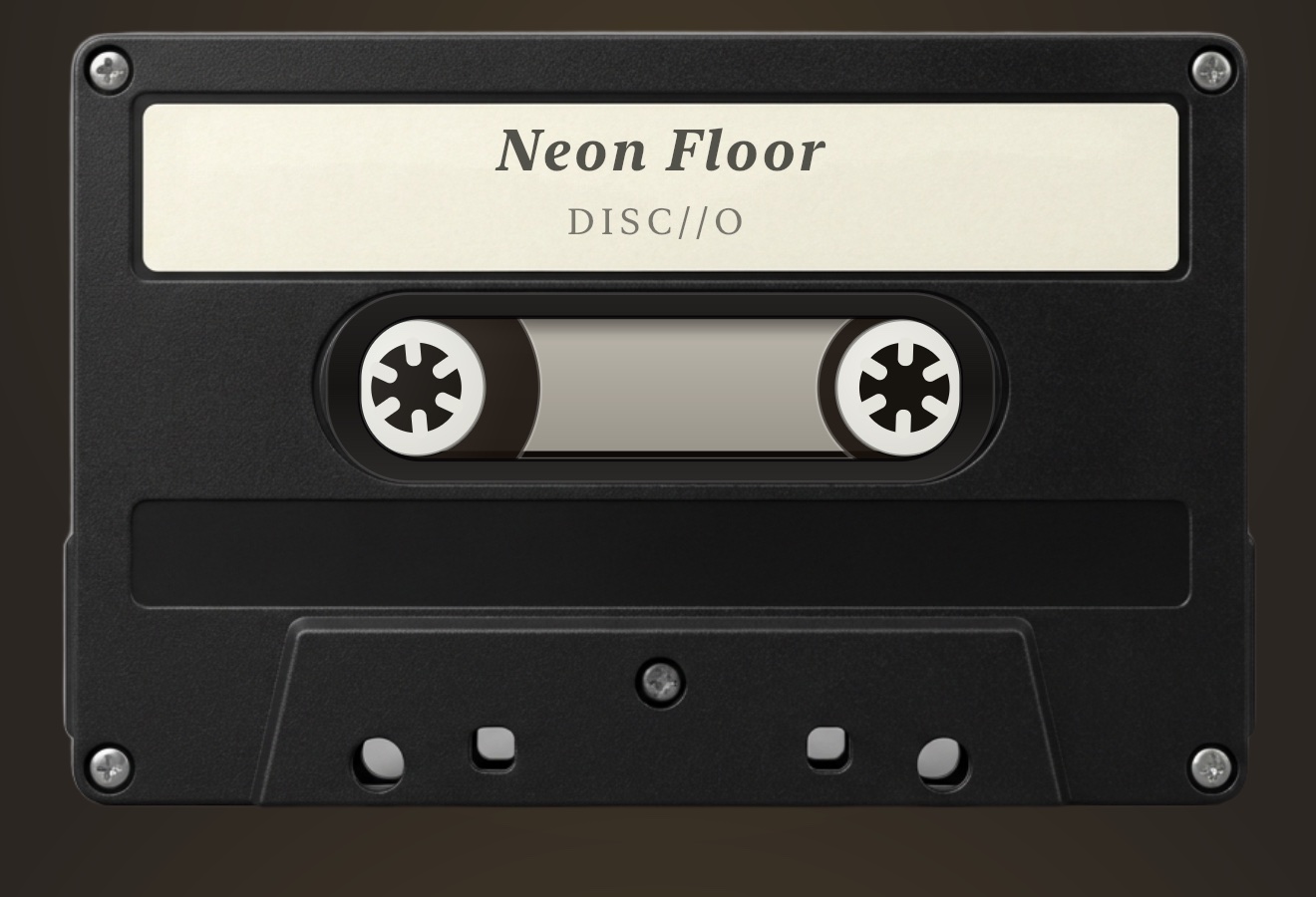
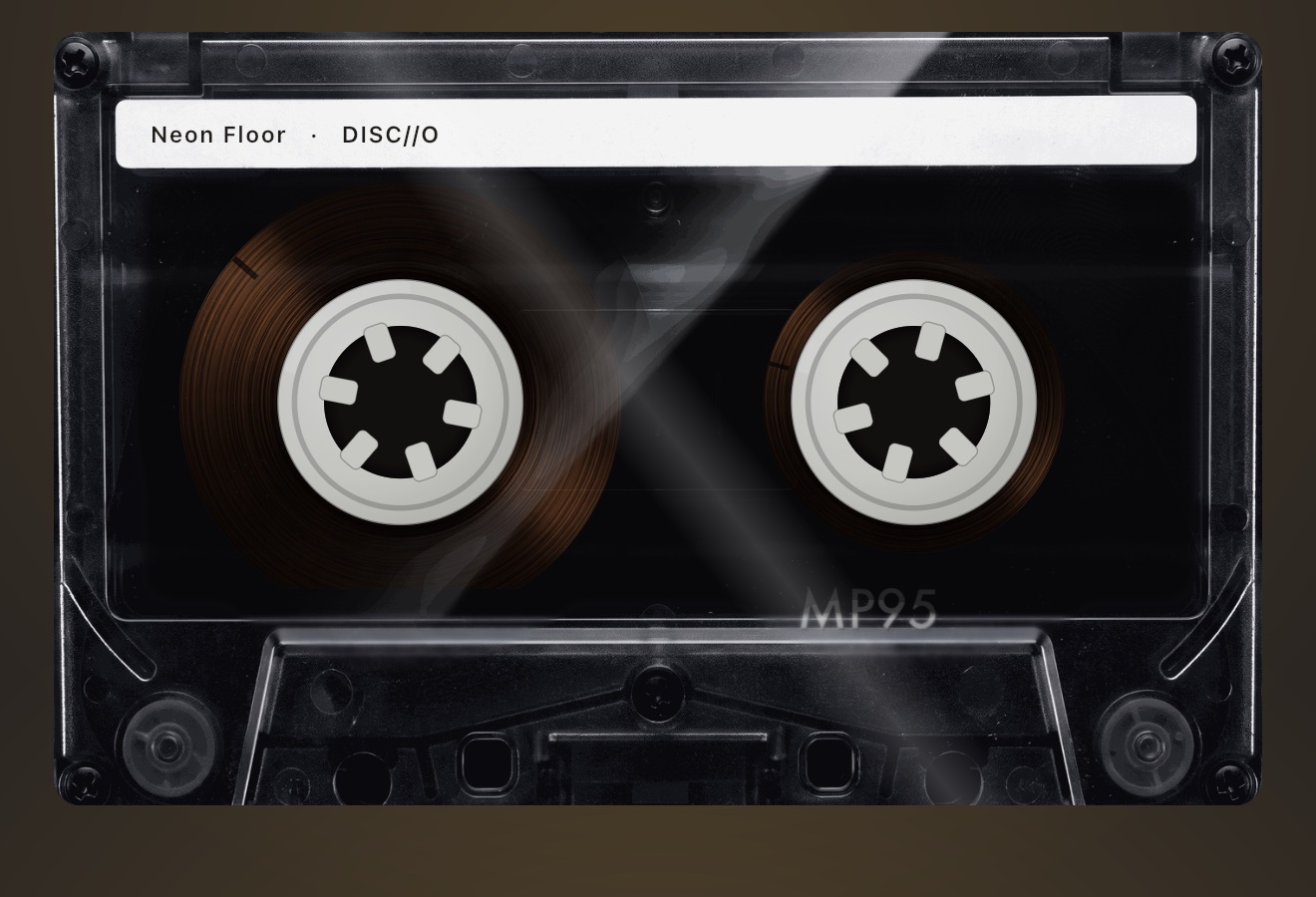
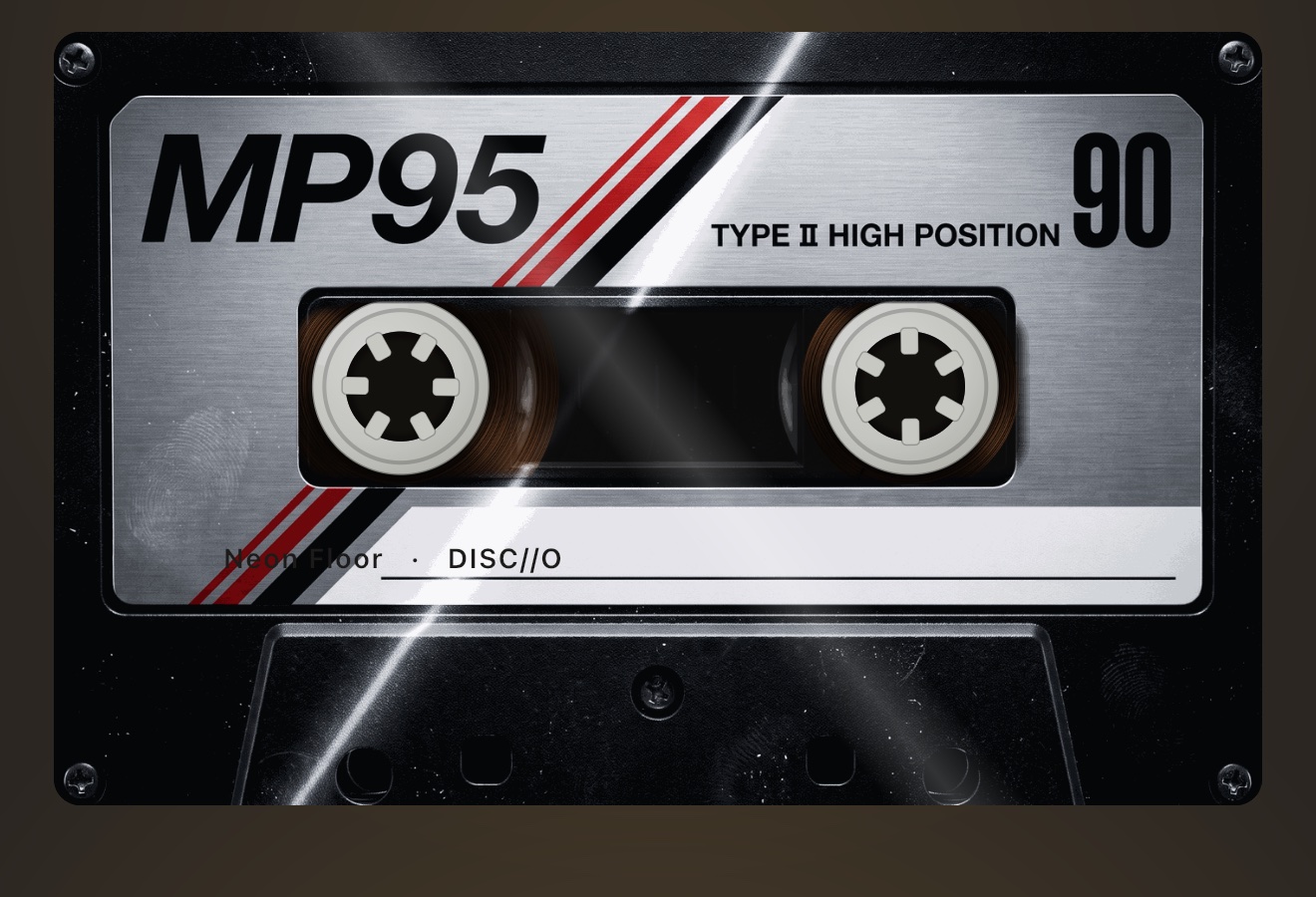
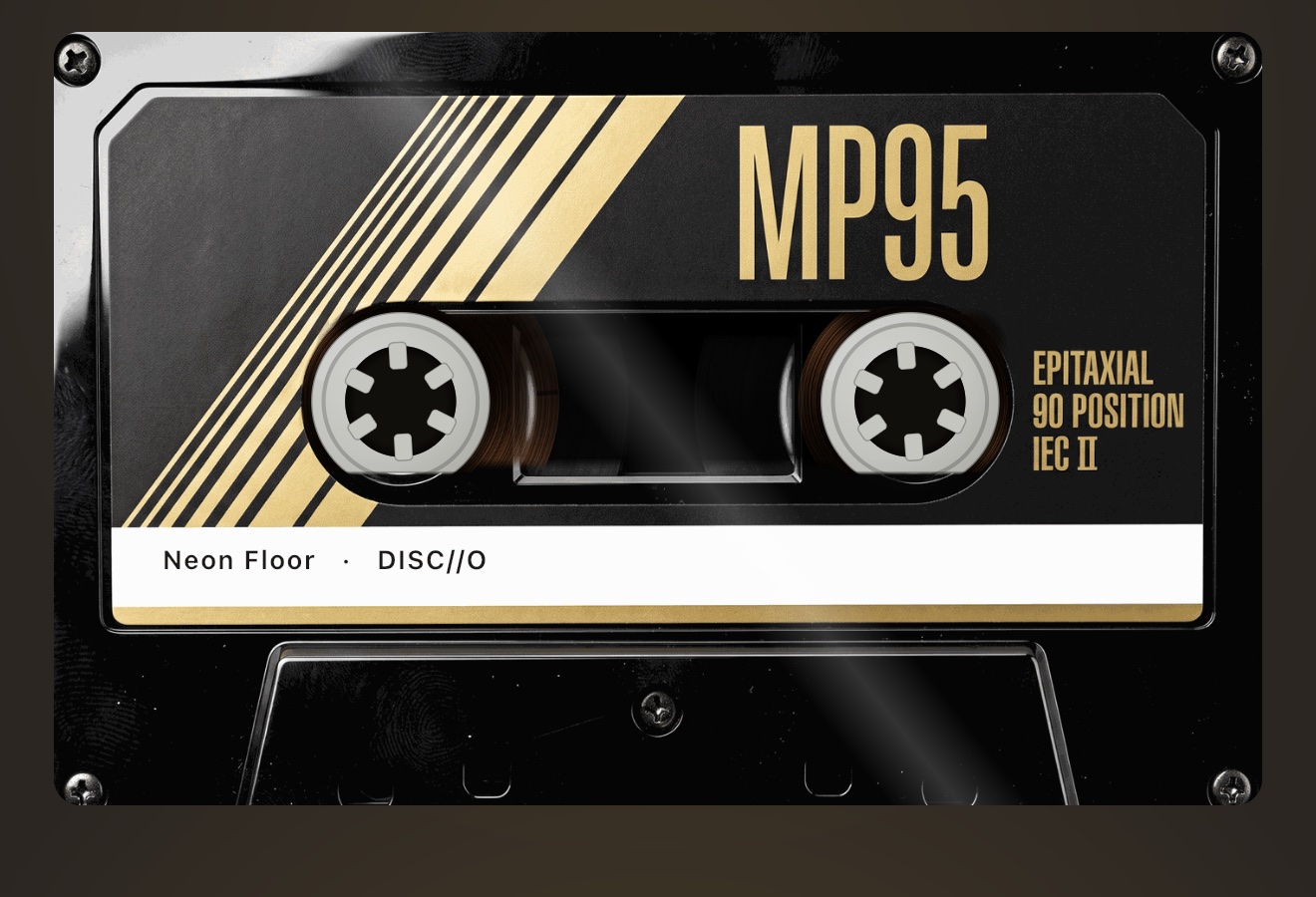
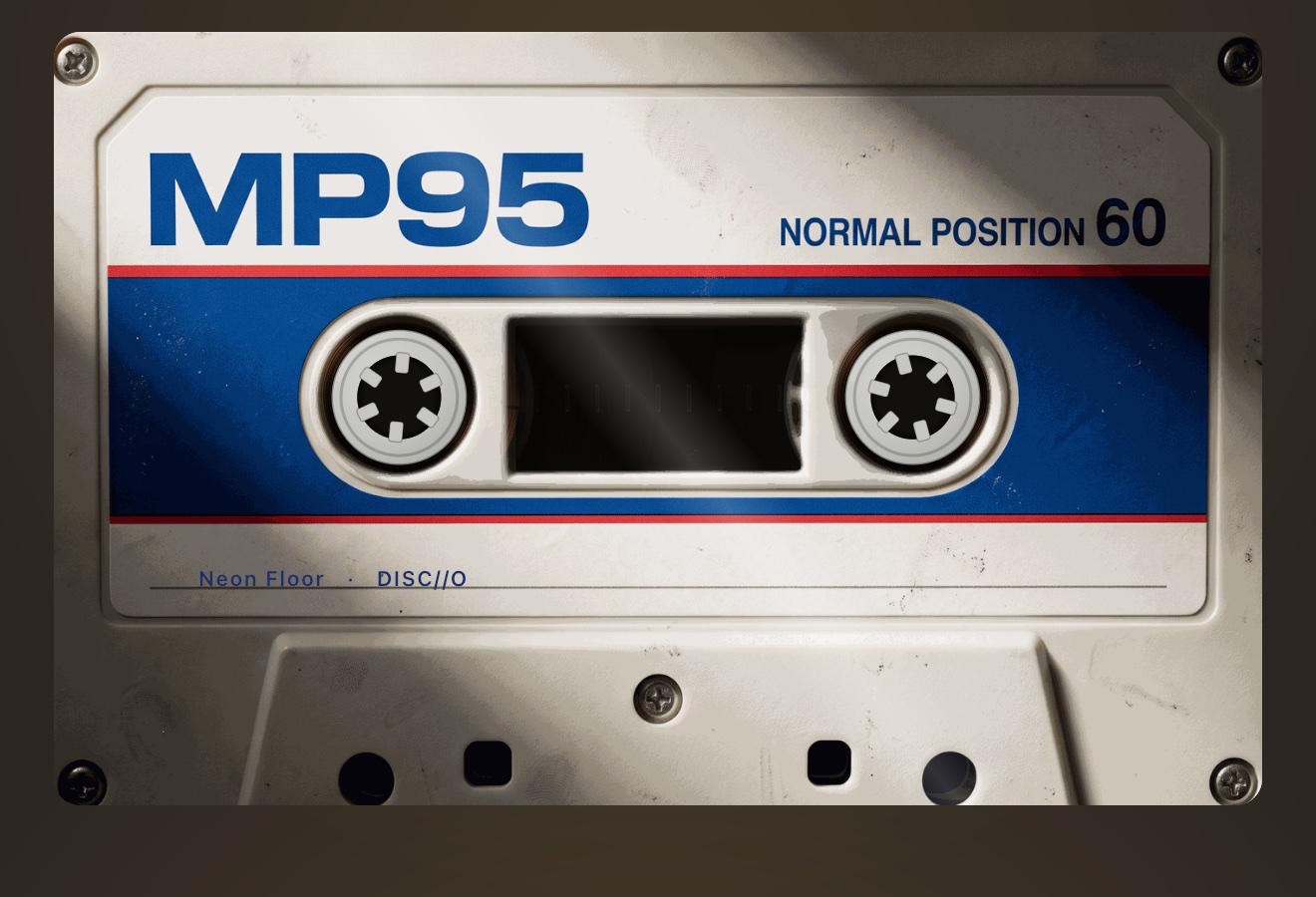
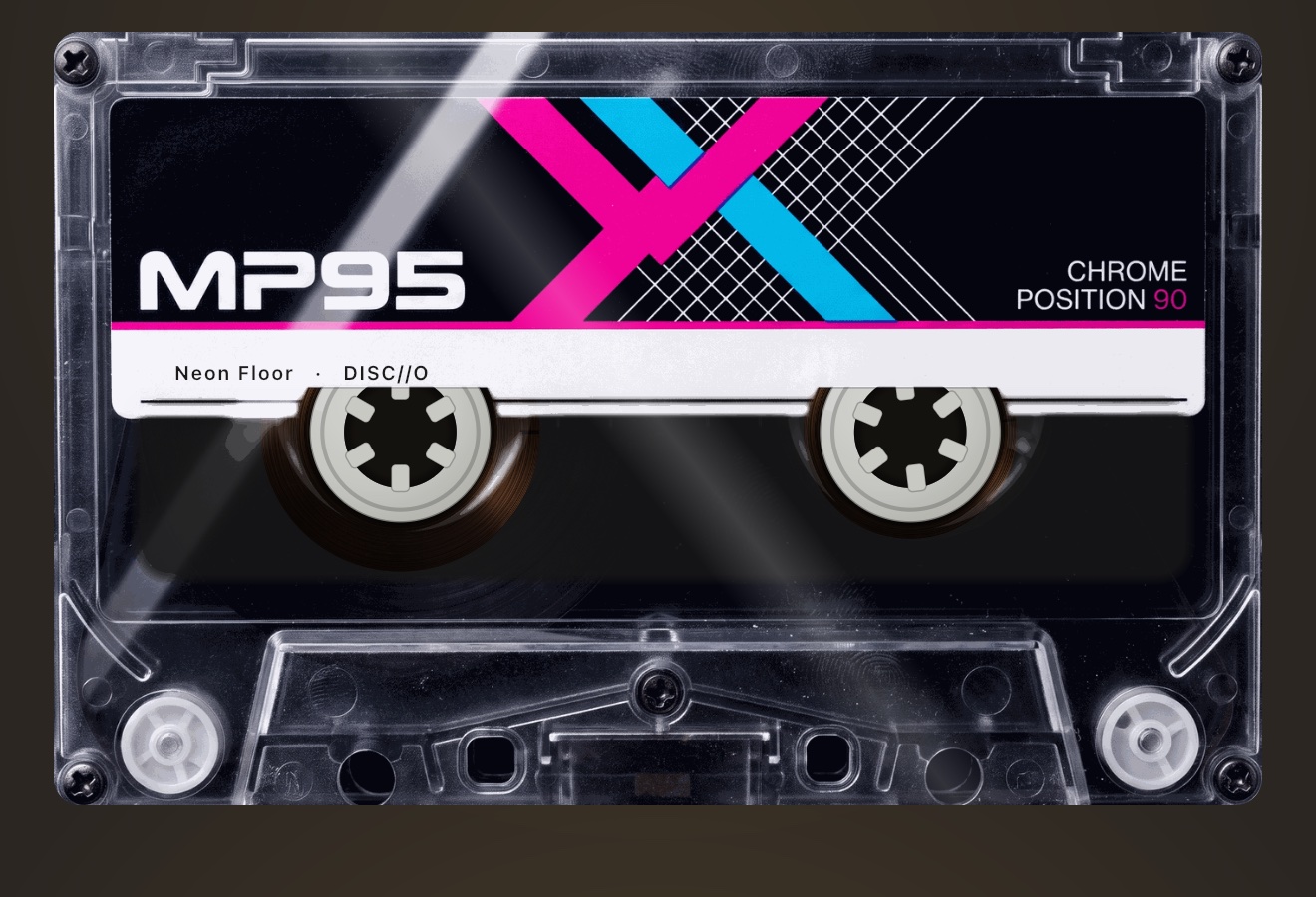
Swipe the cassette in the deck, or pick a shell in the CASSETTE row under the machine tiles in settings.
STOCK is free. The other five are part of MP95 Pro, with a free preview.
More features
Play your own music files offline, without ads or an account.
Learn moreTap the FX chip and the room behind the player answers the music: spectrum bars, a waveform, an aurora, a stream of light, a pulse, or full RGB.
Learn moreRoom Light drives the iPhone flashlight from the low-frequency envelope of the track.
Learn moreThe sound circles slowly around your head, about one revolution every eleven seconds, with the delay and shadowing your ears use to locate a real source.
Learn morePick the cassette deck and you hear tape.
Learn moreTen bands from 31 Hz to 16 kHz.
Learn moreMP95 is free to start. No account, no ads, no internet.