Give every track a disc number and a track number
For a two-disc release, use disc 1 with tracks 1–10, followed by disc 2 with tracks 1–8. Do not give both discs the same disc number and expect the folder names to settle the order.
MP95’s album queue sorts by disc number, then track number. When a track number is absent, it can use a leading number from the filename; remaining ties use natural filename order. This fallback is useful for simple numbered folders, but it does not replace consistent metadata across a large collection.
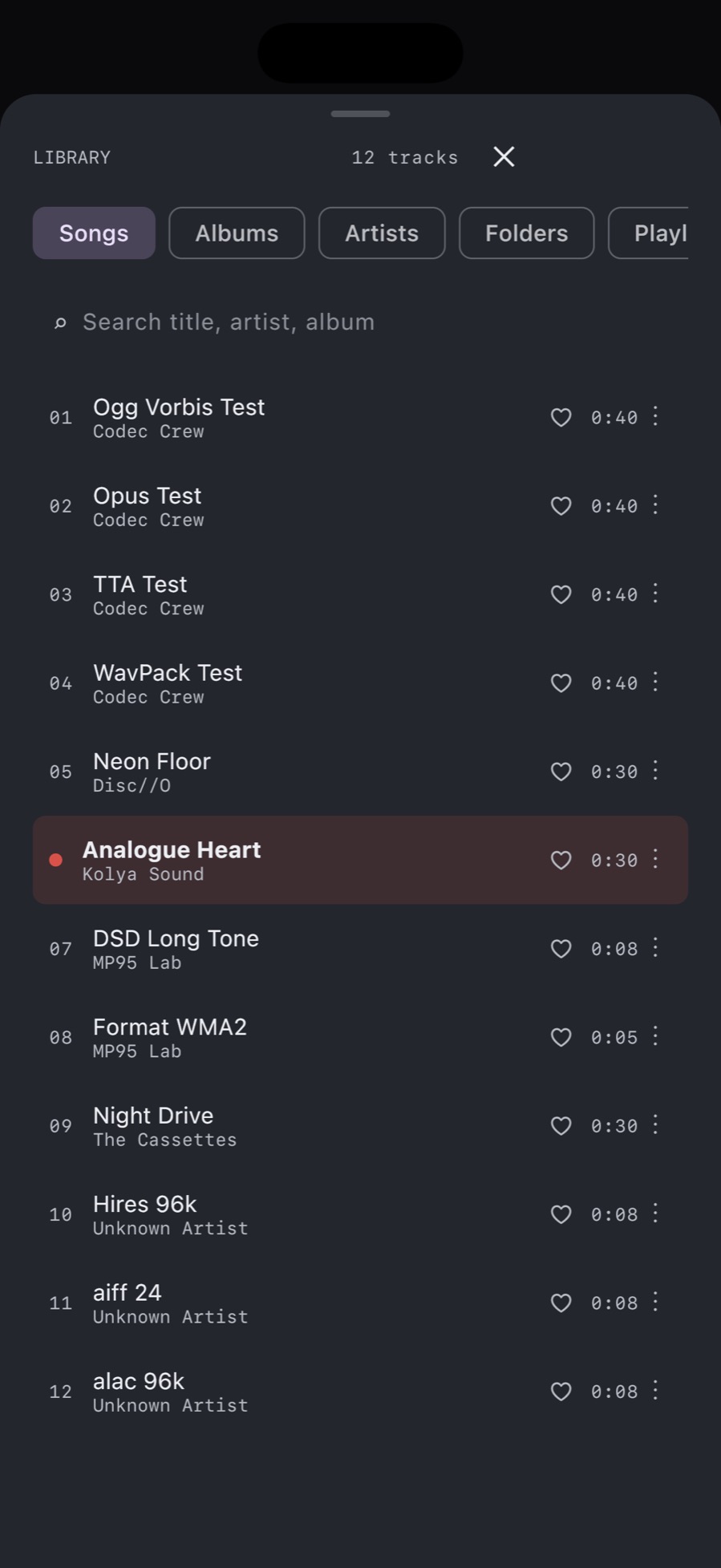
Check the actual album queue after import. A folder view and an album queue answer different questions: where a file lives and where it belongs in playback.
Separate recordings that share an album title
MP95 currently groups albums by the album title. Two releases with exactly the same album tag can therefore appear together even when their performers differ. Changing the artist field alone should not be treated as a fix for that grouping.
Give genuinely different editions distinguishable album titles. For example, “Symphony No. 5 — Northbank Orchestra, 1998” and “Symphony No. 5 — Chamber Recording, 2016” illustrate a naming scheme; they are fictional examples, not catalogue recommendations. Keep the real performer information in the artist tags as well.
Use the same album title for every track that belongs to one edition. A stray space or an added “Disc 2” can split a release you intended to keep together. For a box set, decide whether you want one continuous album or several separately named releases before editing hundreds of files.
Make bulk changes on a working copy
- Back up the original files.
- Inspect one complete release in a desktop tag editor that supports its format and disc-number field.
- Correct disc numbers, track numbers, album titles and performer names together.
- Import that example into MP95 and inspect the album queue.
- Apply the same scheme to the remaining collection only after the example works.
MP95’s inline tag editor has title, artist, album, track number and artwork controls for supported writable files. It does not currently expose a disc-number field. Use a suitable external editor for that job; do not assume changing the filename edits the embedded disc tag.
Know what the library does not organise for you
This workflow makes album browsing and playback order more predictable. It does not turn MP95 into a dedicated composer, work and movement catalogue. Preserve those specialist tags in the original files if another library uses them.
Keep movement titles readable without removing information you need elsewhere. Before shortening a long title, check whether the composer, work and movement remain identifiable outside the original folder.
For live recordings and continuous works, also check the difference between gapless playback and crossfade. Correct track order cannot remove silence already present inside a recording.