MP95 Get MP95

iPhone · Crossfeed for headphones

Crossfeed for headphones on iPhone

iOS has spatial audio for Apple’s headphones, and nothing for the stereo recordings of the sixties with the drums in one ear. Crossfeed is the fix, and MP95 has it for any headphones.

Free to start · No account · No ads · Works offline

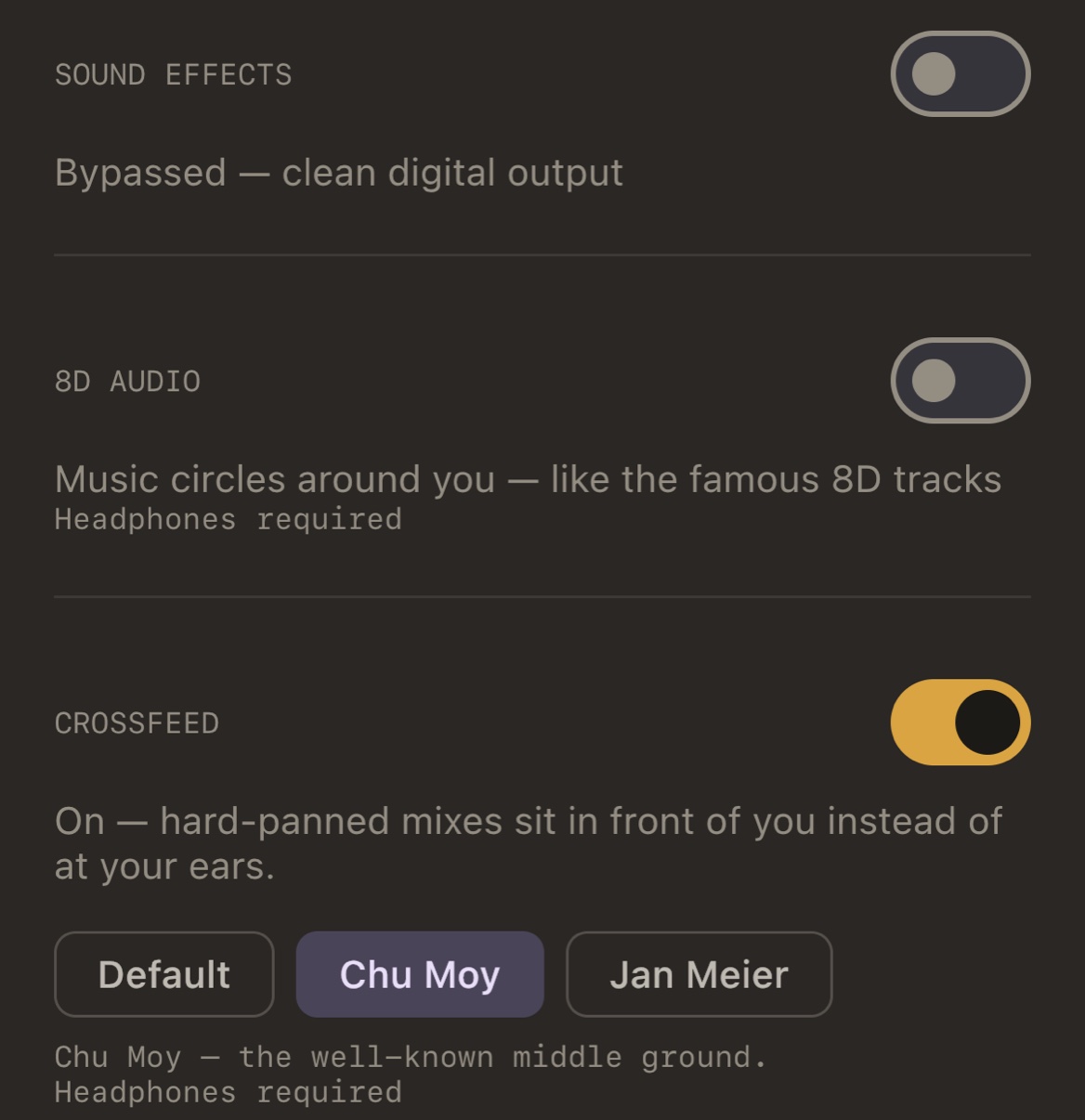
MP95 settings, close up: sound effects bypassed for a clean digital output, 8D off, and crossfeed on with the Default, Chu Moy and Jan Meier presets

Any headphones

Crossfeed works in the signal, so it works with wired headphones, a DAC, or Bluetooth. It is not tied to a brand or a head-tracking feature.

The presets

Default (strongest), Chu Moy (middle), Jan Meier (gentlest), from the bs2b library. Chu Moy is a good start. How bs2b crossfeed works.
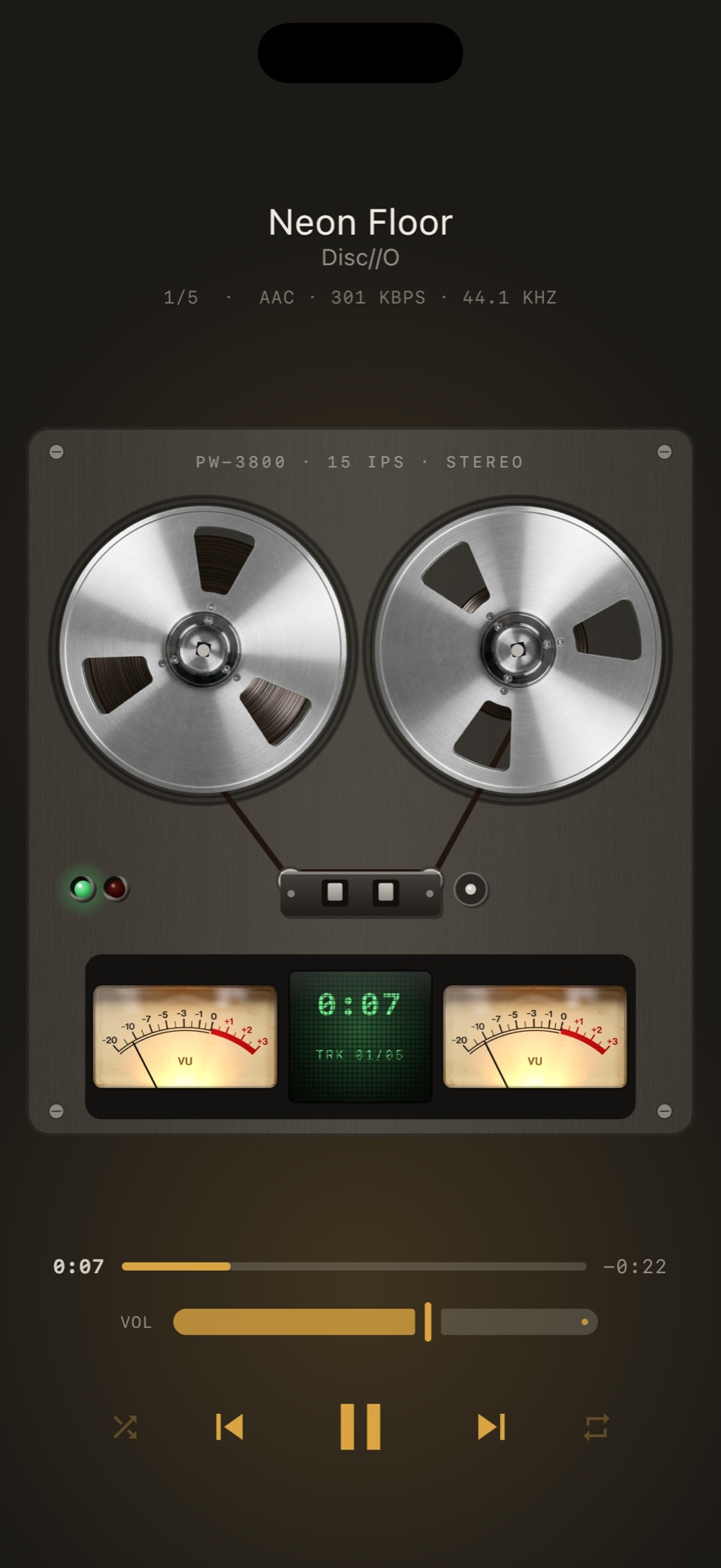
MP95 reel-to-reel on iPhone: two metal reels with tape between them, twin VU meters and a green tape counter display

Where to find it

Settings → Sound → Crossfeed, under 8D. It is free on every platform.

Frequently asked questions

Is crossfeed the same as Apple’s spatial audio?

No. Spatial audio renders surround mixes around you, with head tracking on some headphones. Crossfeed gently mixes the two stereo channels the way speakers do in a room.

Get MP95 for iPhone

Free to start. No account, no ads.