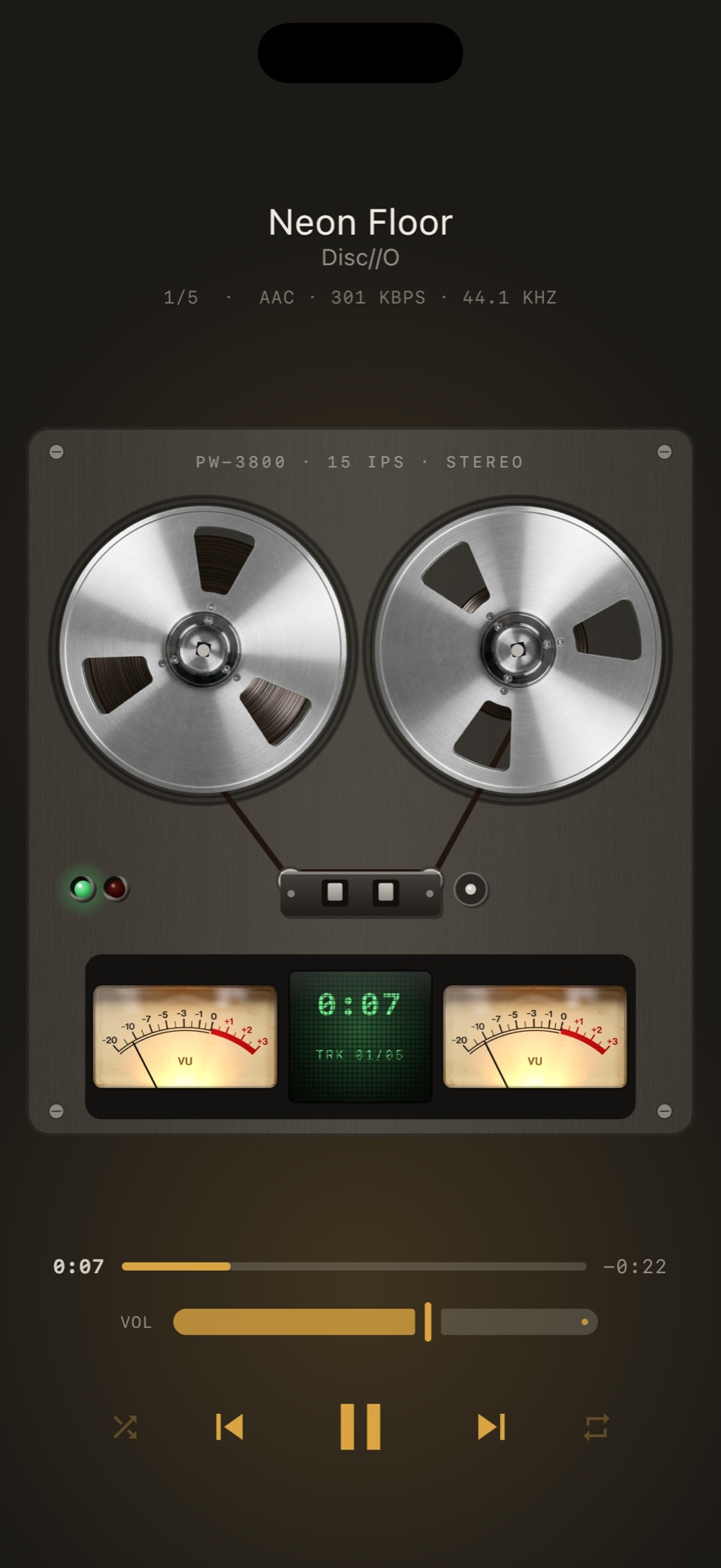
What the system does with it
iOS and macOS do not play Ogg Vorbis at all. Android does.
How MP95 plays it
| iPhone & iPad | FFmpeg |
|---|---|
| Android | Media3 |
| Mac | FFmpeg |
On iPhone, an .ogg file shared from Files or a messenger opens straight into MP95 and joins the library.
Whatever the format, the file goes through the same 32-bit float path: bit-perfect when nothing is switched on, the output at the file’s rate on a USB DAC, gapless joins and ReplayGain from its tags. The Hi-Fi path.
Getting Ogg Vorbis files onto a device
On iPhone and iPad: add a folder in Files, share the file to MP95, or drop it in over a cable. On Android: put it in your Music folder or anywhere you add with Add music folder. On Mac: point MP95 at the folder, or Open With from Finder. iPhone guide · Android guide.
Frequently asked questions
Can I play Ogg Vorbis on iPhone?
Yes, in MP95: fFmpeg.
Can I play Ogg Vorbis on Android?
Yes, in MP95: media3.
Can I play Ogg Vorbis on a Mac?
Yes, in MP95: fFmpeg. MP95 also opens these files from Finder with Open With.