Connecting
- USB-C iPhones (iPhone 15 and later) take a USB-C DAC or dongle directly.
- Lightning iPhones need a Lightning DAC, or Apple’s Lightning to USB 3 Camera Adapter with a USB DAC. The adapter with a power input helps with DACs that draw more current than the phone likes to give.
- Class-compliant USB audio devices need no driver on iOS. If the phone shows a warning that the accessory needs too much power, use a powered hub or adapter.
Getting the right sample rate
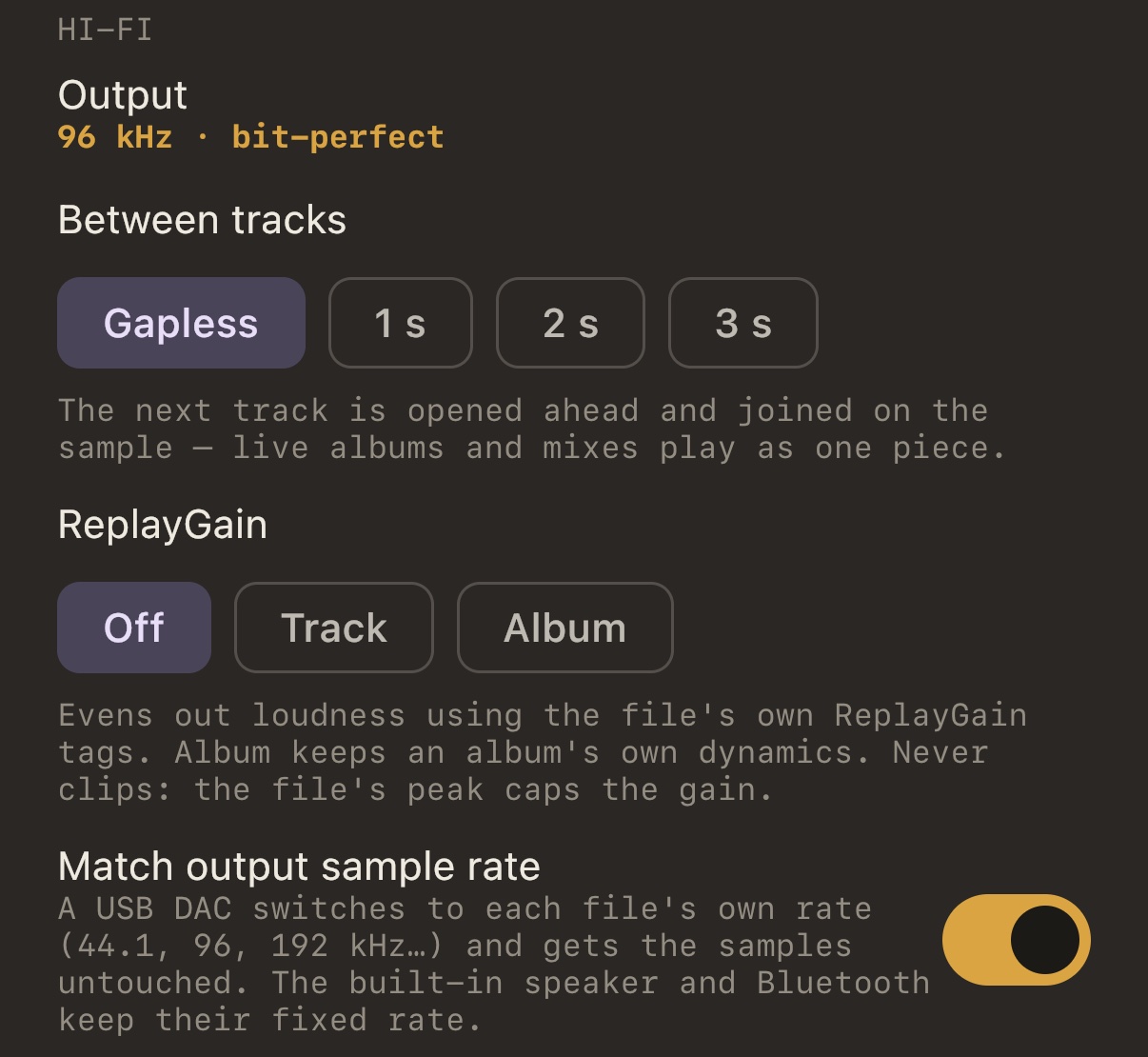
iOS runs the output at one rate unless an app asks for another. Most players never ask, so the DAC stays at 48 kHz. In MP95, switch on Match output sample rate in Settings → Sound → Hi-Fi. For every track MP95 asks iOS for the file’s rate, and the DAC follows: 44.1 for CD rips, 96, 192 or higher for hi-res, as far as the DAC allows.
Keeping the path clean
With sound effects bypassed, the equalizer flat, ReplayGain off and no crossfeed, MP95 does not touch the samples, and the Output line reads bit-perfect. Turn anything on and it says what. Volume is the iPhone’s own; the app never scales the signal.
A note on dongles
Some small dongles only accept 48 kHz, or 44.1 and 48. If the Output line shows → 48 kHz · resampled for a 96 kHz file, that is the device refusing the rate, not the app. Check the DAC’s specifications.
Formats
A DAC is wasted on a library the phone cannot read. MP95 plays FLAC, ALAC, WAV and AIFF up to the rate the DAC accepts, DSD converted to PCM at up to 352.8 kHz, and the rare lossless formats (APE, WavPack, TTA, TAK) through FFmpeg. All formats.
Frequently asked questions
Does the iPhone support 24-bit/192 kHz?
Through a USB DAC that accepts it, yes. Not through the built-in speaker or Bluetooth.
Do I need Apple Music Lossless for a DAC?
No. Your own FLAC or ALAC files work with any DAC in MP95.