Why the Music app will not play FLAC
Apple's lossless format is ALAC, and the Music app only understands its own formats. iOS 11 added FLAC support at the system level, which is why tapping a FLAC in the Files app plays it, but Files is a file browser: no library, no queue, no album art, no gapless. To play a FLAC collection properly you need a player that reads FLAC natively.
The three steps
- Install a FLAC player. MP95 plays FLAC, ALAC, WAV, AIFF, AAC, MP3 and CAF, and is free with two of its six machines.
- Get the files onto the phone. Any of these work:
- Files app. Put the album folder in iCloud Drive, or plug in a USB drive with a USB-C adapter, and it appears in Files.
- Cable. Connect the phone to a Mac, open it in Finder, go to Files, and drop the folder into MP95's folder.
- AirDrop. Send the files from a Mac and choose MP95 as the destination.
- NAS. Connect to the server in the Files app (Connect to Server) and browse it like any folder.
- Add the folder. In MP95, open the library, tap Add folder, and pick it. The folder is read in place: nothing is copied or converted, and removing it later leaves the rest of your library alone.
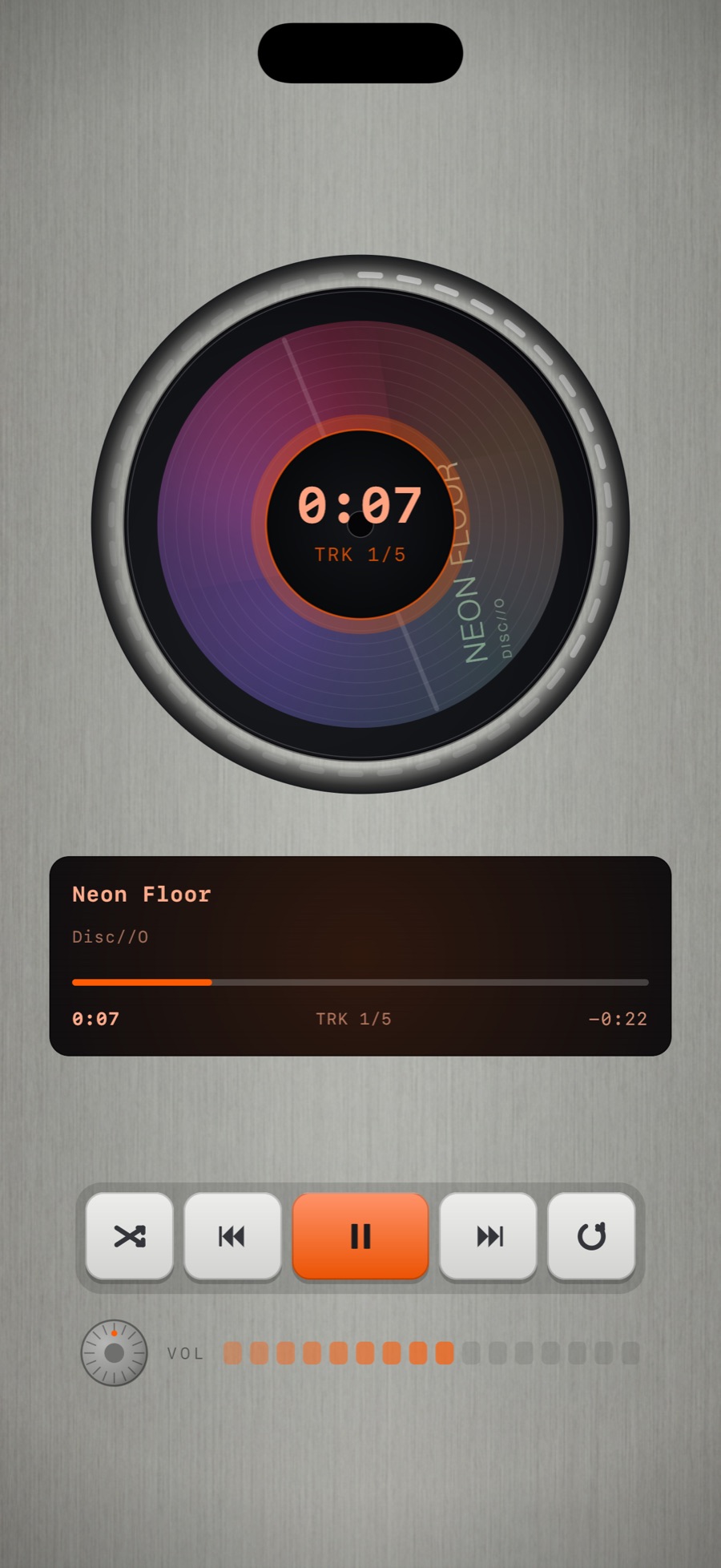
How to check it is really lossless
MP95 prints the format, bitrate and sample rate of the playing file on the display of every machine, and the disc player shows a FLAC badge. With the analog switch off, the file is decoded and played with no resampling and no processing. With it on, the tape or vinyl chain runs at the file's native rate. Either way you choose.
What about hi-res?
A 24-bit, 96 kHz FLAC plays at 96 kHz. Whether you hear the difference depends on what is between the phone and your ears: the built-in output, wireless earbuds (which re-encode) or an external DAC. That is true of every iPhone player; none of them can make Bluetooth lossless.
Album art and tags
Embedded artwork and tags for title, artist, album and track number are read and used. In MP95 the artwork lands on the record label, the cassette J-card or the disc, and the album appears as a sleeve on the library shelf.
Frequently asked questions
Can iPhone play FLAC files natively?
The Files app can play a single FLAC file, but the Music app cannot and you get no library. A FLAC player such as MP95 gives you a proper library and playback.
Do I need to convert FLAC to ALAC for iPhone?
No. MP95 plays FLAC directly, lossless, with no conversion.
Is FLAC playback free in MP95?
Yes. Every format plays on the free machines.