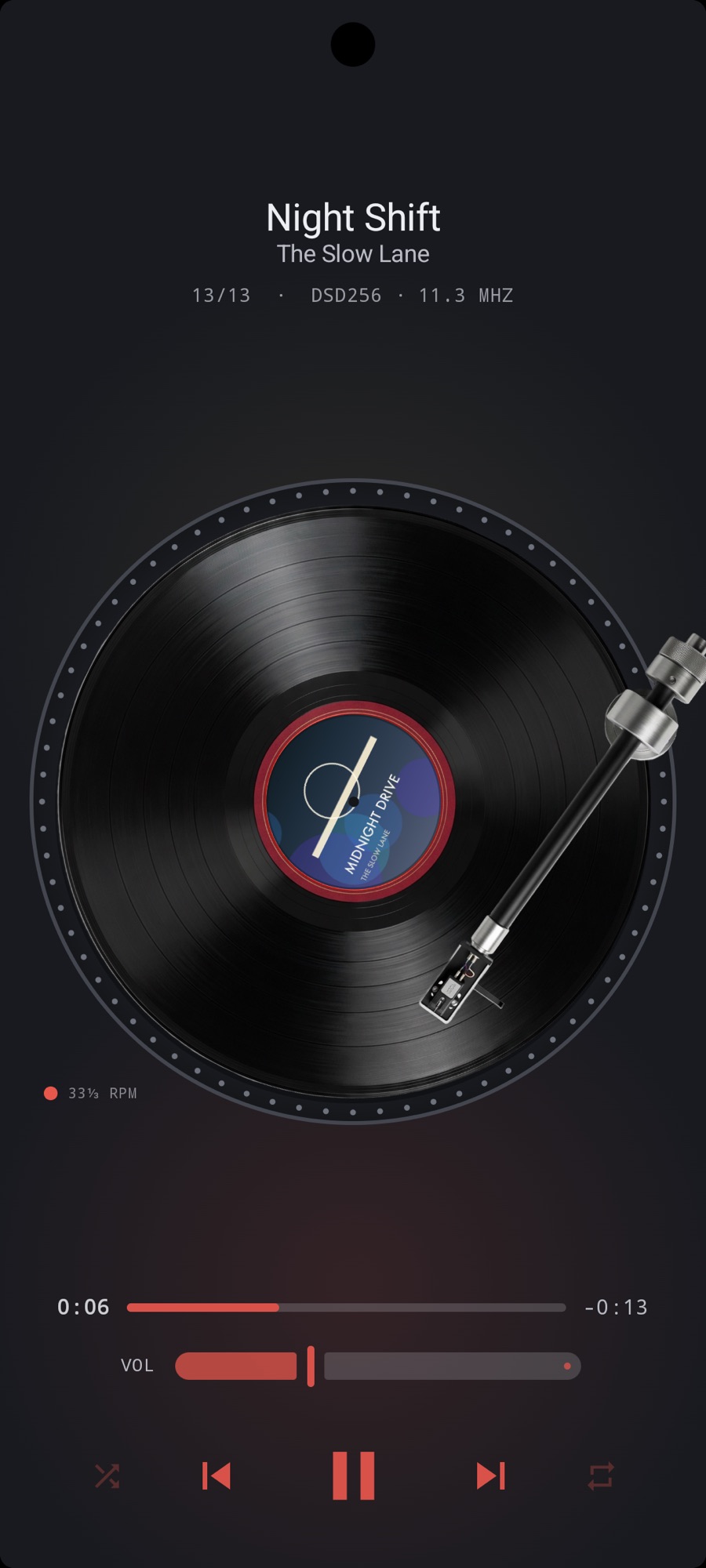
What the path does
Files are decoded by Media3 or, for the formats Android does not know, by FFmpeg. The sound chain runs in 32-bit float inside a wrapper around the audio sink, so a 24-bit FLAC or WavPack keeps all 24 bits instead of being cut to 16 on the way in, and the sink hands float to the system. With sound effects bypassed, the EQ flat and ReplayGain off, nothing in MP95 touches the samples. See bit-perfect playback.
USB DACs on Android 14 and later
Android normally runs its mixer at one rate. From Android 14, an app can ask the system to run it at the file’s rate for a USB device. MP95 does that for every track, choosing from the rates your DAC reports, up to 192 kHz. On older versions and on the built-in speaker, the mixer’s own rate applies. How rate matching works.
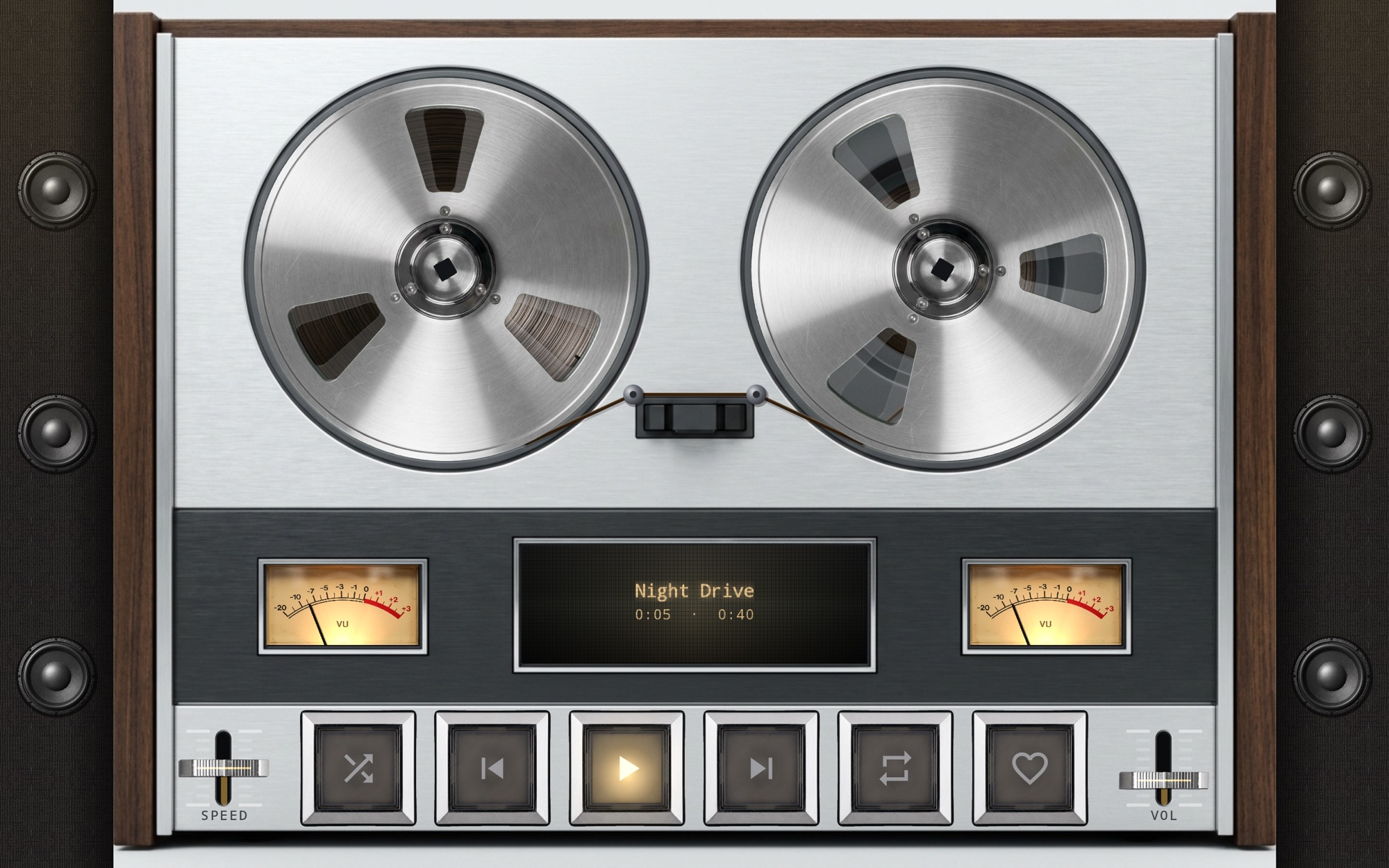
The formats Android hides
Android’s media index does not list DSD, APE, WavPack, TTA, Musepack or CAF files, and music apps that rely on it never see them. MP95 reads them through FFmpeg once you add your music folder. DSD256 starts immediately: the file is streamed, not converted first. All formats.
Tools, not tricks
Headphone crossfeed on the bs2b algorithm with its three presets. ReplayGain by track or album, capped by each file’s peak. A sample-accurate gapless join, or a pause of your choosing. A tag editor for MP3 and FLAC. A History that remembers where you stopped. All free.
Frequently asked questions
Does MP95 have its own USB driver like UAPP?
No. It uses Android’s own USB audio path, asking the mixer to run at the file’s rate on Android 14 and later. See MP95 vs USB Audio Player Pro.
Does it support DSD over DoP?
No. DSD is converted to PCM at 88.2 kHz on Android.