The tags describe a playback adjustment
ReplayGain stores loudness information as metadata. A compatible player reads it and applies gain during playback. It does not replace the music with a permanently louder or quieter recording. Switch ReplayGain off and the stored audio is still the original.
The missing step is often analysis. Choosing a mode in MP95 does not itself analyse your entire collection and write new ReplayGain tags. If your files lack suitable tags, use a tagging tool with ReplayGain analysis on a backed-up copy of the collection, then check that the player reads the resulting files.
Track mode for a mix, album mode for an album
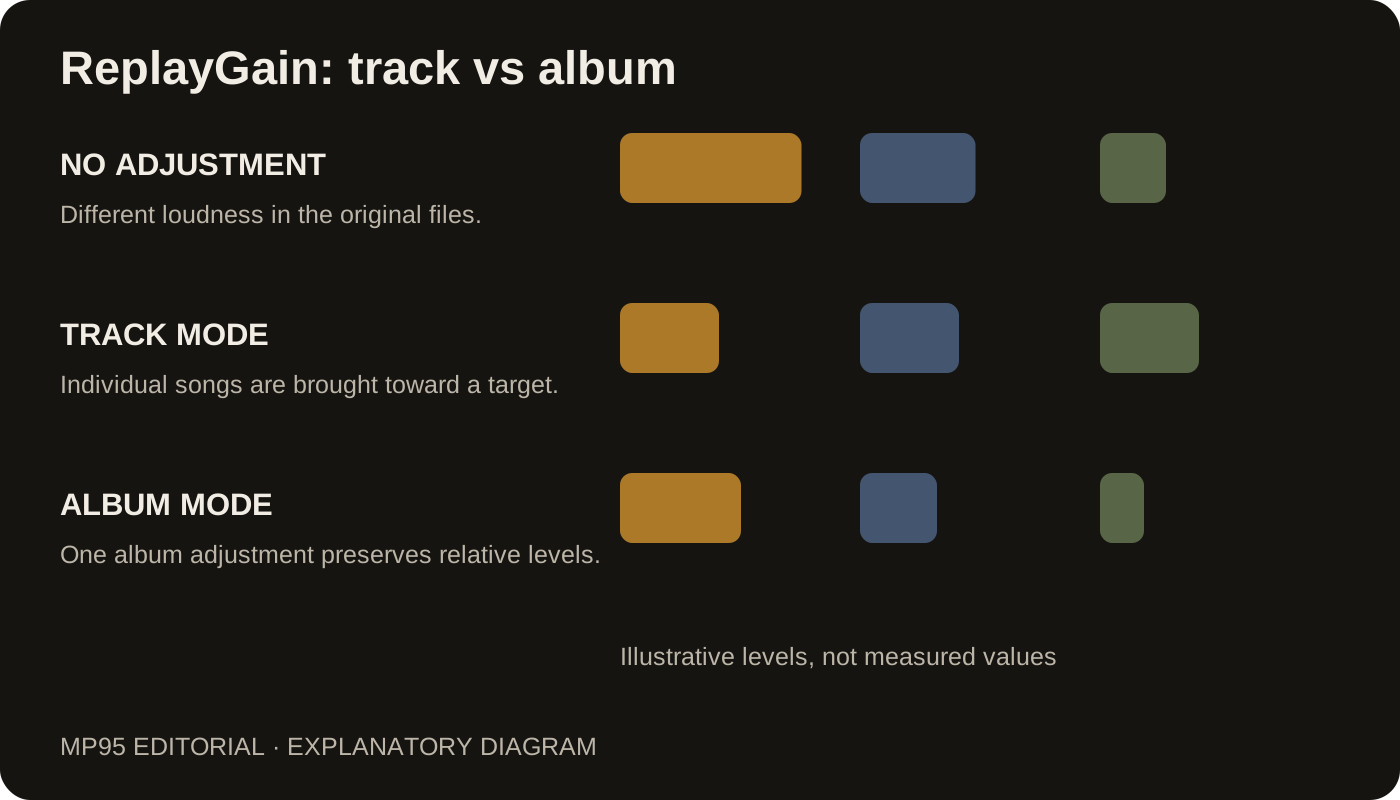
Track mode uses the adjustment calculated for each song. It is a useful starting point for shuffle or a playlist drawn from many releases, where a sudden loudness change is usually unwelcome.
Album mode uses an album-level adjustment. It preserves the intended level differences within that album: a quiet interlude stays quieter than the following full-band track. Use properly grouped album analysis; applying one album value to an arbitrary folder of unrelated songs defeats the purpose.
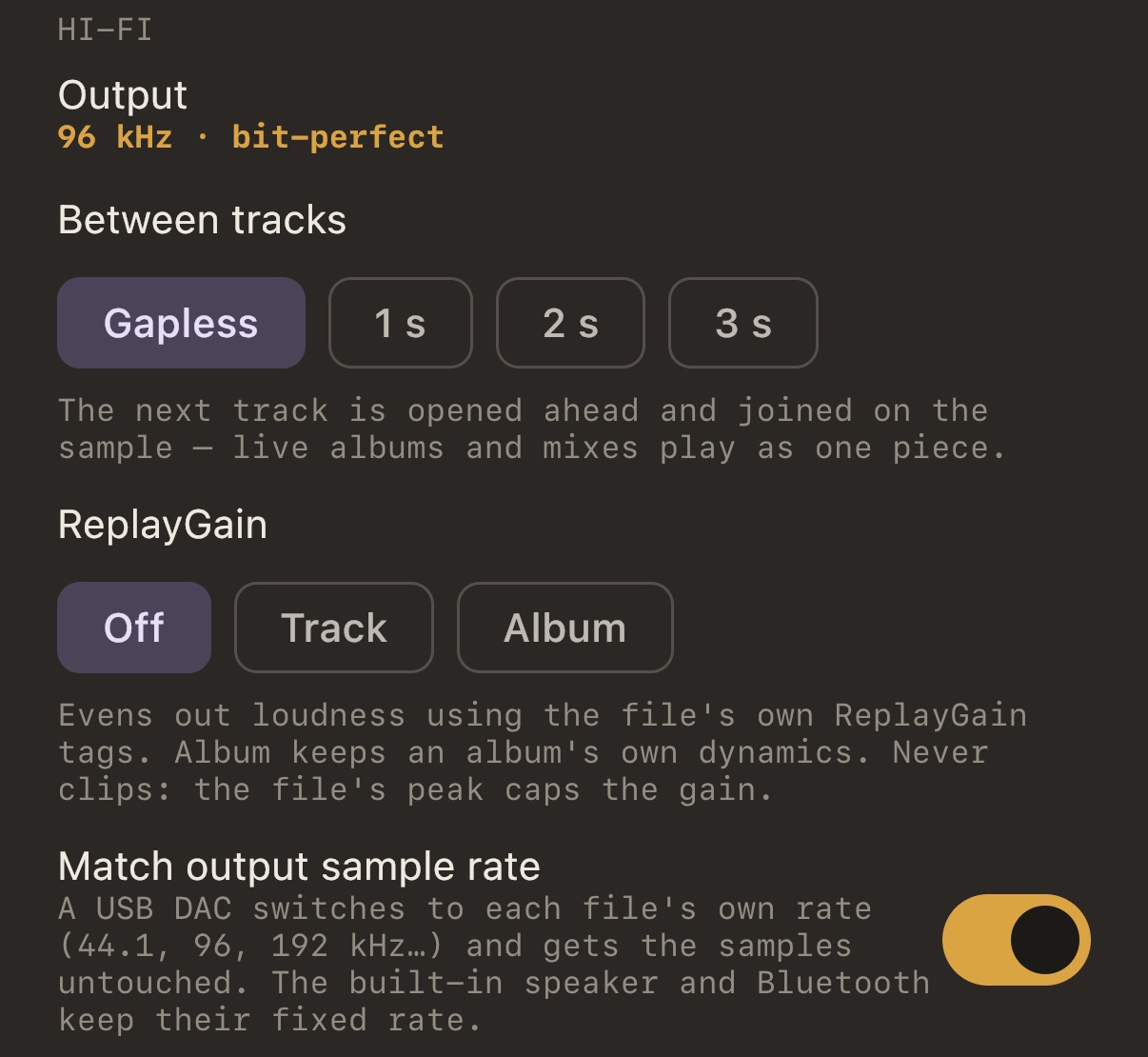
MP95 offers Off, Track and Album. In album mode it can fall back to track information when album information is unavailable. Check both sets of tags if a mixed collection behaves inconsistently. The ReplayGain feature page describes the player's peak handling and fallback.
Try a small, familiar selection
- Choose a few files with known ReplayGain tags, including two tracks from one album.
- Open MP95's Hi-Fi settings and choose Track under ReplayGain.
- Compare songs at a comfortable, fixed output volume.
- Switch to Album and listen to the quiet and loud passages within that album.
Do not raise the volume sharply while switching modes. Loudness analysis is an estimate, and it cannot make every voice, bass note or chorus seem equally loud. It also cannot undo distortion already present in a master.
Why a quiet track may not become as loud as you expected
A track can have low average loudness but peaks close to full scale. Raising the whole track can push those peaks past the available range. MP95 uses available peak information to constrain positive gain; it does not promise that every file can reach exactly the same perceived loudness.
Check for missing tags, a missing album value and a different master before assuming the mode is broken. ReplayGain changes sample values whenever it applies non-zero gain, so turn it off when checking bit-perfect output. Consistent listening volume and unchanged samples are different goals.