Check which kind of download you have
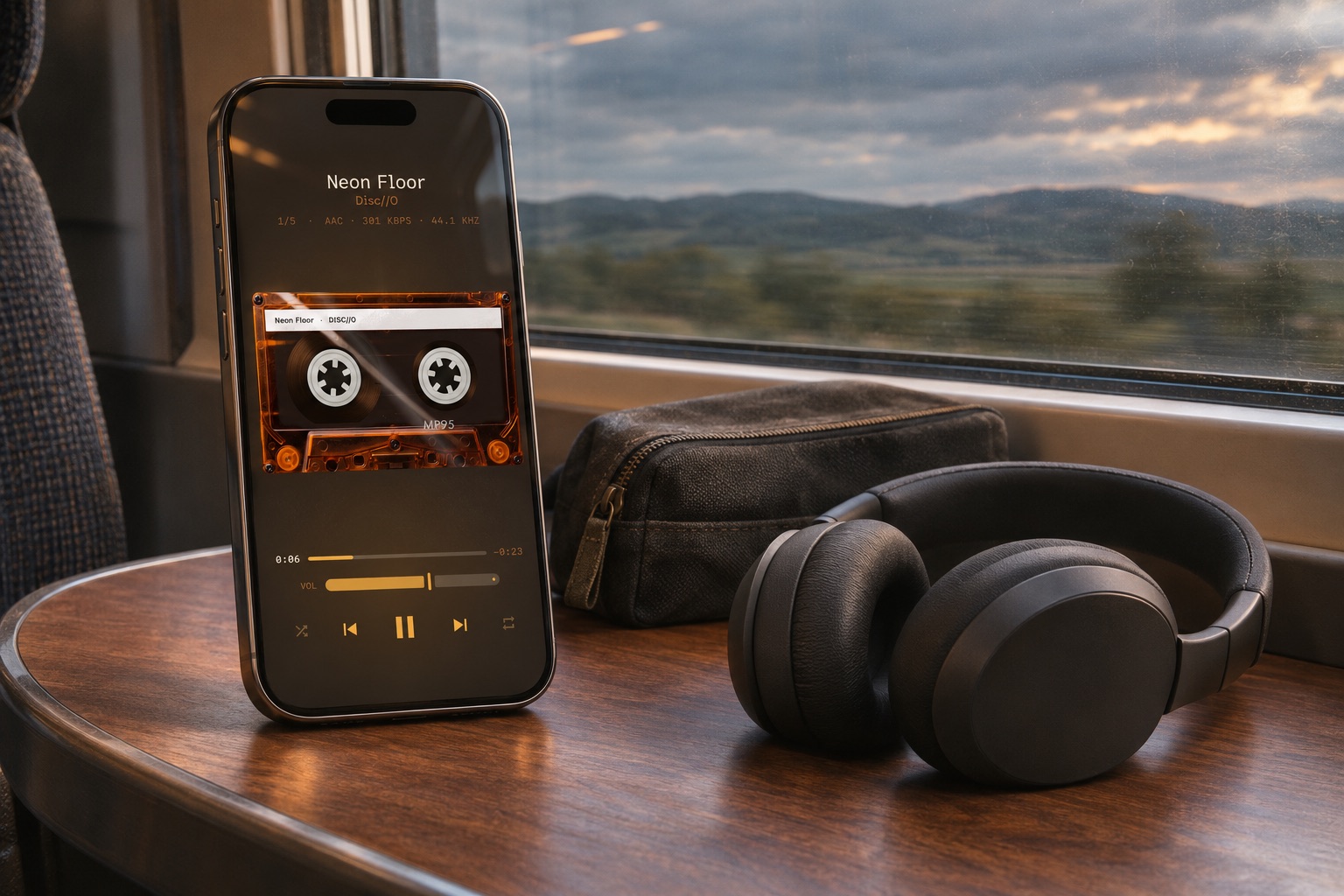
This guide concerns ordinary audio files in iCloud Drive, such as MP3 or FLAC. Apple Music subscription downloads belong to a different system; they do not become transferable music files in Files. MP95 is a local-file player, not a tool for exporting protected streaming downloads.
Open Files, browse to the album and check its download state while connected. Open or download the audio files, not just the cover image or ZIP archive. A ZIP must be extracted before its tracks can form a normal music library.
Keep files downloaded where the option is available
On iOS versions that offer it, touch and hold an iCloud Drive file in Files and choose Keep Downloaded. Apple documents this as a way to retain selected files for access on the iPhone. Exact options depend on the iOS version and storage provider; other cloud services may use different controls.
Wait for the transfer to finish and check free storage. Keeping an iCloud file downloaded still leaves it inside a synced location: a deletion or edit there can have consequences beyond this phone. A downloaded file is not an independent backup.
Use a clearly local copy if you prefer
In Files, copy the extracted album to an available folder under On My iPhone. Copying preserves the cloud original; moving changes its location. Check that you have enough space, then add that local folder through Add folder in the MP95 library.
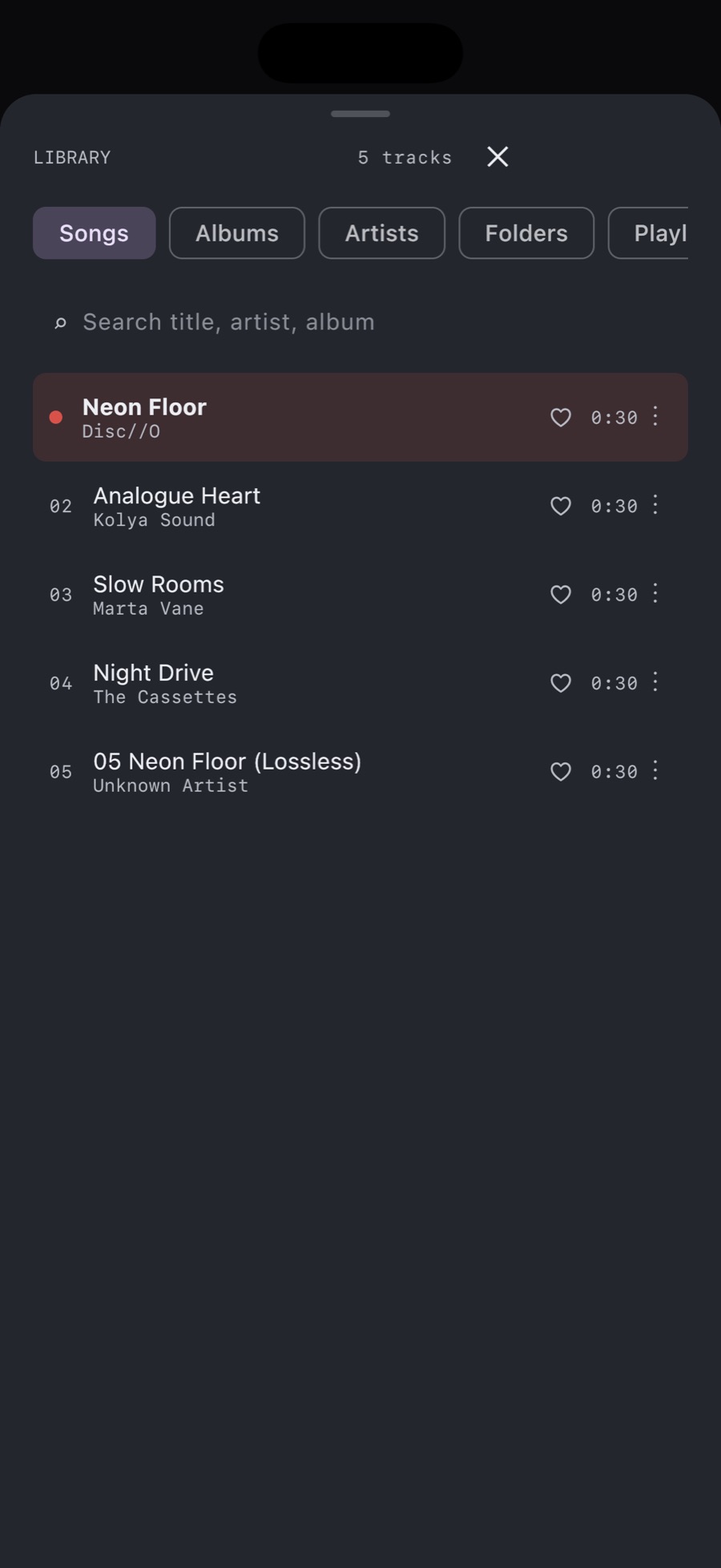
If you already added the cloud location, check which copy the player is opening. Adding both locations can leave duplicate songs. Do not remove either copy until you know the intended local version plays and any playlists still point to reachable files.
Test the album before travelling
Turn off Wi-Fi and cellular data, open MP95 and play songs from the beginning, middle and end of the album. Seek within a longer track too. If Bluetooth headphones are involved, keep Bluetooth enabled for that separate connection.
If one track fails, reconnect and check that specific source file. If the whole folder fails, review folder access and location. A playlist names songs; it does not automatically download them or make a second copy of their audio.
Offline music without a streaming subscription
Once the files are local and accessible, MP95 can play them offline without ads. The free iPhone library, cassette deck and turntable are enough for this workflow. Optional Pro styles do not replace the need to download the music itself.