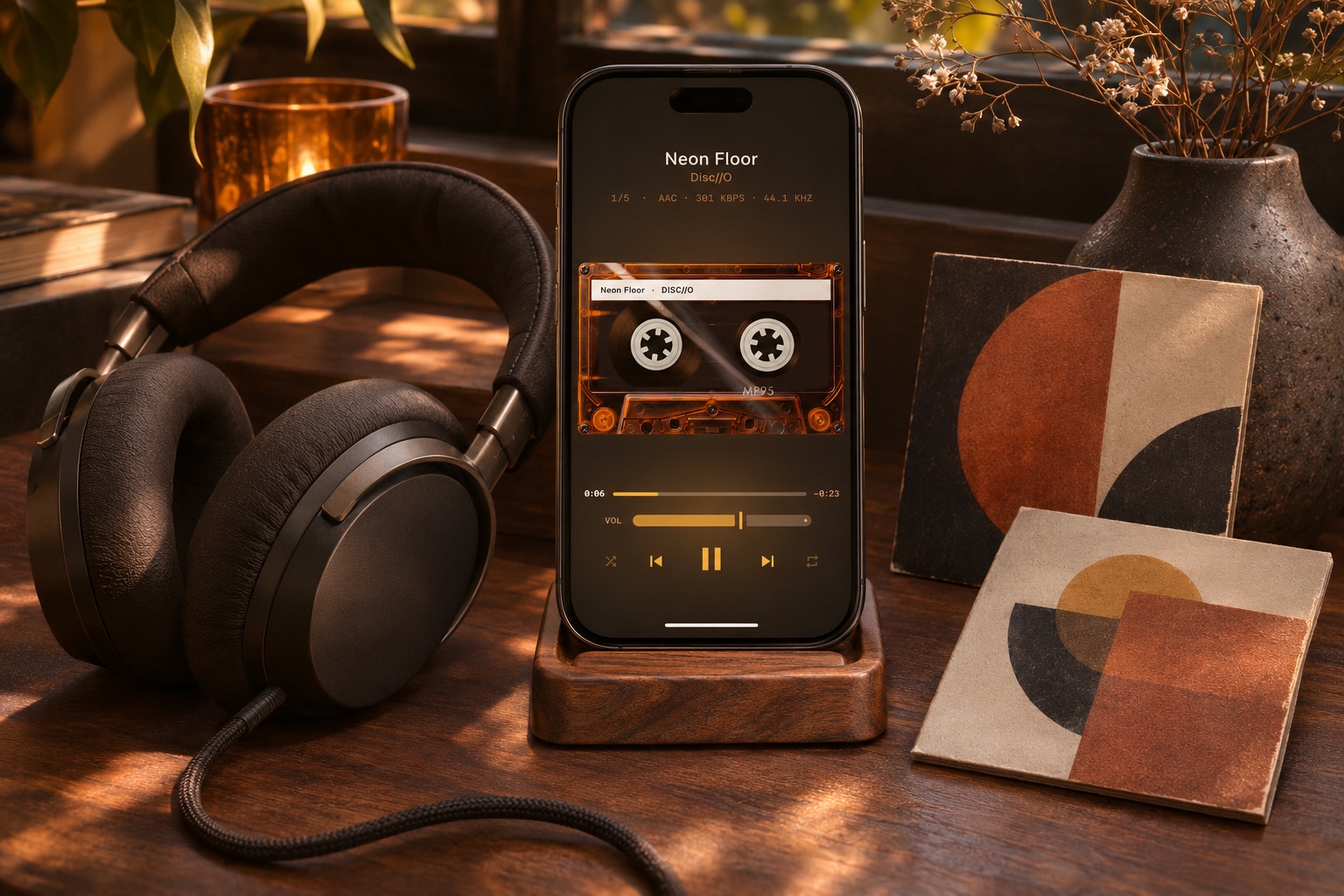
Download the files, not just the app’s offline copy
Use the download link supplied for your Bandcamp purchase and select a format offered for that release. FLAC keeps the downloaded audio lossless; MP3 uses less storage. A release’s price and available downloads are set by its artist or label. Not every album is free.
Bandcamp’s own app is another way to listen to purchases offline. Its saved tracks are not the same as a folder of exported FLAC or MP3 files that you can open in another player. This guide follows the downloadable-file route.
Extract the album in Files
In Safari, finish downloading the album. Open Files and locate the ZIP in Downloads; check both iCloud Drive and On My iPhone if you are unsure where Safari saved it. Tap the ZIP to extract it, then open the resulting folder and check that it contains audio files rather than another archive.
Allow space for both the ZIP and the extracted album. Keep the archive until you have checked the extracted tracks. A cover image or PDF booklet is useful to keep, but it is not a playable song.
Add the extracted folder to MP95
Open the MP95 music library, choose Add folder and select the extracted album folder in the system picker. Grant access, let the library load, then find the album under Albums or Folders. Button names follow the app language. There is no need to import the ZIP into Apple’s Music app.
If the album appears under an unexpected title, inspect the embedded tags. A folder name and an album tag are separate things. MP95’s free tag editor can correct supported local files; it does not automatically identify a release or fetch missing artwork.
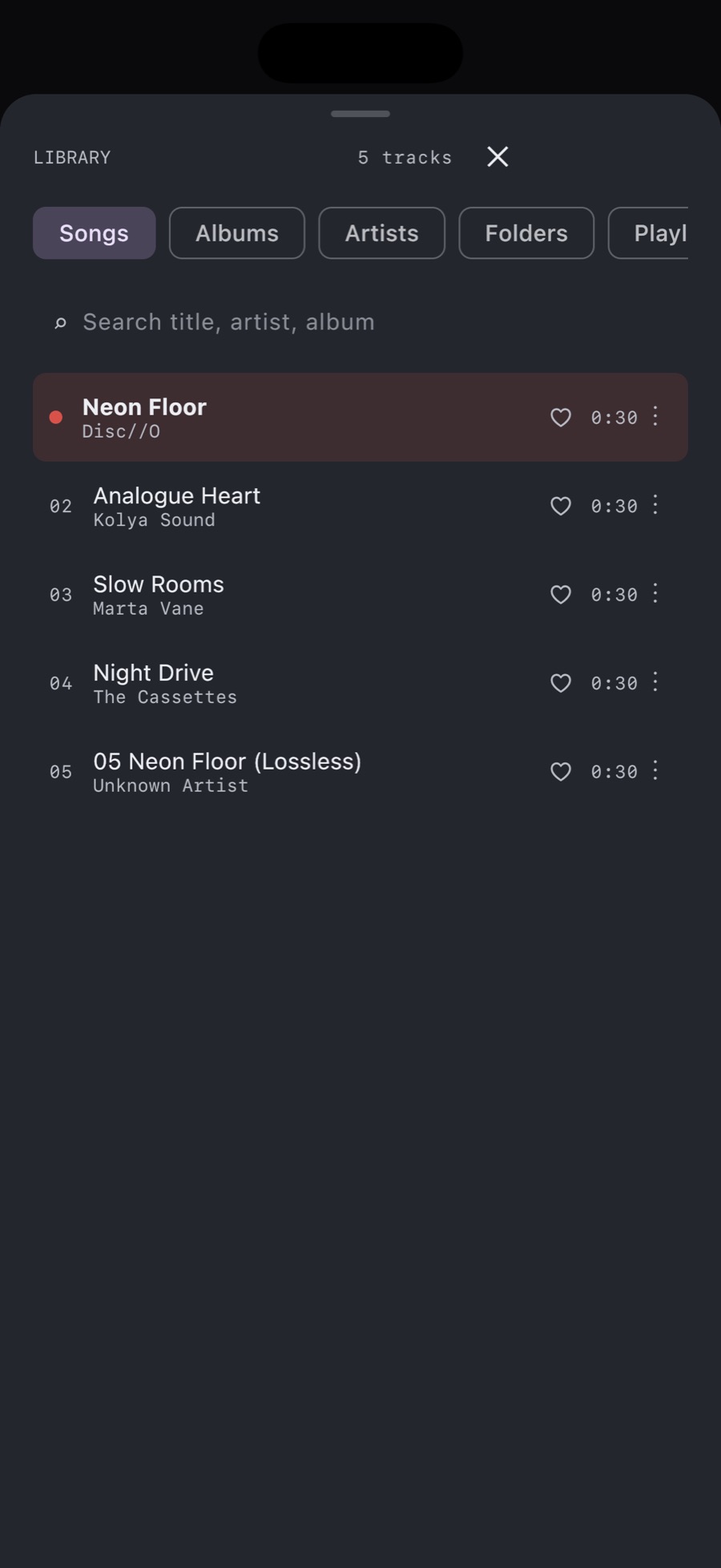
Check that the whole album works offline
If the extracted folder is in iCloud Drive, download the tracks before leaving Wi-Fi or keep a local copy under On My iPhone. Switch off Wi-Fi and cellular data and play tracks from the beginning, middle and end. Adding a folder to a library does not itself prove that all cloud files are local.
A track that fails on both phone and computer may need downloading again. If only MP95 cannot reach it, check the selected folder and its access. Do not delete the purchase download while diagnosing a missing file.
Listen to your purchase in MP95
Once the files are local, MP95 plays the album without ads or an Apple Music subscription. Its free cassette deck and turntable provide the retro setting; optional Pro player styles on Apple platforms are separate from buying the music. Keep your original download as a backup.