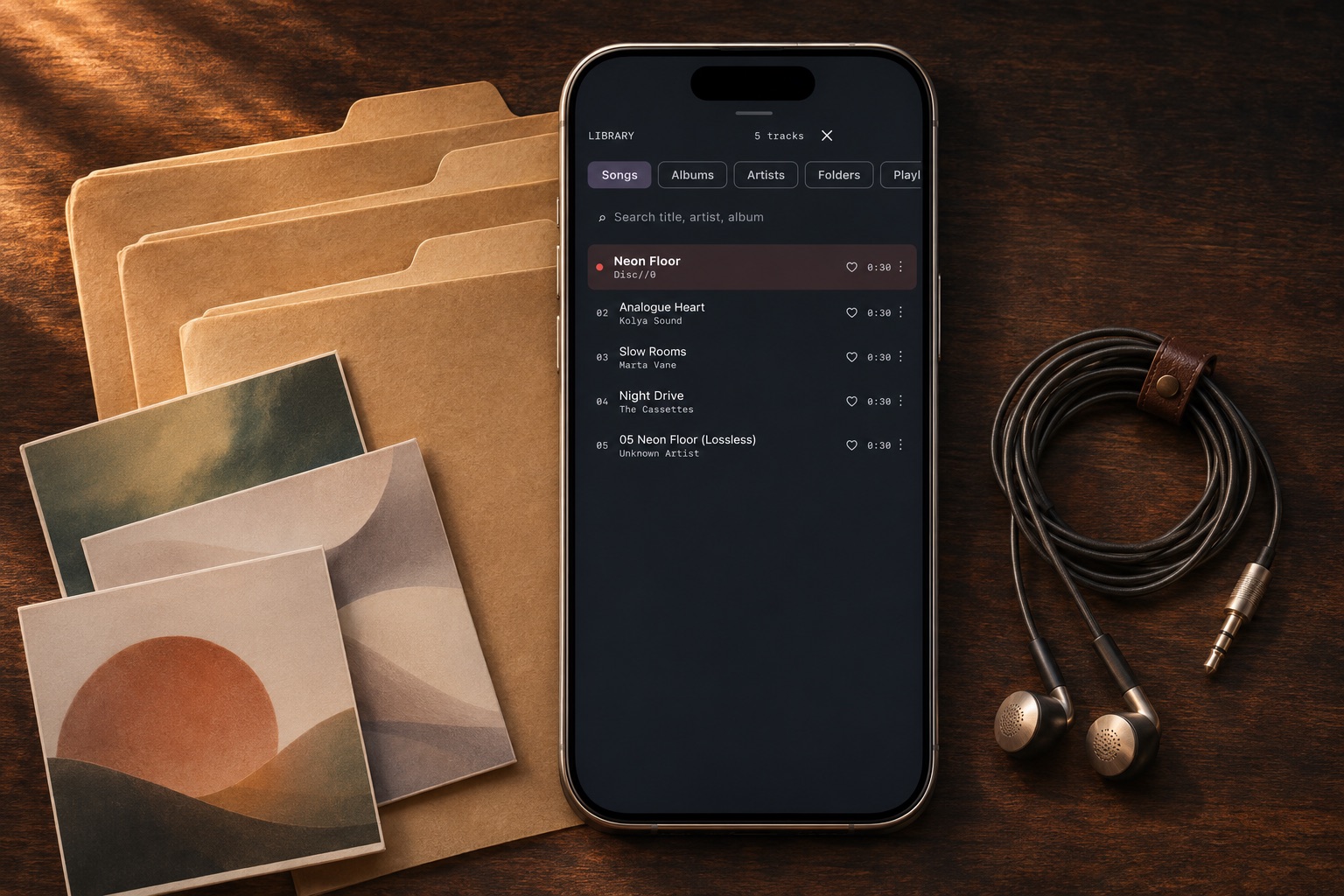
Give the player access to your music folder
In Files, put the collection in a dedicated folder that you can find again. Open the MP95 library, choose Add folder and select that location in the system picker. Start with one album before adding a large archive. Granting folder access is different from selecting one song to preview.
For offline listening, use files already stored on the iPhone. An iCloud location can show names before the audio has downloaded. A local folder under On My iPhone is an alternative when you want an easily identifiable on-device copy.
Browse Folders instead of Albums
Open Folders in the MP95 library and select the folder containing the tracks. The folder view follows file locations; Albums uses metadata. An album split across two folders can therefore appear differently in those two views. This is useful when filenames make more sense than incomplete tags.
Choose a track and inspect the current queue before leaving it to play. A folder view is not a promise that every nested directory becomes one recursive playlist, nor does it turn a saved M3U file into an imported playlist.
Check the order before renaming everything
Turn shuffle off when sequence matters. For album playback, MP95 uses disc and track numbers, with filename fallbacks when numbering is absent. Do not assume that the visual order in Apple’s Files app controls a music player’s queue.
For a recording numbered 1, 2 and 10, inspect the actual queue rather than trusting an alphabetical file list. Correct track tags for an album, or assemble a named playlist when you want a custom selection. Renaming a file does not necessarily change its embedded title or track number.
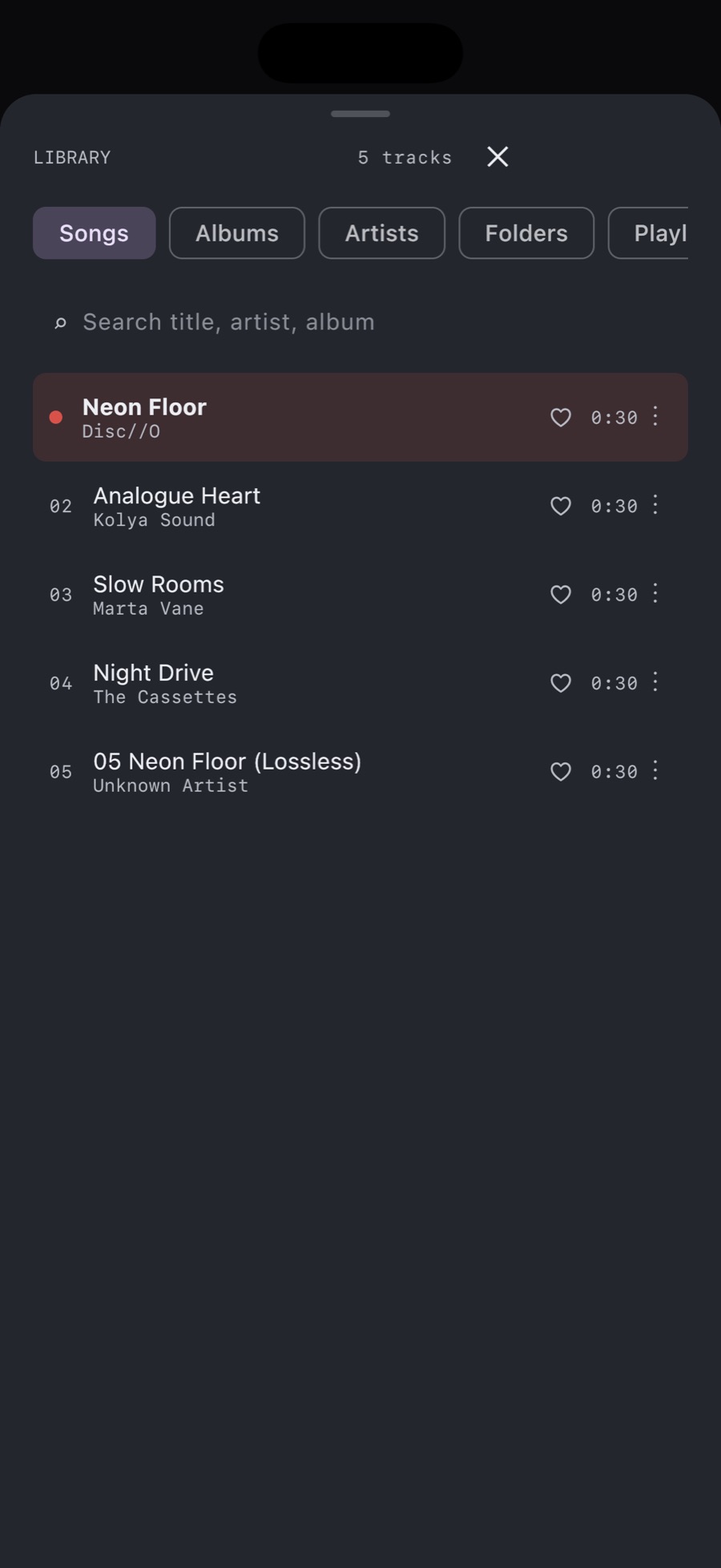
Keep the source location stable
Folder access is not a backup. Moving or deleting the source can make music unreachable. If you reorganise the collection, add the new location and check several tracks before removing the old copy. Avoid adding duplicate copies unless you intend to maintain two versions.
If a folder looks empty, confirm that you selected the directory containing the audio, that downloads have finished and that the file format is supported. Test one known-good local MP3 before troubleshooting an entire collection.
A folder library with a player attached
MP95 brings folder browsing, a playback queue and retro players together. The cassette deck, turntable and offline library are free on iPhone, with optional Pro extras. You supply the audio files; the app does not supply a streaming catalogue.