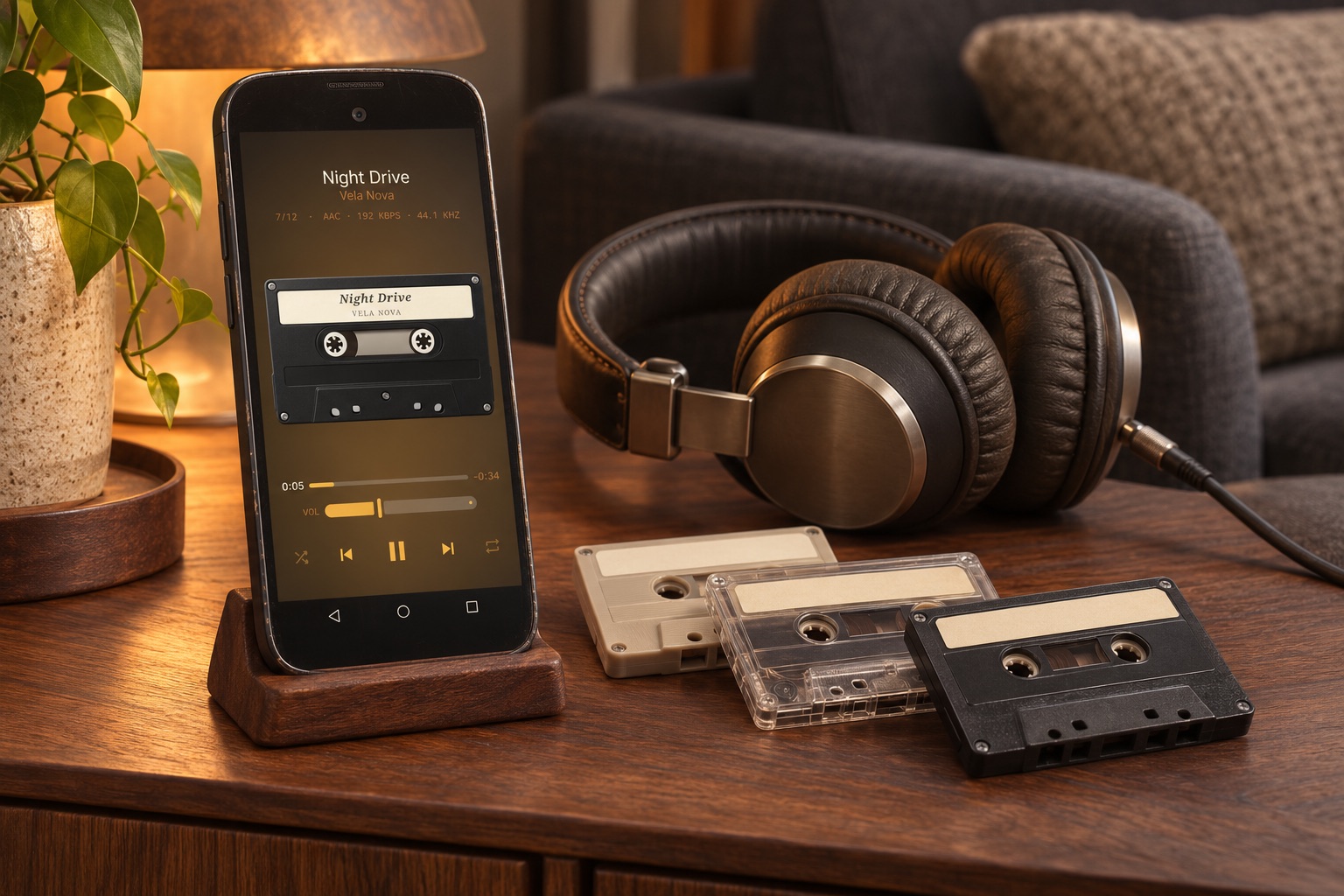
Check the phone before installing anything
MP95 requires Android 7.0 or later. Check the Android version in Settings, then use the official Google Play listing to confirm availability for that device. A matching Android version is a starting requirement, not a guarantee that every old device or output accessory will work well.
Check free storage, the headphone socket or adapter you plan to use, and whether the battery behaves normally. Do not use or charge a device with a swollen or damaged battery. Keep any personal files you still need before deleting old apps or considering a reset.
Copy one album first
Connect the phone to your computer with a data-capable USB cable, select the phone’s file-transfer mode and copy an album into Music in shared storage. A charge-only cable will not transfer files. Keep the original album on your computer.
If the phone supports microSD, a card can hold music too. Confirm the phone can read it and that the player can access the songs. Do not format a card merely because an app cannot see an album: formatting erases its contents.
Build and test the local library
Install MP95, allow the audio or storage access requested for your Android version, and open the music library. Find the test album, play several tracks and check their order. If files are missing, solve that small example before copying the rest.
Turn Wi-Fi and mobile data off and repeat the test. Downloaded local audio does not need a SIM card or a streaming subscription. Installation and updates still need a suitable connection; pairing Bluetooth headphones is a separate step.
Set it up for the way you listen
If you use airplane mode, switch Bluetooth back on when you need wireless headphones. Test the exact headphones, speaker or USB adapter you plan to use. A USB-C connector alone does not prove that a phone supports every USB DAC or its highest sample rate.
Lock the screen and let the test album continue. If playback stops, inspect the player’s background battery settings before changing the whole system. Battery life depends on the phone’s condition, output, screen use and settings; reusing a phone does not restore an aged battery.
Give it a music-player interface
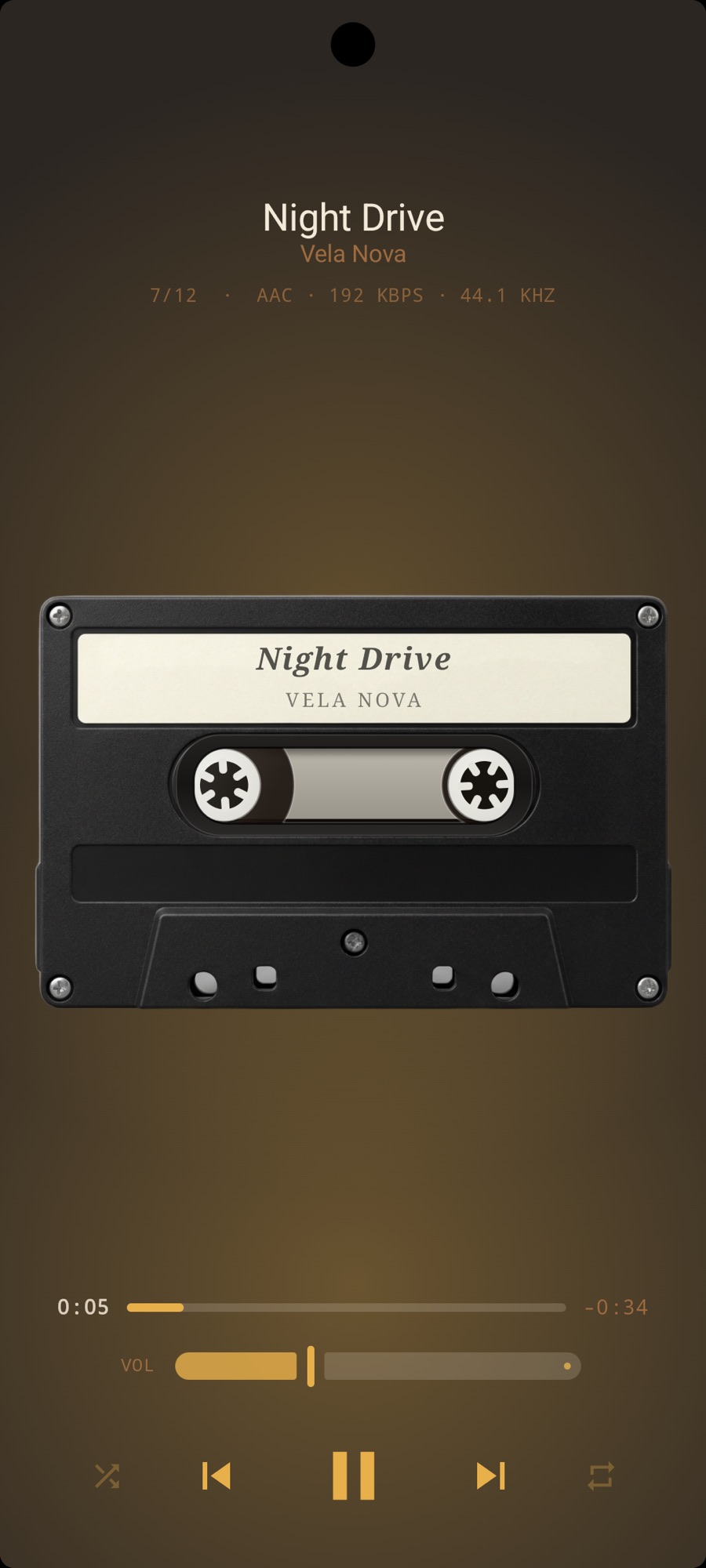
MP95’s Android edition includes cassette, vinyl, reel-to-reel, CD, wheel and digital players for free, without ads. Choose the look you enjoy, keep a backup of the library elsewhere, and use the old phone as a listening device rather than the only home for your music.