Test one local song through the speaker
Play a known-good audio file stored on the phone. Temporarily use the phone speaker instead of Bluetooth, lock the screen and note what happens. If the counter keeps advancing but you hear nothing, check the output route and volume. If playback pauses or the app disappears, investigate the app and background restrictions.
Repeat with another local track. A cloud file that needs a connection, or one damaged download, can mimic a background-playback problem. Do not clear app data or reinstall before preserving any playlists and settings you need.
On Samsung, check sleeping apps
Open Settings and look for Battery, then Background usage limits; on some Galaxy versions this sits under Battery and device care. Check Sleeping apps and Deep sleeping apps. If your music player is listed, remove it from that list and test again. Menu names vary with One UI and device model.
Samsung also provides a Never sleeping apps list on supported versions. Consider it for the affected player if the problem returns. Change one setting at a time: an exception for one music app does not require turning off power management for every app.
On Pixel and other Android phones
Open the player’s App info and look for App battery usage or Battery. Check whether background usage is allowed. Some versions offer Restricted, Optimized and Unrestricted; others use different controls. If playback is being restricted, try the less restrictive option for this player, then repeat the locked-screen test.
Google generally recommends keeping battery optimisation enabled. Use a targeted exception to diagnose a specific failure, and review its effect on battery use. There is no single settings path that applies to every Android phone.
If battery settings do not explain it
Check whether another app, a call or a headset control paused playback. Try without Bluetooth and without a temporary battery-saver mode. Update the player from its official store. Avoid repeatedly force-stopping it: force stop is an instruction to terminate the app, not a normal background-listening test.
If the problem persists, record the phone model, Android version, app version, output device and whether the same local file plays with the screen on. Note whether playback pauses, loses sound or crashes; these are different faults and useful details for support.
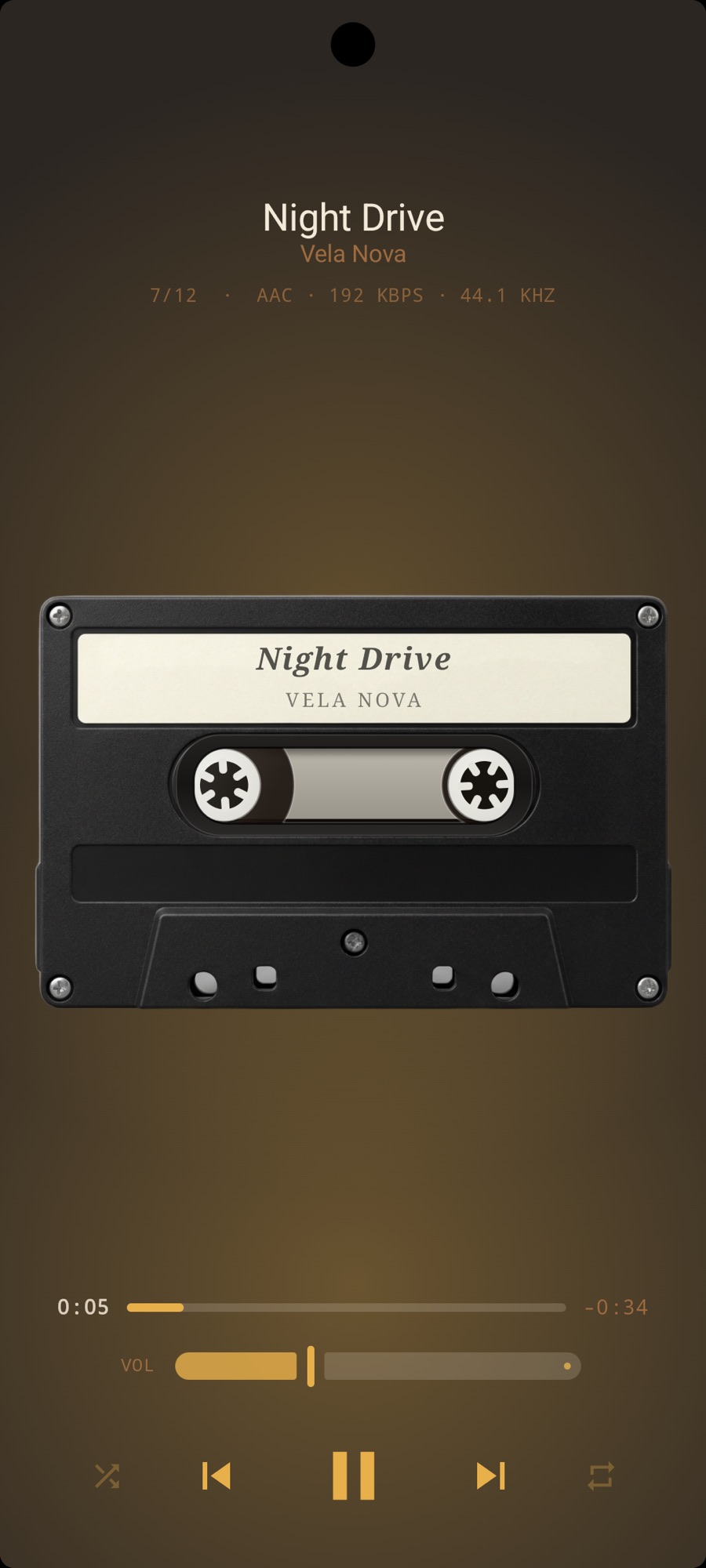
Use MP95 for local offline listening
MP95 on Android plays your own local music without ads or an account, and all six retro players are free. It still runs under Android’s battery and background rules. Changing players cannot repair a damaged file or guarantee that a manufacturer will never stop an app.