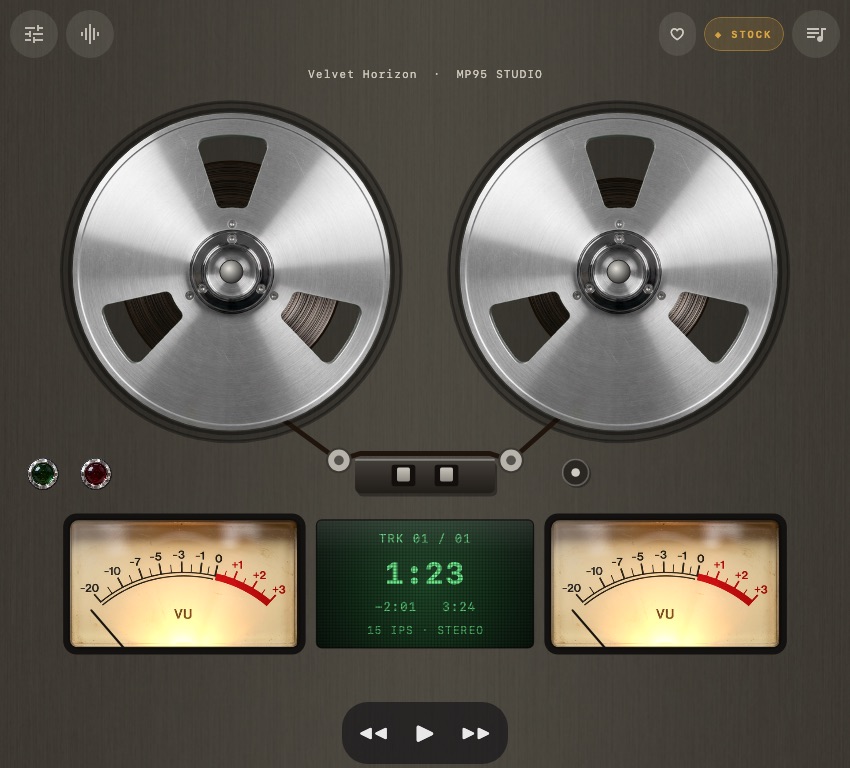
All six players on a compact cover screen
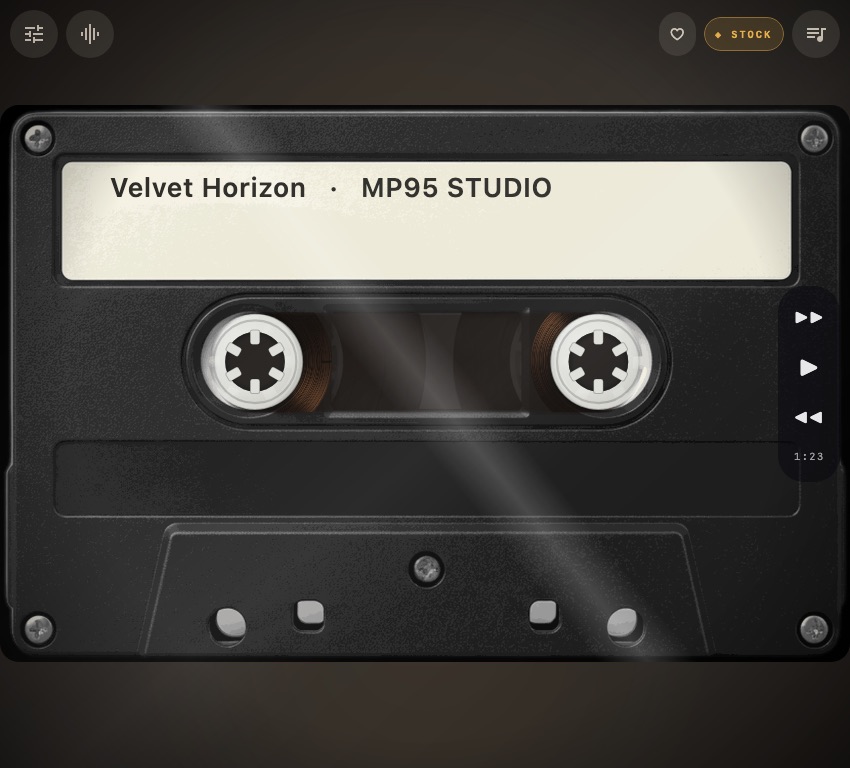
A cover screen is a good place for the part you need while listening: the current track, playback controls and the machine itself. These six views show MP95 at the same compact, Razr-style window shape.
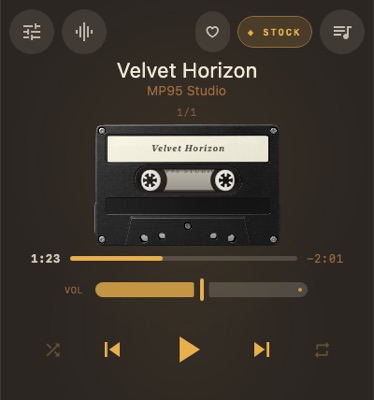
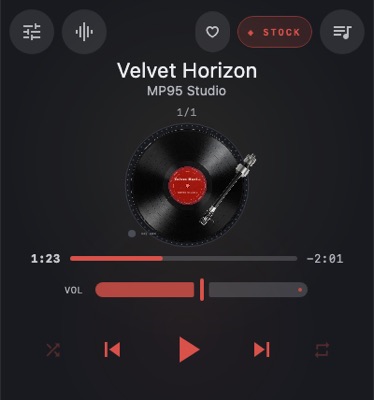
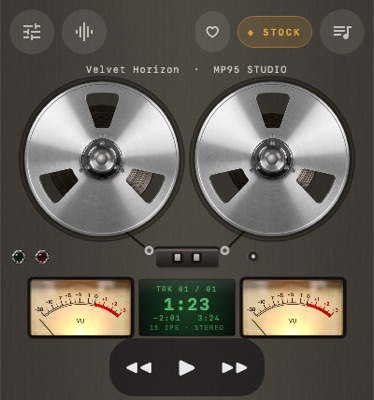
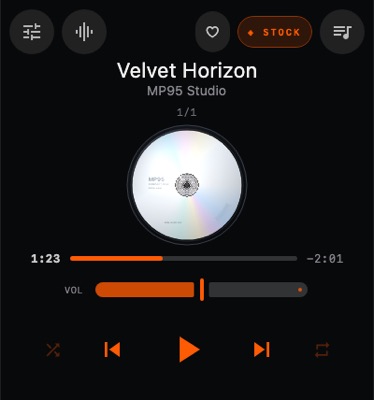
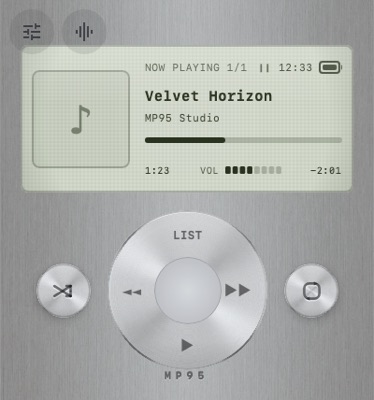
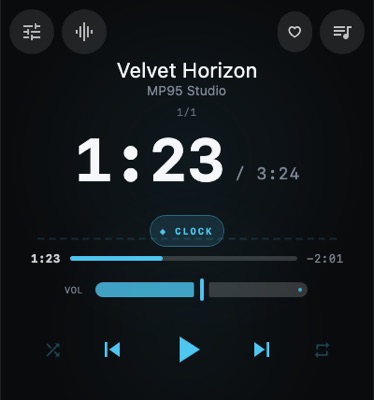
A Flip cover and a Fold cover are different spaces
A wide cover screen on a flip phone is not the same shape as the narrow outer display of a book-style foldable. The arrangement has to follow the available width and height: making the whole player smaller would also shrink its controls.
The reel player is a useful example. In wide and near-square windows, its meters and counter form a row below the reels. A tall window keeps a portrait arrangement. The machine changes its layout while the circular reels keep their proportions.
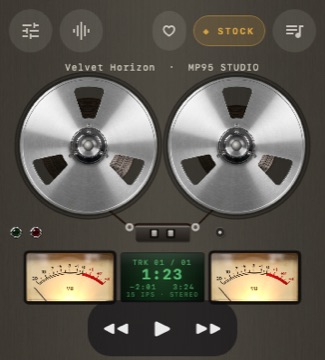
Open the phone, give the player more room
An unfolded Galaxy Z Fold-style phone offers a larger, nearly square canvas; turning it changes the available space again. MP95 uses that space for the player and its controls. This is the same local music library, not a separate tablet edition or a second account.
Can you launch MP95 on the outside screen?
The phone decides which apps can open on its cover display. An adaptive layout does not by itself add an app to the manufacturer’s cover-screen launcher.
For Galaxy Z Flip, check Samsung’s cover-screen app options for your model and software version. Samsung describes additional app access through MultiStar in its FlexWindow guide. Available apps and settings can vary.
On Motorola Razr, check the external-display app and transition settings. Motorola’s external-display guide explains how to choose what happens to an app when the phone is closed. Its system music panel and the full MP95 app are different interfaces.
Set it up for your own music
- Add a folder containing your local audio files, then choose one of MP95’s six players.
- If your phone permits it, make MP95 available through its cover-screen app settings.
- Check the controls with the phone closed, then try the inner display and landscape orientation.
For transfers, see moving music from a computer to Android. Download files from an authorised source before expecting them to play offline.
What these screenshots show
These are images of MP95’s app interface at representative window shapes. They are not physical-device photographs or a certification for every named phone. Camera cutouts, system bars, display scaling and manufacturer restrictions can change the usable area. The images do not establish fold-and-unfold playback continuity or battery performance on a particular device.
Older Flip models with tiny notification-only outside screens are not shown as full-app displays here. Check the options on your actual phone rather than assuming every foldable has the same cover-screen support.
Put a small music machine on your phone
MP95 on Android is free, without ads or an account. Add your FLAC, MP3 or other supported local files, choose a cassette, turntable, reel deck, CD, click wheel or digital display, and keep the music offline. Explore MP95 for Android and the players.
Frequently asked questions
Can I use MP95 on a Galaxy Z Flip cover screen?
That depends on the cover-screen app options on your model and software version. MP95 has compact layouts, but the phone must also allow the full app to run on its outside display. Check Samsung’s current instructions and your phone’s settings.
Are the screenshots photographs of tested phones?
No. They show the real app interface rendered at representative screen shapes. They do not reproduce each phone’s camera cutouts, system bars or exact display scaling, and do not certify hardware behaviour.
Do I need a different MP95 app for the unfolded screen?
No. The same Android app adapts to the available window and uses the same local music library.
Are all six music players free on Android?
Yes. MP95 on Android includes the cassette, turntable, reel-to-reel, CD, click-wheel and digital players without ads or an account.