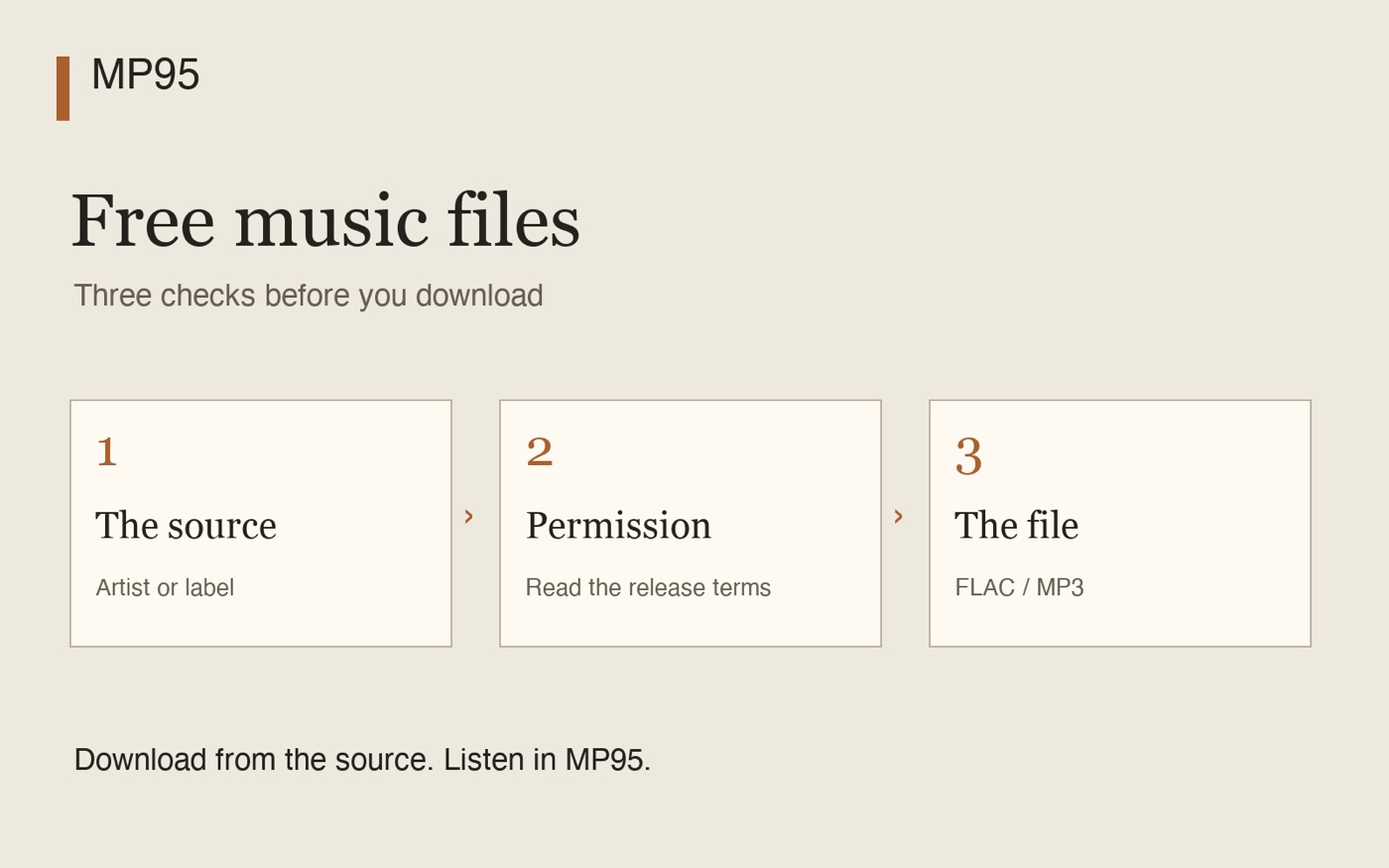
Sources for free music files
Start with an artist or label’s own page, or a catalogue that publishes clear terms. This is a shortlist of places to investigate, not a guarantee for every upload. Prices, availability and download options can change.
| Source | What to look for | Format and conditions |
|---|---|---|
| Bandcamp | Artist and label releases explicitly offered free or with a zero minimum. | FLAC and MP3 downloads. Check the release’s price and actual download offer. |
| Live Music Archive | Live recordings under the artist’s collection policy. | FLAC and MP3 where offered. Some recordings are streaming-only; restrictions differ. |
| Free Music Archive | Individual tracks with a stated licence and a download option. | Check the offered file, often MP3. Do not assume a FLAC edition or permission for every reuse. |
| Musopen | Classical recordings with rights information for the recording. | Free access has limits; lossless access is associated with paid membership in its FAQ. Check current terms. |
Bandcamp: check the price, then select FLAC or MP3
On a release offered at no minimum, entering zero can give you a download. “Name your price” may also have a minimum, so read the actual offer. Bandcamp notes that a zero-price download may require an email address and does not add the release to your paid collection. See its collection guidance.
Use the website’s file download and select the format. Bandcamp lists FLAC, MP3 V0 and MP3 320 among its download formats. An offline download inside the Bandcamp app is a separate workflow; it is not an exported file for MP95.
Live Music Archive: read the artist’s policy
The Live Music Archive’s guidance describes recordings shared by artists who permit noncommercial circulation. Open the artist’s policy and the particular show’s page. Use only the downloads actually offered; do not work around a streaming-only restriction.
A recording may offer lossless FLAC, MP3 derivatives, or a different set of files. Check the source and recording notes as well as the extension. This recommendation concerns that specific collection and its policies, not every audio upload on Internet Archive.
Free Music Archive and Musopen: read the recording’s terms
Free Music Archive’s licence guide distinguishes Creative Commons, public-domain and custom terms, including a download-only licence. Open the track page and check its licence before using it outside personal listening. A general “free music” label is not a licence for a video or advertisement.
For classical music, Musopen’s FAQ explains its free-download limits and paid lossless access. It also notes that public-domain status varies by country and that it does not independently review every user upload’s rights. Check both the composition and the particular recording; an old composition can have a recent protected performance.
What permission should you keep?
Save the release URL and the licence or download terms with the album. Record the artist, release and date you checked. This gives you a reference if you later want to publish a mix, share a file or use a track in a project.
For Creative Commons material, follow the exact licence: attribution, noncommercial restrictions, limits on sharing adaptations and share-alike conditions may apply. Download permission, redistribution and commercial use are separate questions. A licence must come from someone entitled to grant the relevant rights. The Creative Commons FAQ explains the licence conditions.
A short note about torrents
BitTorrent is a file-transfer method, not evidence of permission. Creative Commons explicitly allows sharing unmodified licensed material through file-sharing networks, subject to the licence. A torrent can also redistribute data, so permission to receive a file should not be treated as permission to upload it to others.
For this guide, follow the artist’s official download offer and keep its terms. No torrent directories or unofficial copies are needed. The legal position of a particular recording and use depends on the relevant rights and local law; this article does not decide that for an individual case.
Choose the actual file, not a promise on a button
FLAC preserves the audio supplied to its encoder; MP3 uses lossy compression to reduce size. Converting an MP3 to FLAC does not recover discarded detail. A FLAC extension or a high sample rate alone does not prove that the recording came from a lossless master.
- Open the official release page and check the download terms.
- Select an offered FLAC or MP3 file. If the album arrives as a ZIP, extract it first.
- Keep the audio files and a separate backup, together with their source information.
- Add the downloaded local files to your player and test them offline.
Play the downloads in MP95
MP95 plays local FLAC and MP3 files on iPhone, iPad, Android and Mac. Download them through the source website first; MP95 is a player, not a music-download catalogue or a tool for exporting subscription streams.
For the next step, see adding music files to iPhone or moving files to Android. The free tag editor can help correct titles and covers afterward.
Frequently asked questions
Where can I find free FLAC downloads?
Start with artist-authorised free Bandcamp releases and eligible Live Music Archive recordings that offer FLAC. Check the specific release, its download options and its terms rather than assuming the whole catalogue is free to download.
Can I use a free MP3 in a monetised video?
Not automatically. Check permission for that use, including commercial use and synchronisation with video. A free personal download and a licence for a video are different things.
Does a torrent make a music download legal or illegal?
The transfer method alone does not establish the answer. Check permission for the recording and for any redistribution, together with the law applicable to your situation.
Can MP95 download songs from these websites?
Use the source website to download the permitted files, then add the local FLAC or MP3 files to MP95. The player does not provide a catalogue of downloadable music.